About this template
Help prospective clients understand your private aviation approach, compare broad aircraft categories and start a conversation about a journey. The design moves from your point of view to aircraft selection, the flight experience, arrival and an enquiry.
A restrained editorial layout pairs large aviation imagery with concise copy, route-inspired graphics and clear section labels. It gives an aviation business room to explain how it thinks about a trip without presenting illustrative aircraft categories as a live fleet or confirmed availability.
Who it’s for
Private aviation and aircraft charter businesses looking to introduce their approach, explain aircraft choices and invite prospective clients to enquire about a trip.
What’s included
The page guides visitors from your aviation philosophy through aircraft options and the journey itself, ending with a direct enquiry prompt. Its prominent imagery, structured comparisons and clear navigation suit a considered private aviation presentation.
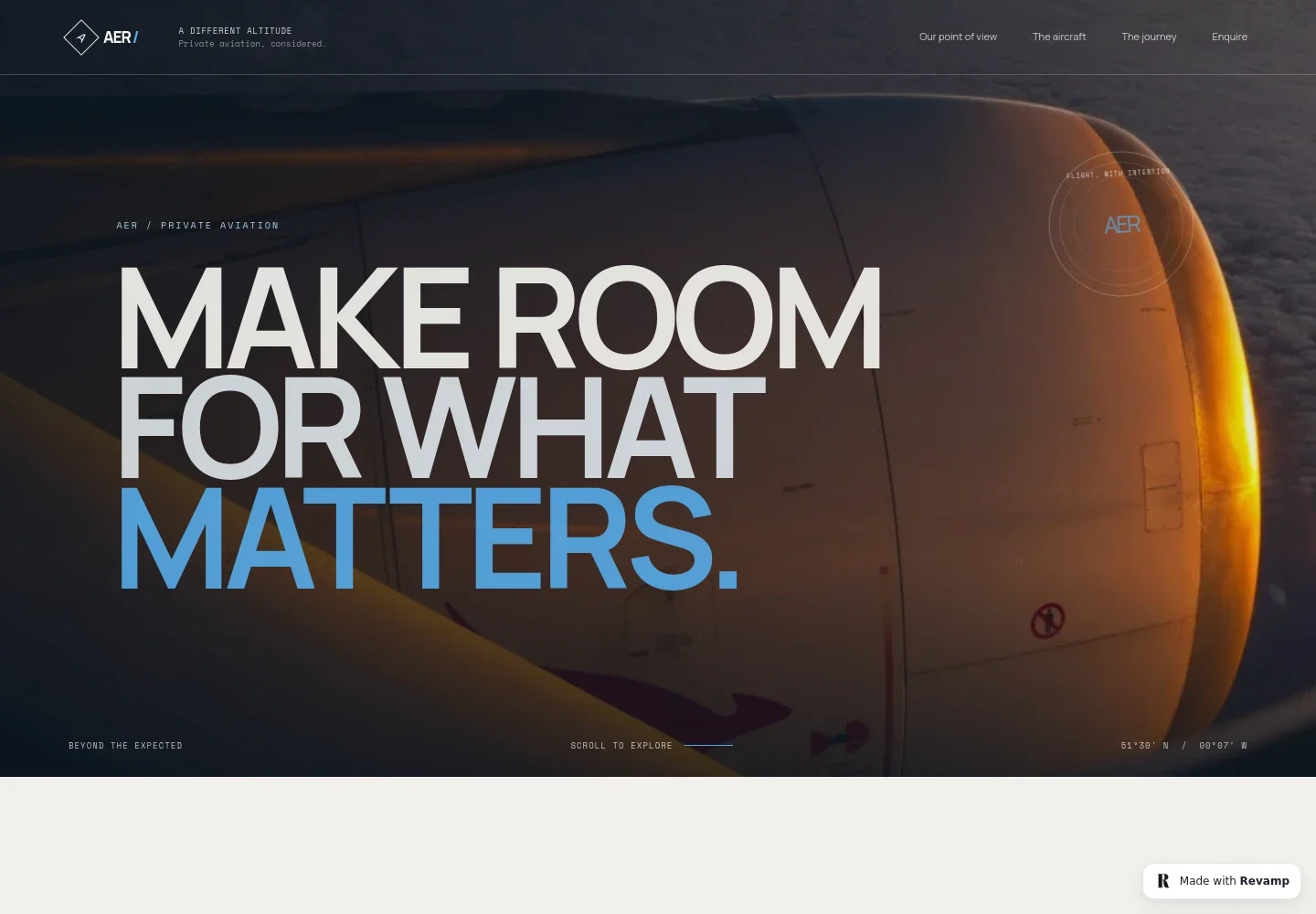
- Hero and navigation
- A full-width aircraft image, prominent headline and short supporting line introduce the private aviation offer. Navigation links take visitors to the point of view, aircraft, journey and enquiry sections.
- Point of view
- A statement-led section explains the design's central idea about making time in transit feel more considered, with a short supporting paragraph and link to aircraft information.
- Aircraft categories
- An aircraft image and three clearly separated categories describe light regional, continental and intercontinental travel by general passenger range and journey type. The page labels these categories as indicative, with availability and specifications varying by route and operator.
- Journey story
- Editorial copy and an illustrated route map with coordinates give visitors a visual sense of travel between places, while keeping the focus on time and the experience of the journey.
- Arrival
- A cabin image and concise copy connect the flight with planning and coordination on the ground, followed by a link to discuss a journey.
- Enquiry and footer
- A closing invitation directs visitors to contact the team, with a contact link and footer navigation back to the top. The displayed contact details are illustrative and can be personalized for the business.
How to use this template
Open in Revamp
Click Use this template and sign in or create an account. You’ll start with your own copy of the design, ready to personalize.
Bring your content
Replace the sample text, photos, and logo with your own. Share your content, a document, or an existing website, and ask Revamp to adapt the template to your business.
Refine and publish
Ask Revamp to adjust the colors, layout, or sections, or edit directly on the page. Review desktop and mobile, then publish. You can keep making changes after launch.
Put your website to work
Make it easier to manage enquiries and keep prospective clients informed. Ask Revamp to add connections to tools such as these as part of your business website.
-

Organize prospective client enquiries
HubSpotKeep enquiry details and follow-up activity together. Ask Revamp to connect HubSpot to help manage prospective client relationships.
-

Make consultation times easier to arrange
CalendlyLet prospective clients request a suitable time to discuss a journey. Ask Revamp to add consultation booking with Calendly.
-

Keep enquiry follow-ups organized
Google SheetsTrack follow-up tasks and key enquiry details in a shared business record. Ask Revamp to connect Google Sheets for enquiry tracking.
Frequently asked questions
Is this template free?
Yes. This premium template is free to use through Use this template. This applies to the template itself, not hosting or other services.
Can I use my own content?
Yes. You can personalize the copy, imagery, contact details and business information. Ask Revamp to make the changes so the page reflects your aviation business.
Do I need coding skills?
No. Ask Revamp to personalize the content and design for you, without coding.
Can I change the design?
Yes. Ask Revamp to adjust the layout, colors, imagery and other design choices to suit your brand and the information you want visitors to see.
Can I keep editing after publishing?
Yes. You can keep asking Revamp to update your content and design after your site is published.