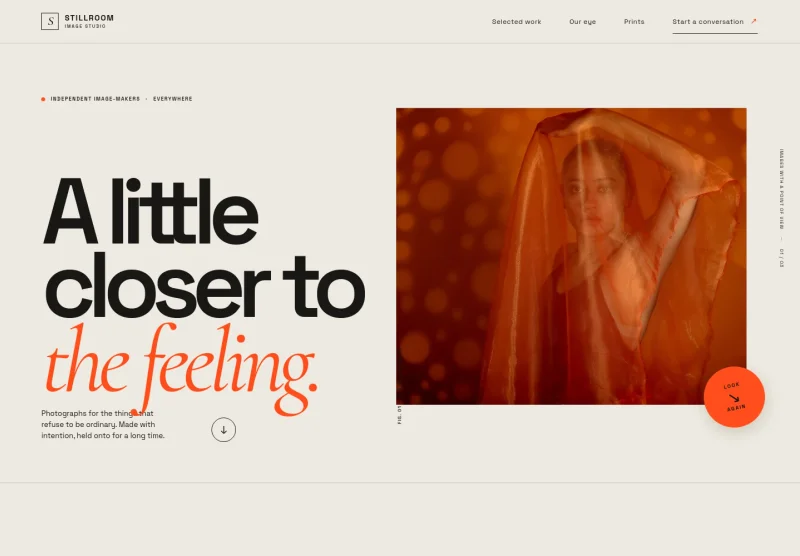
About this template
Present a photography and art direction studio through a clear creative point of view, selected visual studies, a three-part approach, and a detailed list of services. The design helps brand teams understand the studio’s image-making perspective and see how its work can support campaigns, portraits, products, and wider brand imagery.
Bold editorial typography, dark manifesto sections, and large photographic panels give the work room to lead. The selected frames are explicitly presented as visual studies rather than client case studies, while the process and services sections explain the studio’s approach without relying on unsupported client claims.
Who it’s for
Photography and creative production studios, commercial photographers, and art directors seeking to introduce their work and services to brand teams, marketing leaders, and prospective collaborators.
What’s included
The page brings together a distinctive studio introduction, visual examples, a concise creative process, service descriptions, and a direct contact section. Its editorial layout balances striking imagery with practical information for prospective clients.
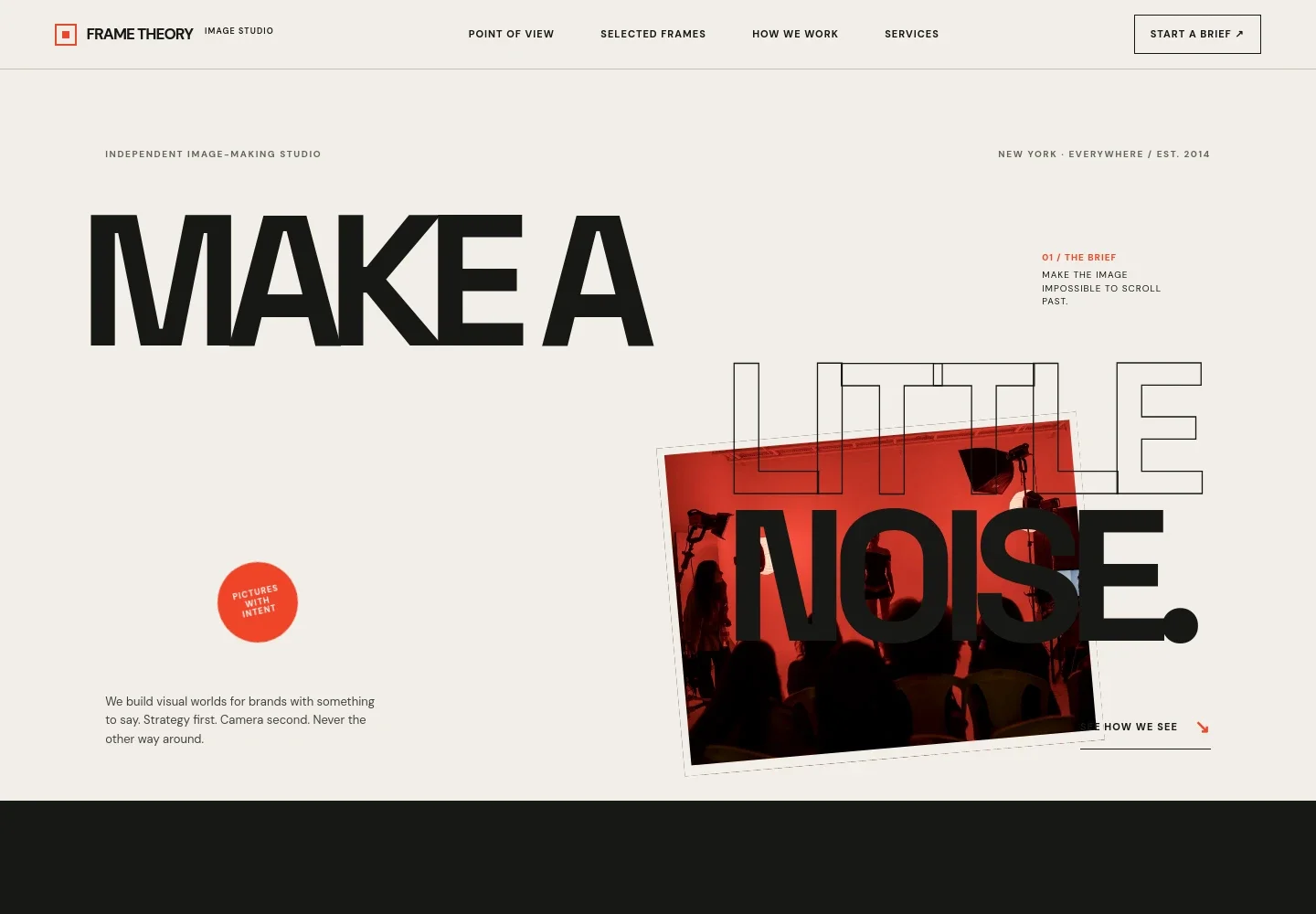
- Studio introduction
- A prominent campaign-style image, studio positioning, and concise statement introduce the image-making approach and invite visitors to view the selected work.
- Point of view
- A dark, text-led section explains the studio’s belief in purposeful photography and art direction for brands with a clear message.
- Selected visual studies
- Large image panels with short study labels showcase example photographic directions. The page identifies these as visual studies, not client case studies.
- Creative approach
- Three numbered stages describe how the studio develops a brief, builds the visual direction through choices such as casting and light, and prepares imagery for use across channels.
- Services
- A structured list explains campaign photography, art direction, portraits, product and still-life photography, creative production, and image libraries.
- Contact
- A closing invitation encourages prospective clients to share what they are working on, with an email link for starting a conversation.
How to use this template
Open in Revamp
Click Use this template and sign in or create an account. You’ll start with your own copy of the design, ready to personalize.
Bring your content
Replace the sample text, photos, and logo with your own. Share your content, a document, or an existing website, and ask Revamp to adapt the template to your business.
Refine and publish
Ask Revamp to adjust the colors, layout, or sections, or edit directly on the page. Review desktop and mobile, then publish. You can keep making changes after launch.
Put your website to work
Make it easier to handle project inquiries, schedule introductory calls, and organize prospective client relationships. Ask Revamp to add or connect tools that support your studio’s workflow.
-

Book introductory calls
CalendlyGive prospective clients a convenient way to schedule a conversation. Ask Revamp to add consultation booking with Calendly.
-

Keep inquiry follow-up organized
HubSpotTrack prospective brand clients and manage inquiry follow-up in one place. Ask Revamp to connect HubSpot for contact and relationship management.
-

Coordinate calls and project dates
Google CalendarHelp keep introductory calls and shoot dates visible on your calendar. Ask Revamp to add Google Calendar scheduling.
Frequently asked questions
Is this photography template free?
Yes. This premium template is free to use when you select Use this template. This applies to the template itself, not hosting or other services.
Can I use my own studio content?
Yes. Ask Revamp to personalize the copy, photography, service details, contact information, and other design content for your studio.
Do I need coding skills?
No. You can ask Revamp to personalize the content and design without coding.
Can I change the design?
Yes. Ask Revamp to adjust the layout, colors, typography, imagery, or other design details to better fit your studio.
Can I keep editing after publishing?
Yes. You can continue asking Revamp to update your content and design after launch.