About this template
Help prospective clients understand your civil engineering practice, the systems you work on, and how you approach complex sites. The design presents services across ground and structure, water and resilience, mobility and connection, and project delivery.
A landscape-led visual story and clear practice descriptions give visitors useful context before they get in touch. The fieldnotes section offers space to share a point of view, while the closing contact section invites a conversation about a project.
Who it’s for
Civil engineering firms and independent engineering studios working in site development, geotechnical coordination, grading, structural systems, stormwater, flood mitigation, transportation, feasibility, approvals, or construction support.
What’s included
The page moves from a clear engineering introduction to specific practice areas, an explanation of the studio's approach, and a direct contact invitation. Numbered sections and restrained technical-style labels help organize a broad range of services without making the content difficult to scan.
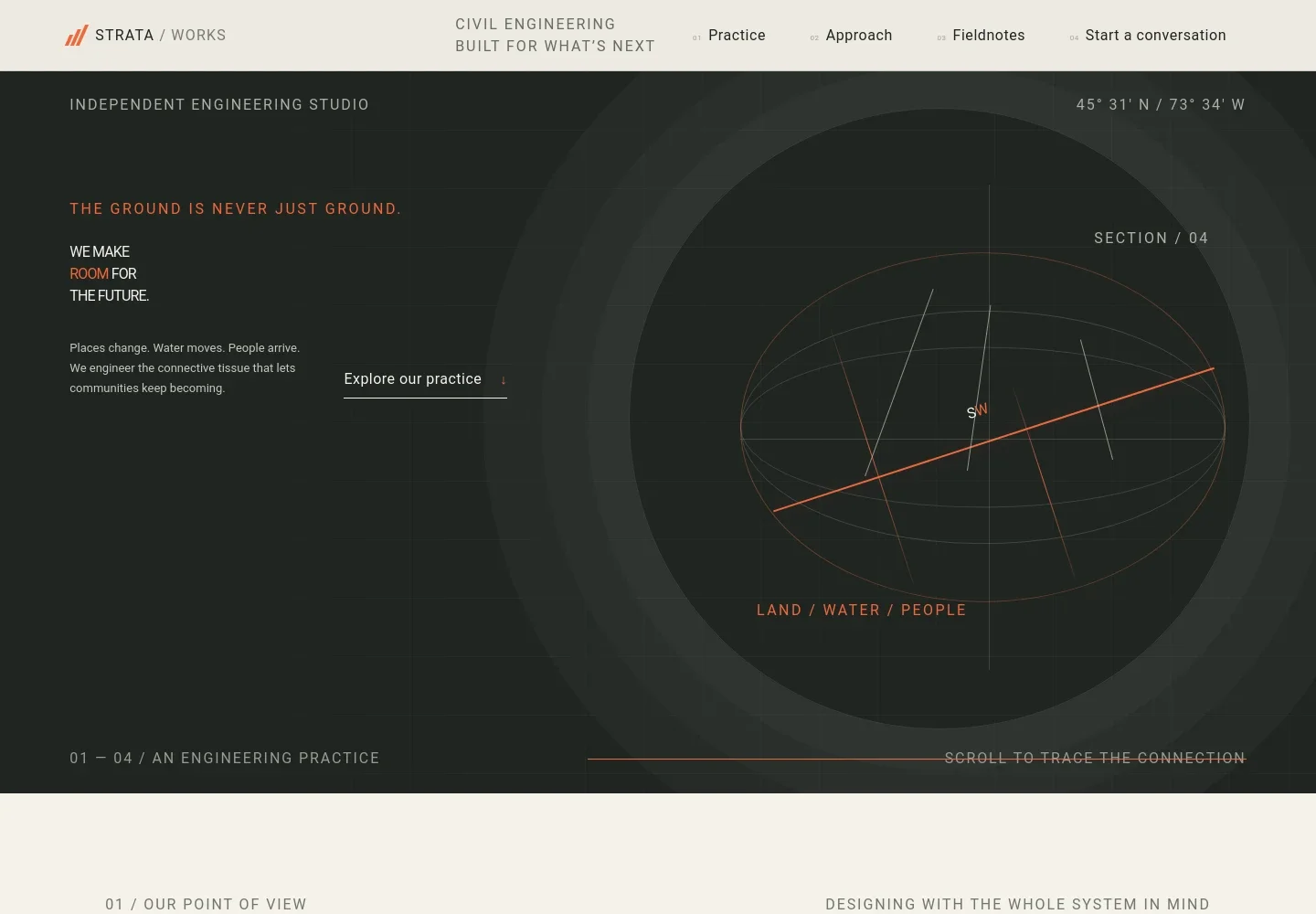
- Engineering-focused hero
- Introduces an independent civil engineering studio with a prominent headline, concise statement about connecting places and communities, and an abstract bridge-and-contour graphic.
- Practice point of view
- Explains an approach that considers infrastructure in relation to land, water, people, and the wider project context.
- Services list
- Four numbered rows describe ground and structure, water and resilience, mobility and connection, and delivery and stewardship. Each row includes a short service explanation and a link toward the contact section.
- Engineering in context
- Pairs a river landscape image with a three-step narrative about reading the wider landscape, understanding its natural patterns, and designing connections for people and ecosystems.
- Fieldnotes feature
- Combines a river image with a sample editorial prompt about water movement, showing how the studio can share observations or project-related ideas.
- Contact invitation
- Ends with a project-focused prompt and an email link, giving prospective clients a clear next step to begin a conversation.
How to use this template
Open in Revamp
Click Use this template and sign in or create an account. You’ll start with your own copy of the design, ready to personalize.
Bring your content
Replace the sample text, photos, and logo with your own. Share your content, a document, or an existing website, and ask Revamp to adapt the template to your business.
Refine and publish
Ask Revamp to adjust the colors, layout, or sections, or edit directly on the page. Review desktop and mobile, then publish. You can keep making changes after launch.
Put your website to work
Project and design tools can help organize engineering files, coordinate teams, and track work. Ask Revamp to add connections that support the way your practice operates.
-

Coordinate civil design files and project reviews
Autodesk Construction CloudAsk Revamp to connect Autodesk Construction Cloud for project document management and coordination around design and construction information.
-

Manage project schedules and team workloads
Deltek VantagepointAsk Revamp to connect Deltek Vantagepoint to support project planning, resource management, and business operations for a professional services firm.
-

Keep project conversations and files organized
Microsoft TeamsAsk Revamp to connect Microsoft Teams so project teams can coordinate conversations and shared work in one place.
Frequently asked questions
Is this template free?
Yes. This premium template is free to use through Use this template. Free refers to the template itself.
Can I use my own content?
Yes. Ask Revamp to personalize the page with your firm name, services, project imagery, contact details, and writing.
Do I need coding skills?
No. You can ask Revamp to personalize the content and design without coding.
Can I change the design?
Yes. Ask Revamp to adjust the layout, colors, typography, imagery, or other design details to suit your practice.
Can I keep editing after publishing?
Yes. You can keep editing the website after launch. Ask Revamp to update content or make design changes as your practice evolves.


