About this template
Help visitors understand how an exchange works, review indicative currency rates, and see what to discuss before requesting a personal quote. The page presents Meridian as a people-focused international currency exchange partner, with clear guidance around currencies, timing, fees, and next steps.
The one-page design brings together an exchange journey, a global markets illustration, reference-rate tables, an exchange calculator panel, and a direct contact prompt. Editorial typography, currency graphics, and concise labels make detailed financial information easier to scan.
Who it’s for
Designed for independent currency exchange providers and foreign exchange businesses serving individuals or companies with international payments, overseas plans, or currency conversion needs.
What’s included
The layout leads with the service and its human approach, then guides visitors through the exchange process, currency information, indicative rates, and a way to start a conversation.
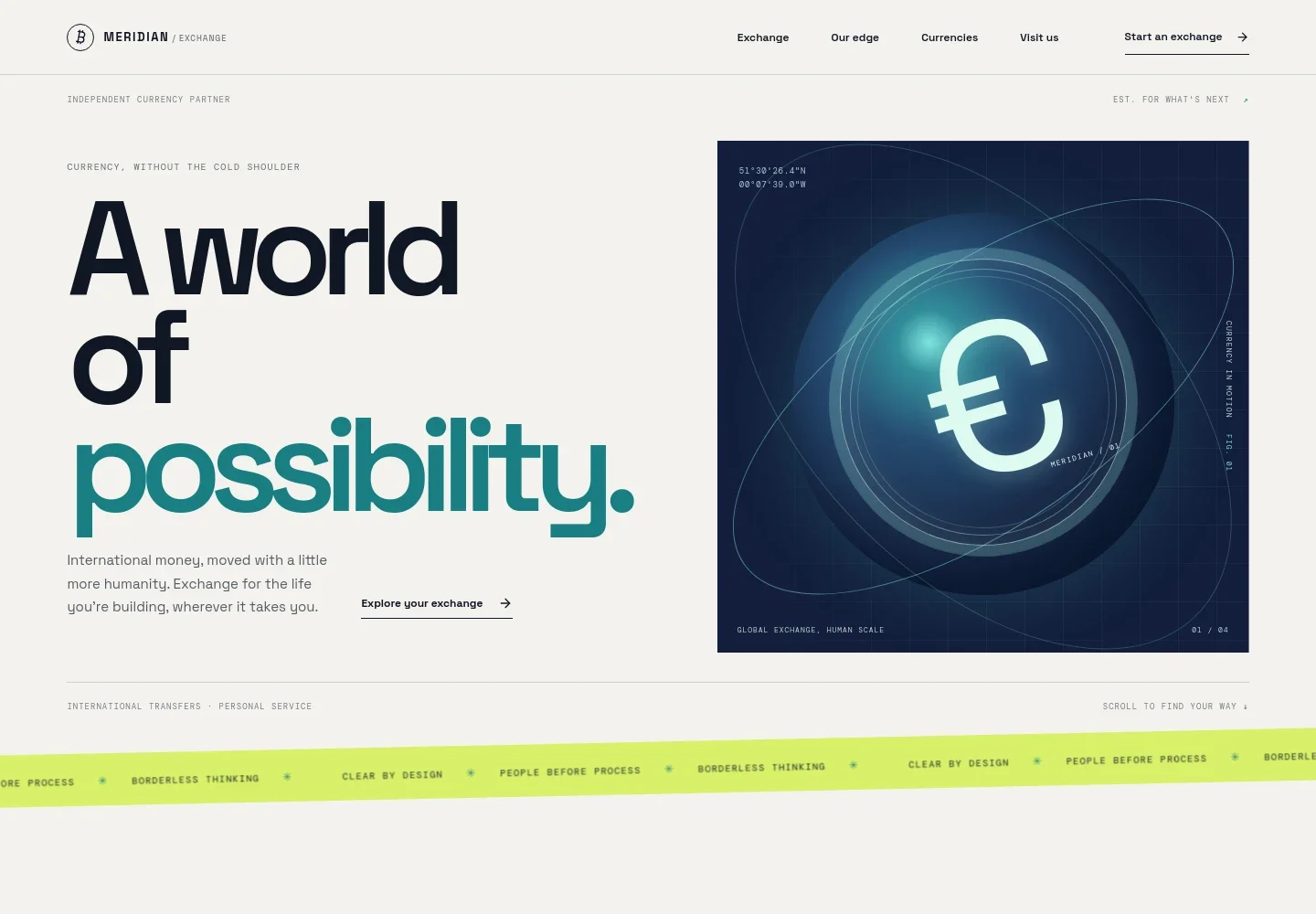
- Service introduction
- A prominent headline and short introduction explain the international exchange service, with links leading visitors toward exchange details and contact.
- Exchange approach
- A three-step journey describes discussing currencies and timing, reviewing a quote with the rate and charges, and coordinating settlement after confirmation.
- Global currency context
- An illustrated route connecting London, New York, and Tokyo gives the global service a visual focal point, alongside copy about timing and specialist guidance.
- Reference currency rates
- A table lists sample EUR pairs for USD, GBP, CHF, and JPY, with reference values and daily moves. Supporting text identifies the figures as illustrative rather than live dealing prices.
- Contact and exchange panel
- A contact prompt invites visitors to start a conversation, while a prominent EUR-to-USD panel shows an indicative rate, send and receive amounts, and a link to request a personal quote.
- Navigation and footer
- The one-page navigation links to exchange, approach, currencies, and contact content. The footer repeats the brand and provides a return-to-top link.
How to use this template
Open in Revamp
Click Use this template and sign in or create an account. You’ll start with your own copy of the design, ready to personalize.
Bring your content
Replace the sample text, photos, and logo with your own. Share your content, a document, or an existing website, and ask Revamp to adapt the template to your business.
Refine and publish
Ask Revamp to adjust the colors, layout, or sections, or edit directly on the page. Review desktop and mobile, then publish. You can keep making changes after launch.
Put your website to work
For a more useful enquiry experience, Ask Revamp to connect tools that help your team capture prospective customers, manage follow-up, or present current market information.
-

Manage exchange enquiries
HubSpotKeep prospective customer details and follow-up activity organized. Ask Revamp to connect HubSpot for enquiry management.
-

Book consultation conversations
CalendlyGive visitors a convenient way to choose a time to discuss their currency needs. Ask Revamp to add consultation booking with Calendly.
-

Share market reference data
Google SheetsOrganize currency information for your team to review and maintain. Ask Revamp to connect Google Sheets for a reference-rate table.
Frequently asked questions
Is this template free?
Yes. This premium template is free to use when you select Use this template. Free refers to the template itself.
Can I use my own content?
Yes. Ask Revamp to personalize the page with your business name, service details, currencies, contact information, and other content.
Do I need coding skills?
No. Ask Revamp to make content and design changes in plain language, without coding.
Can I change the design?
Yes. Ask Revamp to adjust the layout, colors, typography, or visual details to suit your exchange business.
Can I keep editing after publishing?
Yes. You can continue asking Revamp to update the content and design after your website is published.


