About this template
Help visitors understand what happens after a drive, phone, laptop, or storage system stops working. The page introduces a careful assessment process, explains recovery options before work begins, and gives visitors a clear way to contact a specialist.
The dark, editorial design pairs close-up storage imagery with a step-by-step approach, specific recovery service descriptions, practical FAQs, and a direct contact section. Its emphasis on clear explanations supports visitors who may be worried about losing important files and unsure what to do next.
Who it’s for
Data recovery businesses serving individuals and organizations with hard drives, SSDs, flash media, RAID and NAS systems, phones, or laptops.
What’s included
The page guides visitors from an initial conversation to understanding the assessment process, the types of devices covered, and how to get in touch.
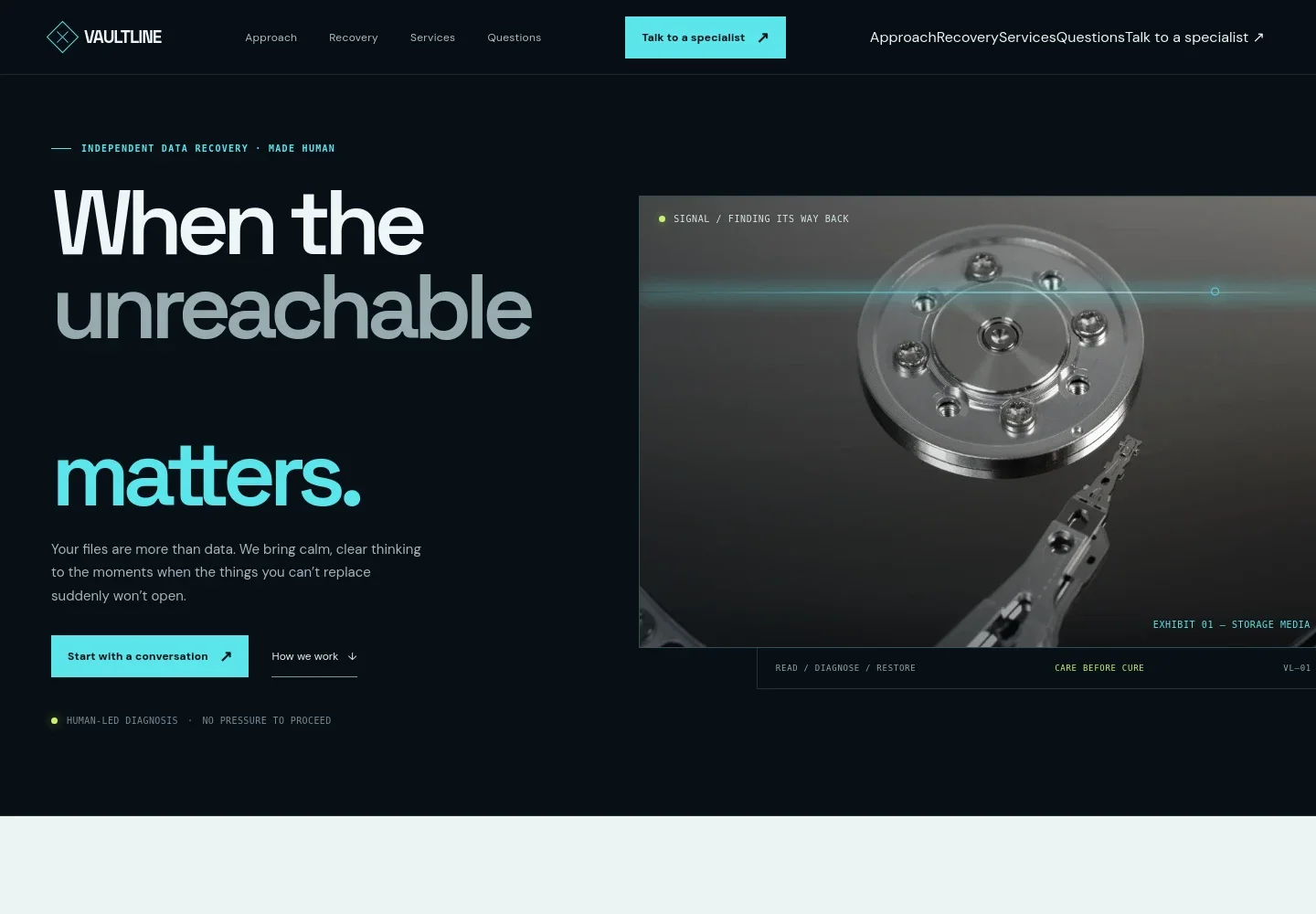
- Hero and contact prompts
- A prominent introduction frames recovery as a careful, human-led process, with links to start a conversation or learn how the service works.
- Approach
- Explains the focus on listening, examining what can be seen, and communicating clearly before visitors decide what to do.
- Recovery process
- Three steps describe sharing what happened, receiving a diagnosis and options, then choosing whether to proceed.
- Recovery overview
- A visual section presents recovery as a sequence of careful decisions rather than a guaranteed outcome.
- Services
- Describes hard drive recovery, SSD and flash media, RAID and NAS systems, and phone and laptop data recovery.
- Frequently asked questions
- Answers practical questions about using a device that may be failing, recovery expectations, what to share in an enquiry, and whether to proceed after an assessment.
- Contact and footer
- Invites visitors to describe the device and what happened, with an email contact link and a simple business footer.
How to use this template
Open in Revamp
Click Use this template and sign in or create an account. You’ll start with your own copy of the design, ready to personalize.
Bring your content
Replace the sample text, photos, and logo with your own. Share your content, a document, or an existing website, and ask Revamp to adapt the template to your business.
Refine and publish
Ask Revamp to adjust the colors, layout, or sections, or edit directly on the page. Review desktop and mobile, then publish. You can keep making changes after launch.
Put your website to work
Make enquiries easier to organize and follow up. Ask Revamp to add or connect tools that support your intake and client communication.
-

Organize enquiries and follow-ups
HubSpotKeep prospective customer conversations and follow-up tasks in one place. Ask Revamp to connect HubSpot for contact management.
-

Let visitors choose a call time
CalendlyGive prospective customers a straightforward way to schedule a conversation. Ask Revamp to add consultation booking with Calendly.
Frequently asked questions
Is this template free?
Yes. This premium template is free to use through Use this template. The offer applies to the template, not hosting or other services.
Can I use my own content?
Yes. Ask Revamp to personalize the page with your business name, service details, images, contact information, and other content.
Do I need coding skills?
No. Ask Revamp to make content and design changes in plain language, without coding.
Can I change the design?
Yes. Ask Revamp to adjust the colors, imagery, layout, and other design details to suit your business.
Can I keep editing after publishing?
Yes. You can keep asking Revamp to update your site after launch as your services or business information change.


