About this template
Present a design practice through a clear point of view, a focused overview of services, and visual studies that give visitors a feel for your creative approach.
The layout introduces work across identity and language, objects and experiences, and digital and campaigns. A process section describes moving from a question to imagining and making, while the contact area invites prospective clients to start a conversation.
Who it’s for
Independent designers, creative practices, and small design studios working across branding, objects, environments, or digital design.
What’s included
The page pairs expressive typography and vivid imagery with concise explanations of the studio's approach and services. Its sequence helps visitors understand what the practice does, how it thinks, and how to make contact.
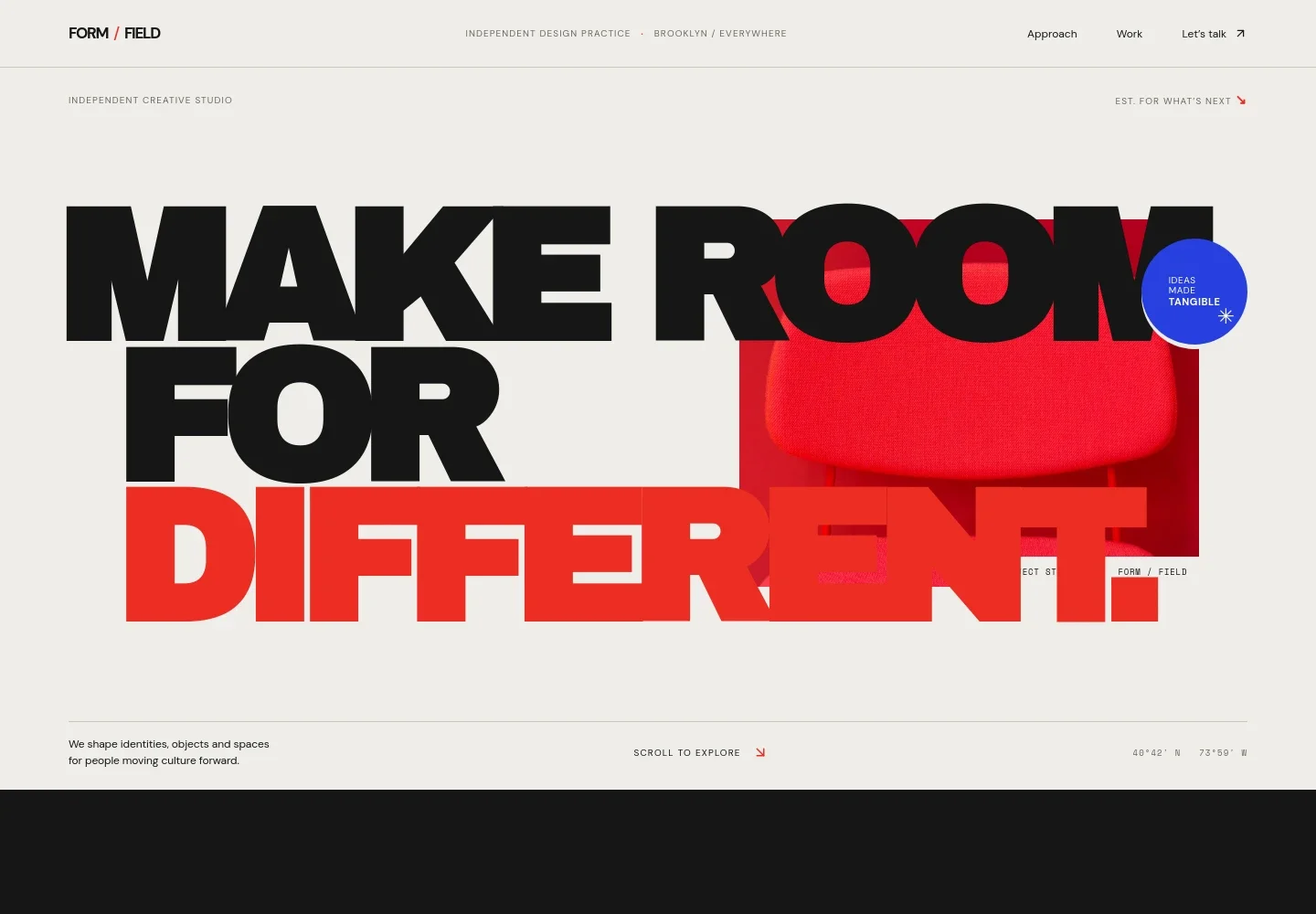
- Studio introduction
- A prominent headline, studio positioning, and hero image establish the creative practice and its visual character.
- Point of view
- An editorial statement and short studio introduction explain the practice's perspective, followed by three guiding principles.
- Creative process
- A visual story describes questioning the obvious and presents a simple sequence: Question, Imagine, Make.
- Practice and services
- Three service areas outline identity and language, objects and experiences, and digital and campaigns, each with a concise description.
- Work in progress
- A featured image, creative notes, and supporting copy offer a glimpse into the practice's exploratory thinking.
- Contact
- A closing invitation encourages visitors to share a brief or early idea, with an email contact link.
How to use this template
Open in Revamp
Click Use this template and sign in or create an account. You’ll start with your own copy of the design, ready to personalize.
Bring your content
Replace the sample text, photos, and logo with your own. Share your content, a document, or an existing website, and ask Revamp to adapt the template to your business.
Refine and publish
Ask Revamp to adjust the colors, layout, or sections, or edit directly on the page. Review desktop and mobile, then publish. You can keep making changes after launch.
Put your website to work
Make it easier to manage new project inquiries and keep client conversations organized. Ask Revamp to add or connect tools that fit the way your design practice works.
-

Schedule introductory calls
CalendlyGive prospective clients a straightforward way to choose a time. Ask Revamp to add consultation booking with Calendly.
-

Organize prospect and client conversations
HubSpotKeep contact details and follow-ups in one place. Ask Revamp to connect HubSpot for managing client relationships.
-

Coordinate project meetings
Google CalendarHelp visitors and collaborators find suitable meeting times. Ask Revamp to add scheduling with Google Calendar.
Frequently asked questions
Is this template free?
Yes. This premium template is free to use when you select Use this template. Free refers to the template itself.
Can I use my own content?
Yes. Ask Revamp to personalize the text, images, services, and contact details for your design practice.
Do I need coding skills?
No coding skills are needed. Ask Revamp to make content and design changes in plain language.
Can I change the design?
Yes. Ask Revamp to adjust the visual style, layout, colors, typography, or imagery to suit your practice.
Can I keep editing after publishing?
Yes. You can keep editing after launch. Ask Revamp to update the content or design as your practice changes.