About this template
Help prospective clients understand how your documentation work turns complex products into clear, useful guidance. The template presents an independent documentation studio through its approach, service areas, working principles, and a direct contact invitation.
A dark, editorial design pairs oversized headlines and numbered section labels with an illustrated documentation map and a clear sequence from scattered answers to confident action. Service rows make it easy to scan the studio’s offerings, while the principles section explains the thinking behind the work.
Who it’s for
Independent documentation studios, technical writers, information architects, and content strategy consultants who want to explain their services to product teams, software companies, and developers.
What’s included
The visible layout guides visitors from the studio’s point of view to its services, principles, and contact invitation, helping prospective clients understand what the studio does and how to begin a conversation.
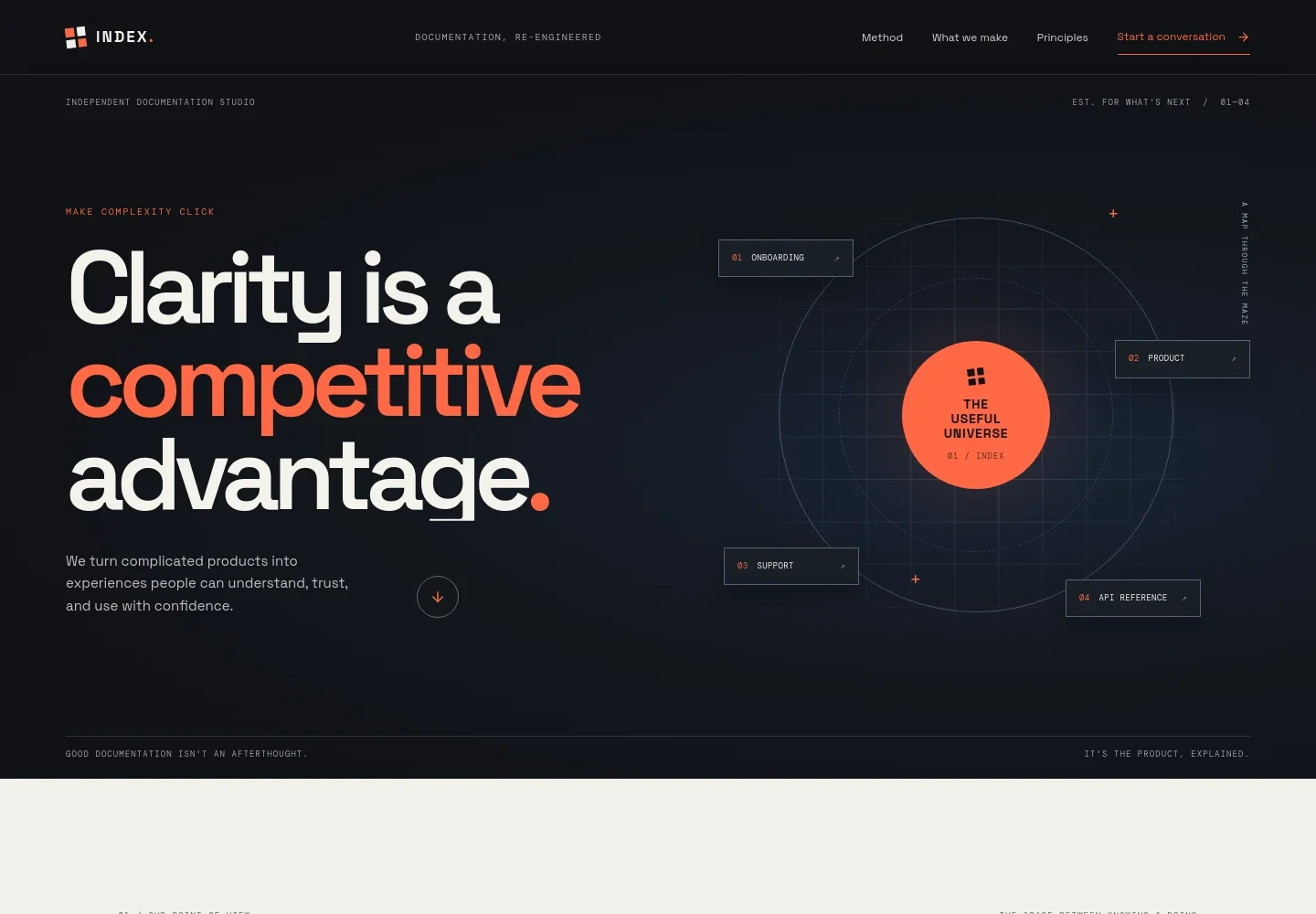
- Studio introduction
- A prominent headline and short summary position documentation as a way to help people understand and use complex products. An illustrated map labels onboarding, product guidance, support, and API reference.
- Point of view
- A manifesto section explains the focus on helping people find a path from a question to an answer, supported by a link to the studio’s services.
- From complexity to clarity
- A visual sequence connects scattered answers with structured pathways and confident action, making the studio’s intended transformation easy to grasp.
- Services
- Four numbered rows describe product documentation, developer experiences, knowledge systems, and content operations, each with a short explanation and a route to start a conversation.
- Working principles
- Three principles cover human-first writing, findable information, and systems designed to evolve, giving visitors a concise view of the studio’s approach.
- Contact invitation
- The closing section invites visitors to start a conversation and gives the page a clear next step.
How to use this template
Open in Revamp
Click Use this template and sign in or create an account. You’ll start with your own copy of the design, ready to personalize.
Bring your content
Replace the sample text, photos, and logo with your own. Share your content, a document, or an existing website, and ask Revamp to adapt the template to your business.
Refine and publish
Ask Revamp to adjust the colors, layout, or sections, or edit directly on the page. Review desktop and mobile, then publish. You can keep making changes after launch.
Put your website to work
Make it easier to respond to inquiries and organize follow-up. Ask Revamp to add or connect tools that fit how your documentation practice manages prospective clients and editorial work.
-

Manage inquiries and follow-up
HubSpotKeep prospective client conversations and next steps organized. Ask Revamp to connect HubSpot for contact and pipeline management.
-

Schedule introductory calls
CalendlyGive prospective clients a straightforward way to request a time to talk. Ask Revamp to add consultation booking with Calendly.
-

Plan editorial work
AirtableKeep content topics and production schedules visible in one place. Ask Revamp to connect Airtable for a documentation content calendar.
Frequently asked questions
Is this template free?
Yes. This premium template is free to use when you select Use this template. This applies to the template itself, not hosting or other services.
Can I use my own content?
Yes. Ask Revamp to personalize the studio name, service descriptions, principles, and contact details with your own content.
Do I need coding skills?
No. Ask Revamp to personalize the content and design without coding.
Can I change the design?
Yes. Ask Revamp to change the colors, typography, layout, or other design details to suit your practice.
Can I keep editing after publishing?
Yes. You can keep asking Revamp to update your content and design after the site is published.


