About this template
Help prospective clients see how you approach garden design, planting and ongoing care. The page presents a garden business with a seasonal perspective, from reshaping an outdoor space to tending an established garden.
A large garden photograph, clearly separated service descriptions and an approach section give visitors practical ways to understand your work. A closing contact section invites them to describe the garden they have and what they would like it to become.
Who it’s for
Independent gardeners, garden designers and landscaping businesses offering planting, seasonal maintenance, or work on terraces and courtyards.
What’s included
The design pairs generous garden imagery with editorial typography and concise sections, helping visitors move from your gardening services to your working approach and a clear invitation to get in touch.
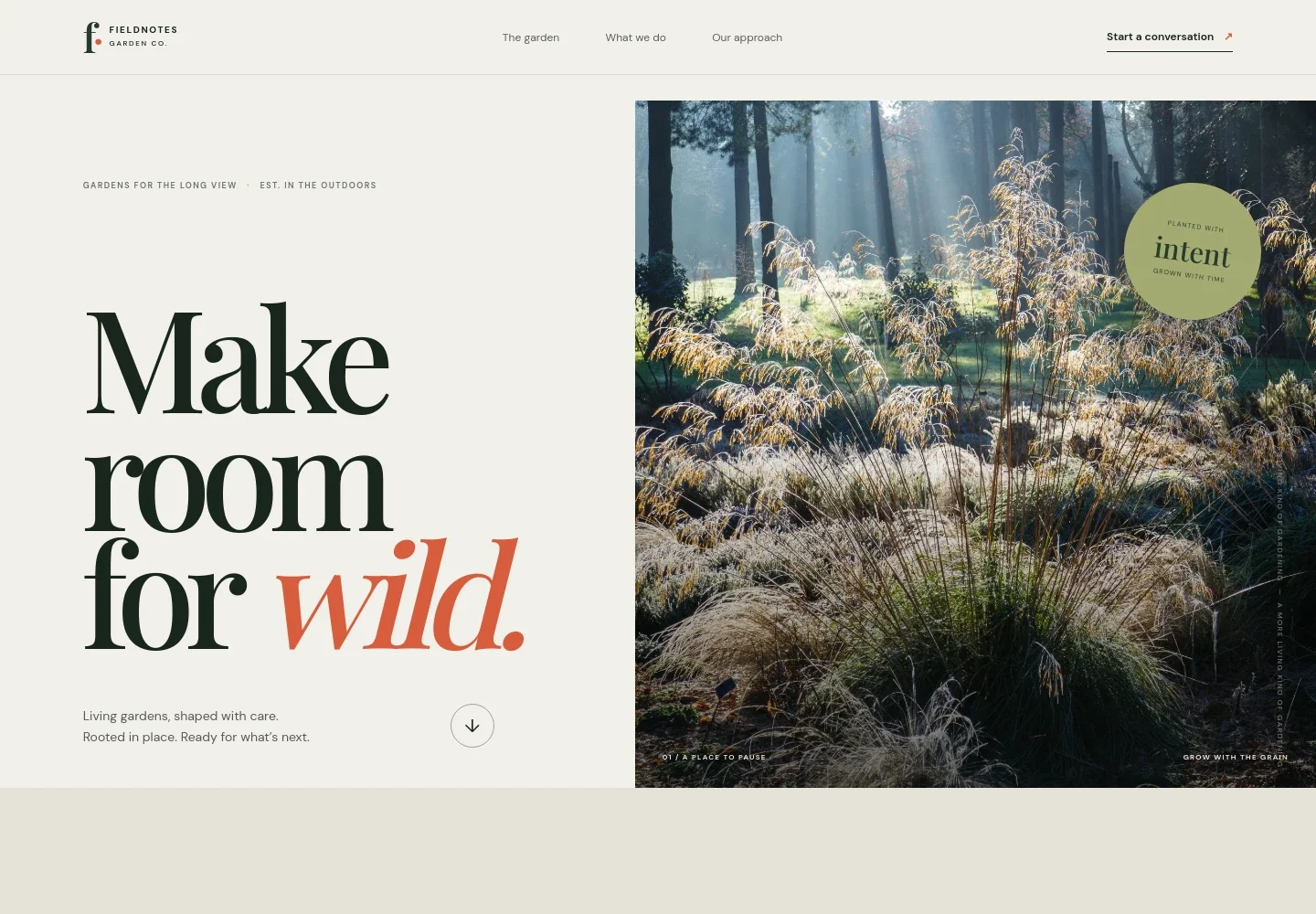
- Garden-led opening
- A prominent garden image and concise headline establish the business's focus on living gardens, with a link leading visitors into the page.
- Garden philosophy
- A short section presents gardens as changing spaces and emphasizes thinking in seasons, giving visitors a sense of the business's perspective.
- Gardening services
- Three distinct service rows describe garden design and planting, ongoing care, and terraces or courtyards. The layout makes it easy to scan different kinds of work.
- Working approach
- A garden image sits beside copy about observing light, soil and how people move through a garden before choosing plants and practical next steps.
- Contact invitation
- A closing section asks visitors to share what they have in mind and provides an email contact link. Replace the illustrative contact details before launch.
- Footer navigation
- The footer repeats the garden business wordmark and includes a link back to the top of the page.
How to use this template
Open in Revamp
Click Use this template and sign in or create an account. You’ll start with your own copy of the design, ready to personalize.
Bring your content
Replace the sample text, photos, and logo with your own. Share your content, a document, or an existing website, and ask Revamp to adapt the template to your business.
Refine and publish
Ask Revamp to adjust the colors, layout, or sections, or edit directly on the page. Review desktop and mobile, then publish. You can keep making changes after launch.
Put your website to work
Make it easier to arrange site visits, manage ongoing garden work and keep client details organized. Ask Revamp to add or connect tools such as these to suit your business.
-

Let clients request a consultation time
CalendlyAsk Revamp to add consultation booking with Calendly so prospective clients can request a suitable time to discuss their garden.
-

Keep client and project details together
HubSpotAsk Revamp to connect HubSpot to help organize prospective client enquiries and follow-up conversations.
-

Track seasonal work and service plans
Google SheetsAsk Revamp to connect Google Sheets for organizing planting plans, maintenance schedules and garden project details.
Frequently asked questions
Is this template free?
Yes. This premium template is free to use when you select Use this template. The offer is for the template itself.
Can I use my own content?
Yes. Ask Revamp to personalize the text, garden images, service details and contact information for your gardening business.
Do I need coding skills?
No. Ask Revamp to make content or design changes in natural language, without coding.
Can I change the design?
Yes. Ask Revamp to adjust the layout, colors, typography, imagery or other design details to better suit your business.
Can I keep editing after publishing?
Yes. You can continue asking Revamp to update your content and design after the site has launched.