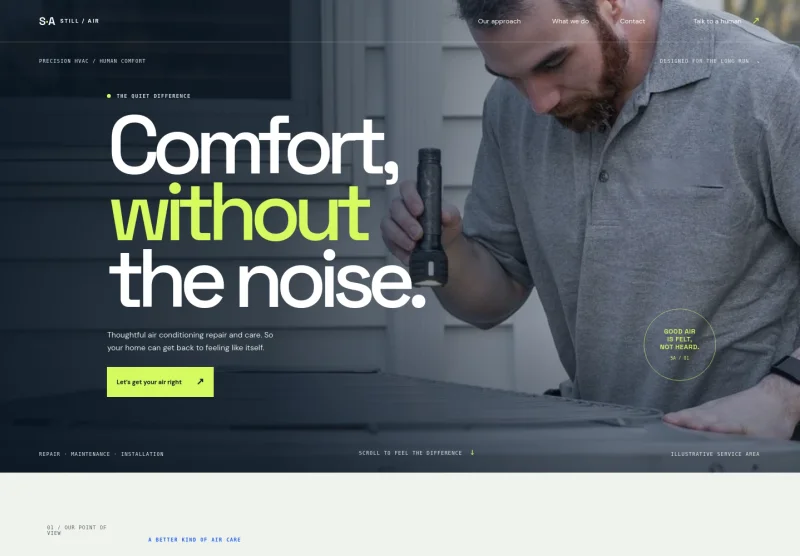
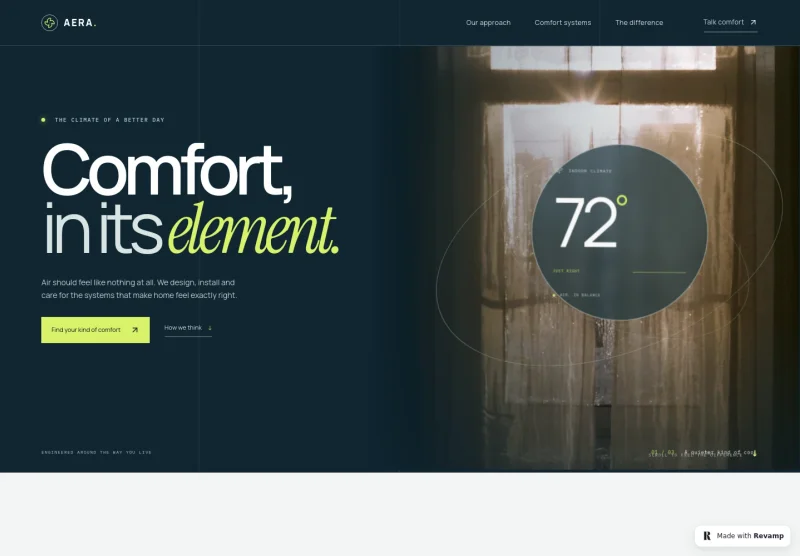
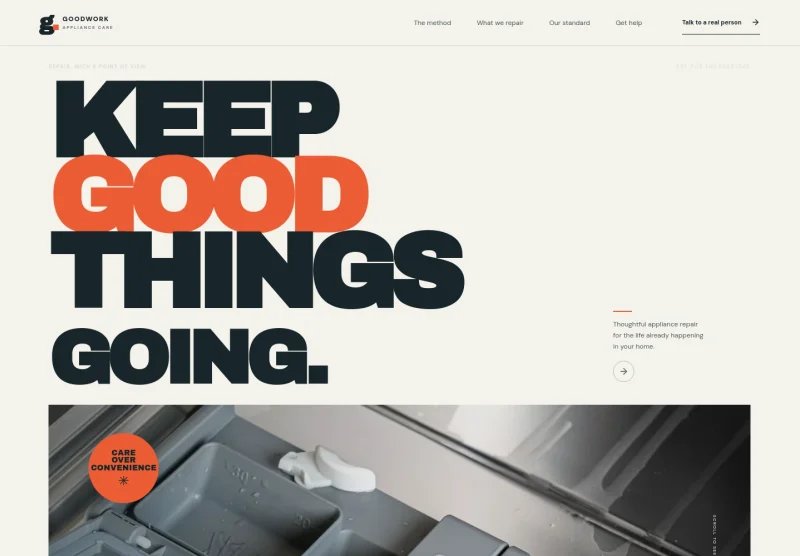
About this template
Help homeowners and commercial property customers understand your heating, cooling, and indoor air quality services. The template introduces an approach based on assessing the space, explaining system options, and providing careful installation and ongoing support.
The page moves from a clear statement about everyday comfort to a three-step service approach, then outlines preventive care and invites visitors to start a conversation. Its architectural imagery and spacious editorial layout give HVAC services a considered, building-focused presentation.
Who it’s for
HVAC contractors and climate-control businesses serving residential and commercial customers, especially teams that want to explain system planning, installation, maintenance, and repair guidance.
What’s included
The visible sections guide prospective customers from your approach to heating and cooling, through your service process and ongoing care, to a direct contact invitation.
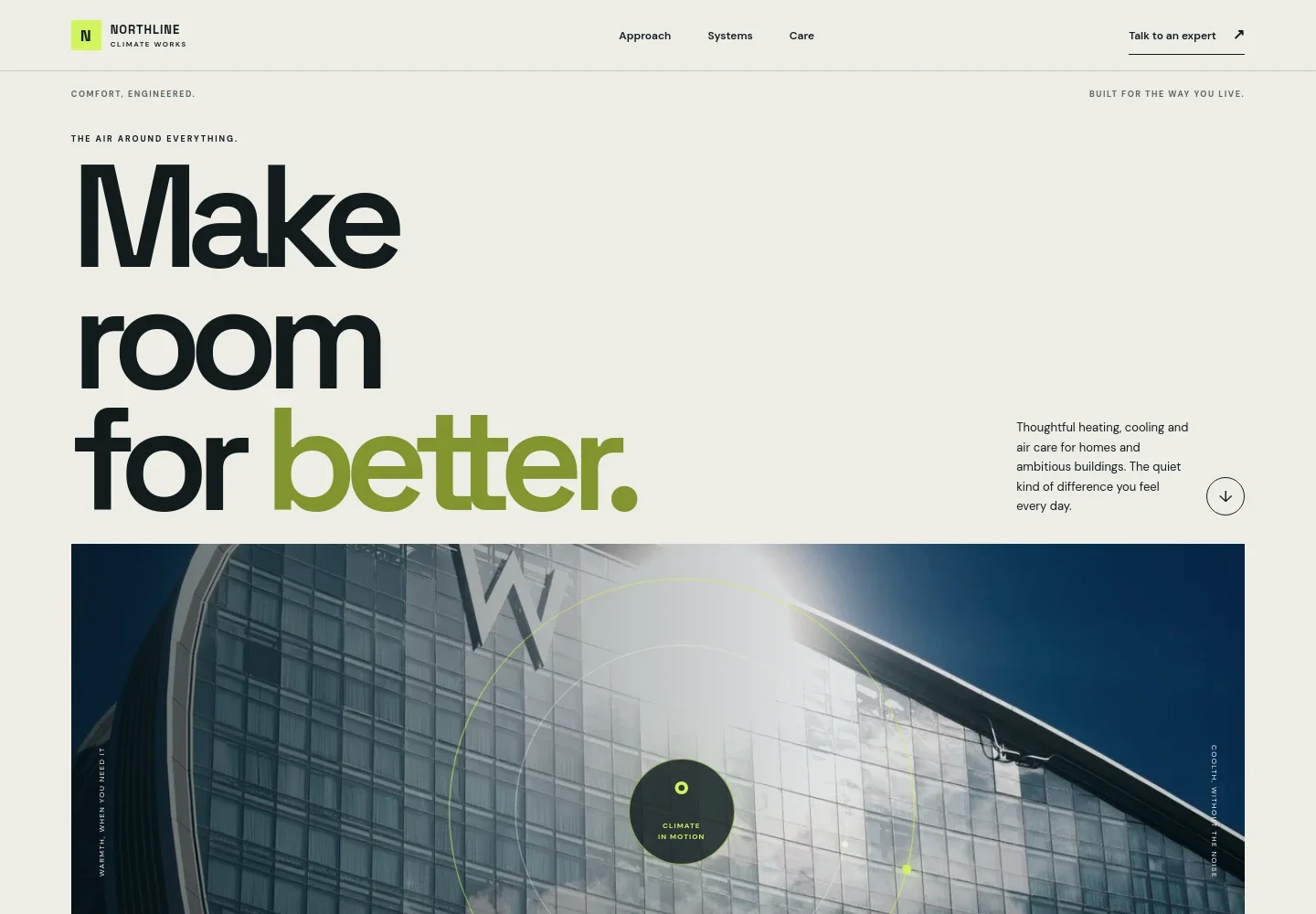
- Hero and contact prompts
- A prominent introduction describes heating, cooling, and air care for homes and larger buildings. Architectural imagery, navigation links, and calls to talk with an expert or start a conversation make the service focus and next step easy to find.
- Approach
- Explains comfort in terms of how a space feels, with examples such as even warmth in an older home and a restful bedroom in summer. Supporting copy introduces right-sized systems, careful installation, and human support.
- Three-step service method
- Presents a process of assessing the building and comfort concerns, explaining options, and completing installation with a clean handoff and practical guidance. Service tags identify heating and cooling, indoor air quality, preventive service, and residential and commercial work.
- Ongoing care
- Describes seasonal maintenance and system checks, clear recommendations, and repair guidance for existing equipment. A separate contact link invites visitors to discuss their space.
- Contact and footer
- Closes with a conversation prompt and an email contact link, followed by the business wordmark and a back-to-top link. The displayed contact details are marked as illustrative and intended to be replaced.
How to use this template
Open in Revamp
Click Use this template and sign in or create an account. You’ll start with your own copy of the design, ready to personalize.
Bring your content
Replace the sample text, photos, and logo with your own. Share your content, a document, or an existing website, and ask Revamp to adapt the template to your business.
Refine and publish
Ask Revamp to adjust the colors, layout, or sections, or edit directly on the page. Review desktop and mobile, then publish. You can keep making changes after launch.
Put your website to work
Make it easier to turn service enquiries into scheduled work and keep customer and equipment details organized. Ask Revamp to add connections with tools such as these.
-

Organize HVAC jobs and customer records
ServiceTitanKeep service requests, customer histories, and job details together. Ask Revamp to connect your website with ServiceTitan.
-

Give customers a way to request service
Housecall ProLet customers choose a convenient service time through your scheduling workflow. Ask Revamp to add appointment booking with Housecall Pro.
-

Coordinate bookings with your calendar
CalendlyHelp prospective customers request a consultation or service slot around your availability. Ask Revamp to add consultation booking with Calendly.
Frequently asked questions
Is this template free?
Yes. This premium template is free to use when you select Use this template. Free refers to the template itself.
Can I use my own content?
Yes. Ask Revamp to personalize the copy, images, contact details, and service information for your HVAC business.
Do I need coding skills?
No. Ask Revamp to make content and design changes in natural language, without coding.
Can I change the design?
Yes. Ask Revamp to adjust the layout, colors, typography, imagery, or other design details to suit your business.
Can I keep editing after publishing?
Yes. You can keep making changes after launch by asking Revamp to update your content or design.