About this template
Help prospective viewers understand your IPTV service, the kinds of entertainment it offers, and the basics of getting started. The dark, editorial design pairs cinematic screen imagery with clear navigation and focused content.
The page introduces the viewing experience, presents sample programming categories, explains the setup at a high level, and closes with an enquiry prompt. It gives visitors a considered route from discovering the offer to asking questions.
Who it’s for
IPTV providers and internet television businesses introducing their service to prospective viewers, including operators who want to explain programming categories and basic setup requirements.
What’s included
The layout moves from a prominent service introduction to the viewing experience, example programming categories, practical setup guidance, and a closing enquiry section.
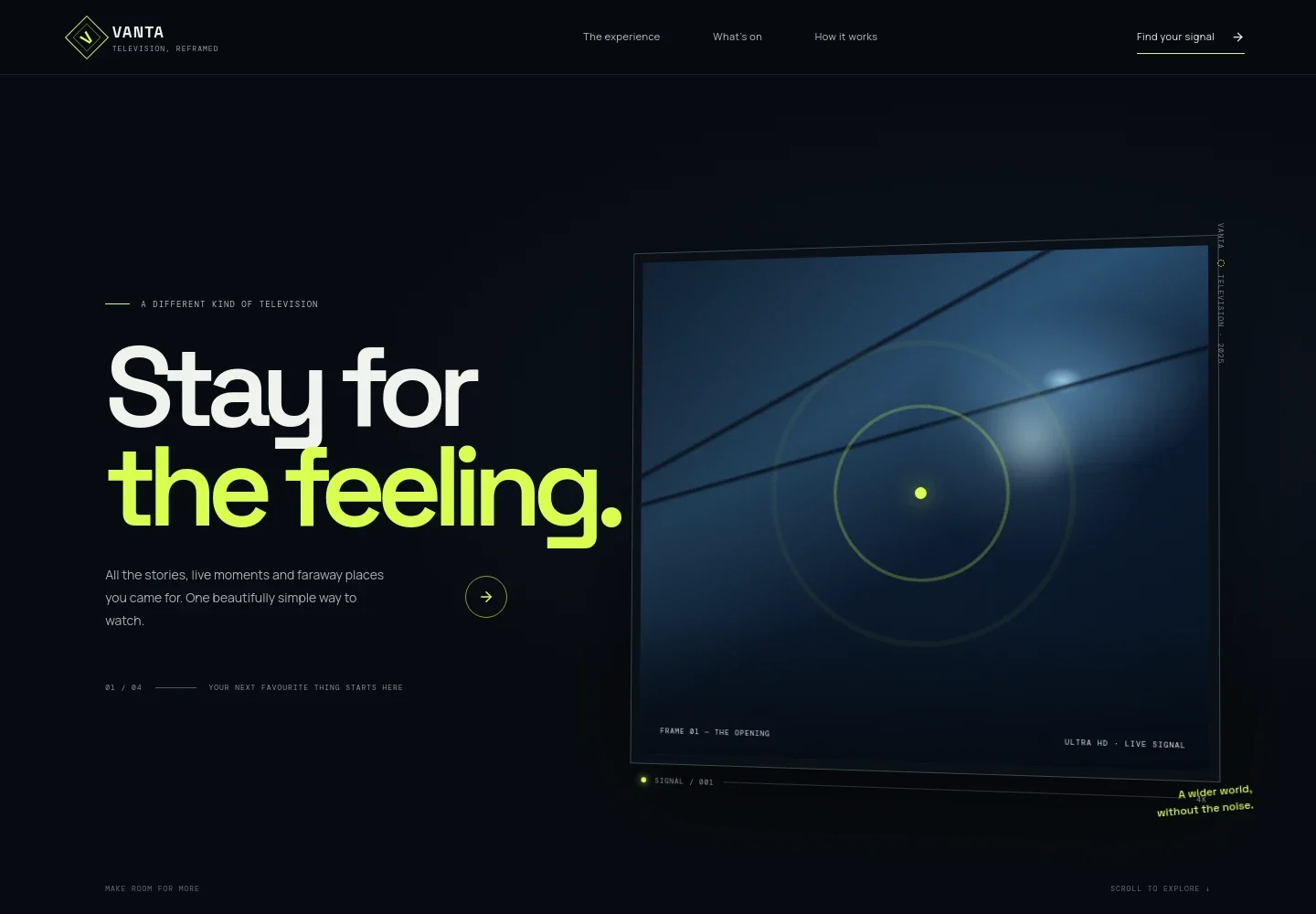
- Hero and navigation
- A cinematic opening introduces the television service, with navigation links to the experience, programming lineup, and setup guidance, plus a prominent enquiry link.
- Viewing experience
- A concise statement of the service’s point of view explains its focus on a simpler way to find entertainment, with a link leading visitors to the programming overview.
- Programming categories
- Three illustrated rows present cinema, live sport, and world programming as examples of the kinds of viewing a service might describe.
- Getting started
- A three-step overview covers choosing a compatible screen, having a reliable broadband connection, and following a chosen provider’s setup instructions.
- Closing enquiry
- A final call to action invites visitors to start a conversation, followed by a footer with brand details and a return-to-top link.
How to use this template
Open in Revamp
Click Use this template and sign in or create an account. You’ll start with your own copy of the design, ready to personalize.
Bring your content
Replace the sample text, photos, and logo with your own. Share your content, a document, or an existing website, and ask Revamp to adapt the template to your business.
Refine and publish
Ask Revamp to adjust the colors, layout, or sections, or edit directly on the page. Review desktop and mobile, then publish. You can keep making changes after launch.
Put your website to work
Make it easier to manage enquiries and communicate with prospective subscribers. Ask Revamp to add connections to the business tools that suit your service.
-

Organize subscriber enquiries
HubSpotKeep prospective-customer conversations and follow-ups together. Ask Revamp to connect HubSpot for managing enquiries.
-

Send service updates
MailchimpShare launch news, programming announcements, or service updates with subscribers. Ask Revamp to connect Mailchimp for email campaigns.
-

Accept payments
StripeGive customers a way to pay for a subscription or other service charges. Ask Revamp to add payment processing with Stripe.
Frequently asked questions
Is this template free?
Yes. This premium template is free to use through Use this template. Free refers to the template; hosting and other services may have separate costs.
Can I use my own content?
Yes. Ask Revamp to personalize the copy, images, programming categories, and contact details for your service.
Do I need coding skills?
No. Ask Revamp to personalize the content or design without coding.
Can I change the design?
Yes. Ask Revamp to adjust the colors, typography, imagery, layout, and other design details to suit your brand.
Can I keep editing after publishing?
Yes. You can continue editing after launch. Ask Revamp whenever you want to update your content or design.


