About this template
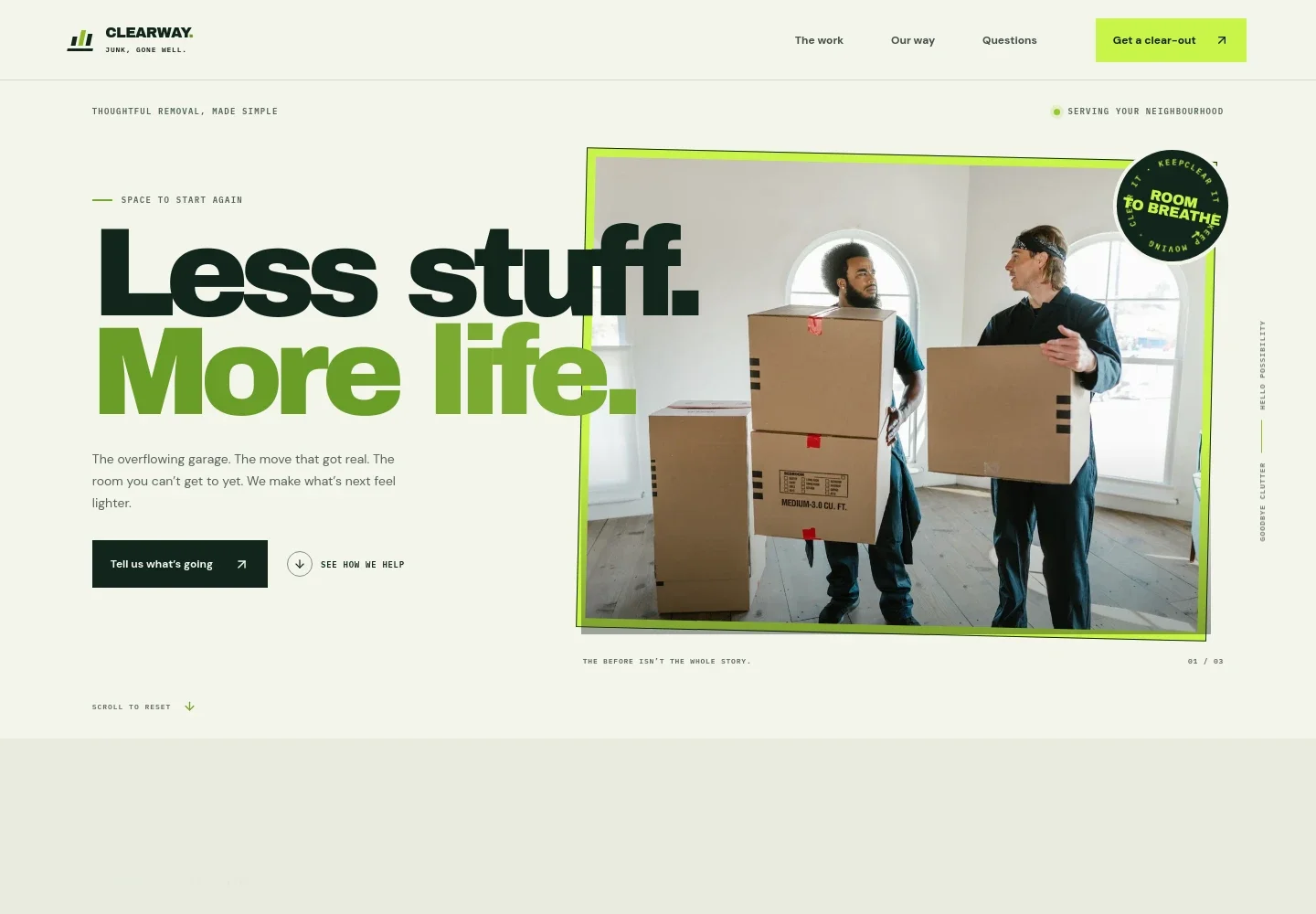
Help homeowners and property managers see what you remove, how you approach a clear-out, and how to start a conversation. The page presents whole-home clear-outs, bulky furniture removal, garage and attic clean-outs, and renovation clean-up in clear service descriptions.
A prominent contact prompt and estimate guidance help visitors share what needs clearing, where it is, and any access details. The design also explains how items may be sorted for keeping, donation, recycling, or removal, with the customer deciding what goes.
Who it’s for
Junk removal businesses serving residential customers and light commercial projects, including teams that handle moves, downsizing, bulky items, storage areas, and renovation clean-up.
What’s included
A complete junk removal service page with a clear route from understanding the work to contacting the business. Its service list, step-by-step approach, practical FAQs, and contact section address common customer questions before a clear-out.
- Service overview
- Four numbered service rows describe whole-home clear-outs, furniture and bulky items, garage, attic and storage clear-outs, and renovation clean-up. Each row gives visitors a concrete idea of the work and links toward a conversation.
- How the clear-out works
- A three-step sequence covers sharing details about the items and space, discussing timing and access, and clearing the area. This helps visitors understand what information to prepare and what to expect.
- Service approach
- Three concise principles explain that customers choose what goes, the team treats homes and belongings with care, and the process is intended to be straightforward. The accompanying image shows belongings being sorted.
- Frequently asked questions
- Answers address whether items must be sorted in advance, whether single items are accepted, what may happen to removed belongings, and what details help with an estimate.
- Contact
- A closing contact section invites visitors to describe their clear-out and provides a prominent call link. The visible sample phone number is marked for replacement before launch.
How to use this template
Open in Revamp
Click Use this template and sign in or create an account. You’ll start with your own copy of the design, ready to personalize.
Bring your content
Replace the sample text, photos, and logo with your own. Share your content, a document, or an existing website, and ask Revamp to adapt the template to your business.
Refine and publish
Ask Revamp to adjust the colors, layout, or sections, or edit directly on the page. Review desktop and mobile, then publish. You can keep making changes after launch.
Put your website to work
Make it easier to organize inquiries, schedule jobs, and keep track of estimates. Ask Revamp to add or connect tools that fit the way your removal business handles new requests.
-

Organize new inquiries
HubSpotKeep prospective customer details and follow-ups organized in one place. Ask Revamp to connect HubSpot for managing junk removal inquiries.
-

Coordinate job timing
CalendlyHelp customers request a suitable time for a conversation or site visit. Ask Revamp to add scheduling with Calendly.
-

Track estimates and job details
Google SheetsKeep customer requests, estimate details, and job status organized for your team. Ask Revamp to connect Google Sheets for a shared job-tracking sheet.
Frequently asked questions
Is this template free?
Yes. This premium template is free to use through Use this template. Free refers to the template itself.
Can I use my own content?
Yes. Ask Revamp to personalize the page with your business name, service descriptions, contact details, service area, and images.
Do I need coding skills?
No. Ask Revamp to make content and design changes for you, without coding.
Can I change the design?
Yes. Ask Revamp to adjust the colors, imagery, layout, and other design details to suit your junk removal business.
Can I keep editing after publishing?
Yes. You can keep asking Revamp to update the content and design after your site is published.


