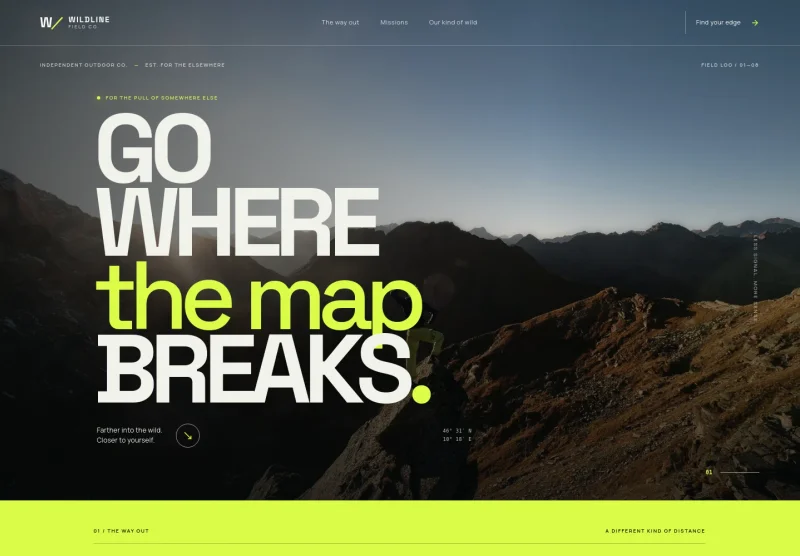
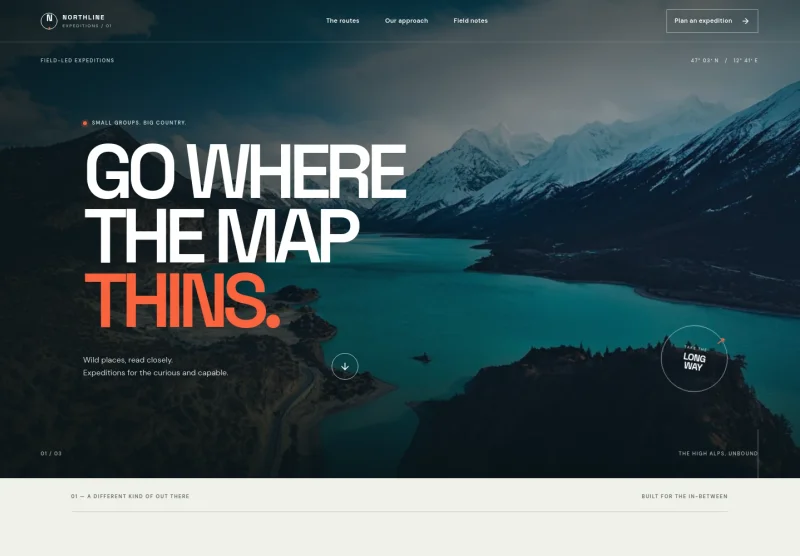
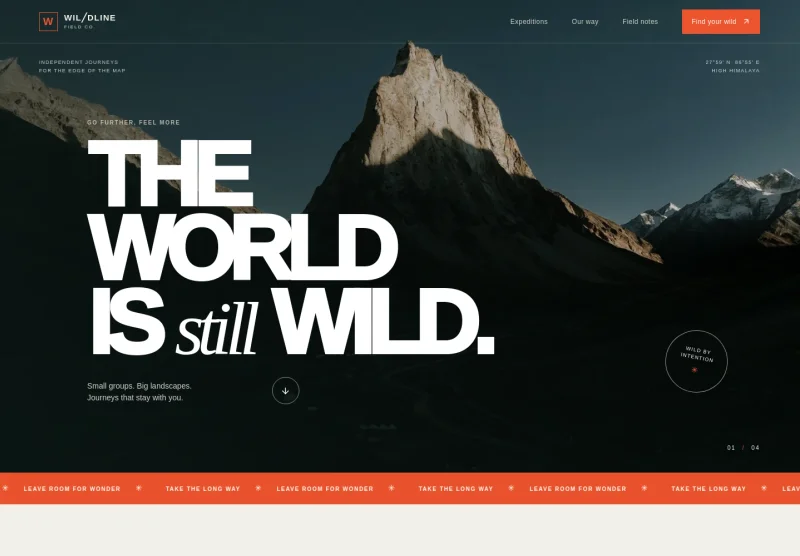
About this template
Help travelers understand your setting, site options, and what to know before they arrive. The design presents RV pull-through sites, riverside camping, and amenities alongside outdoor photography and practical visitor details.
A clear route through the page takes visitors from the character of the grounds to stay types, trip inspiration, and useful questions about directions, equipment, packing, and seasonal availability.
Who it’s for
RV parks, campgrounds, and outdoor stays that welcome motorhomes, trailers, vans, and tent campers.
What’s included
The layout pairs an atmospheric landscape-led opening with practical information, so prospective guests can picture the stay and find details relevant to their setup.
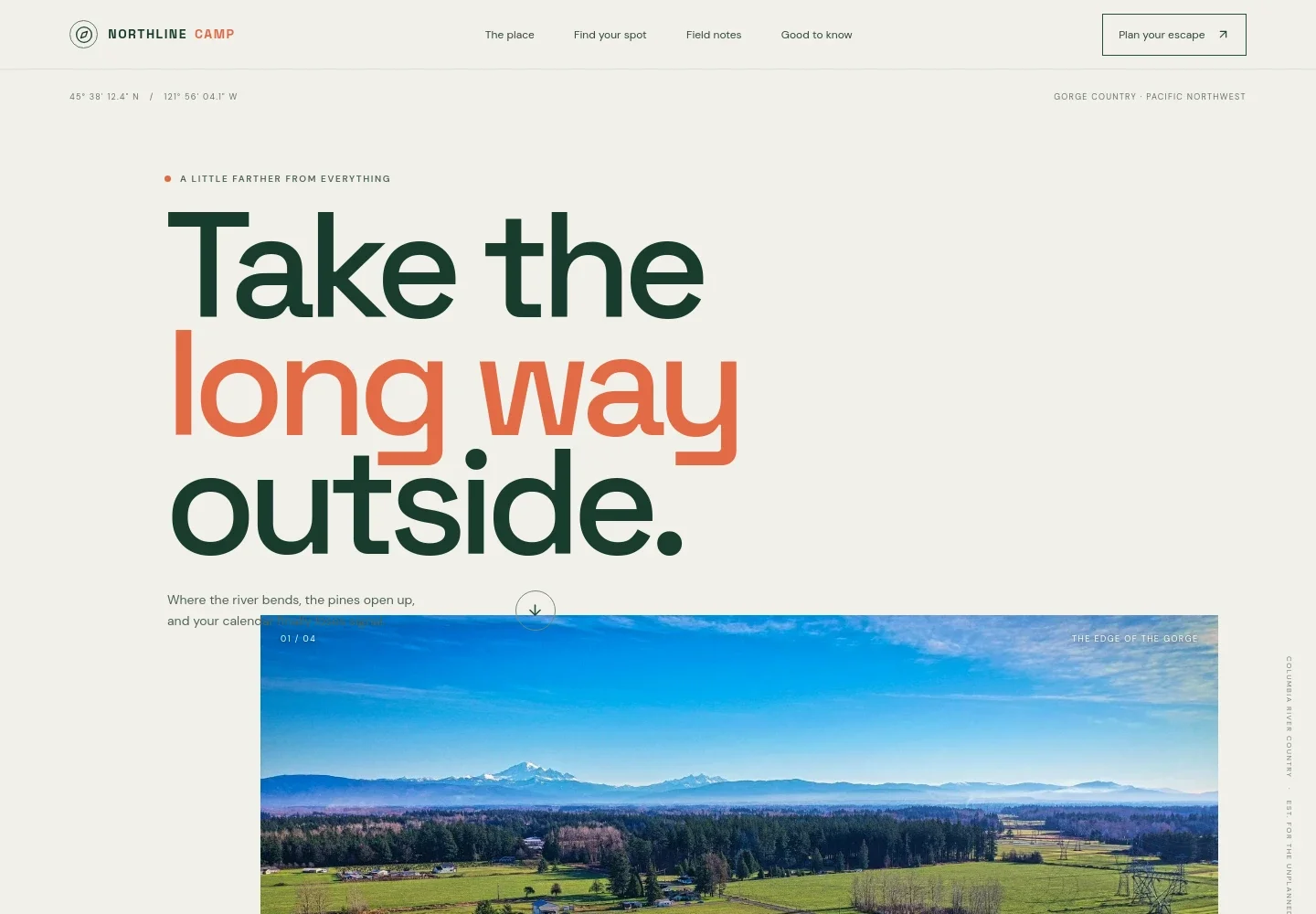
- Landscape-led opening
- A large outdoor image, location-style coordinates, and concise introductory copy establish the camp’s setting and invite visitors to learn about the grounds.
- About the grounds
- A short introduction describes the property as a basecamp between hills and the Columbia River, with a link leading into the stay options.
- Stay options
- Three distinct entries describe full-hookup pull-through RV sites, riverside camping for tents and small rigs, and nearby facilities and comforts.
- Field notes
- An outdoor photograph and relaxed copy evoke flexible days, river walks, and time spent around the camp, helping visitors understand the experience beyond the site types.
- Evening gathering
- A campfire image and accompanying copy set a welcoming scene for guests sharing route tips and spending time outdoors.
- Visitor questions
- Expandable questions cover the general location, what visitors can bring, packing suggestions, and how seasonal availability changes. The section also provides an email contact.
- Closing contact prompt
- A final invitation to start a conversation gives visitors a clear next step before the page ends with the camp identity and contact link.
How to use this template
Open in Revamp
Click Use this template and sign in or create an account. You’ll start with your own copy of the design, ready to personalize.
Bring your content
Replace the sample text, photos, and logo with your own. Share your content, a document, or an existing website, and ask Revamp to adapt the template to your business.
Refine and publish
Ask Revamp to adjust the colors, layout, or sections, or edit directly on the page. Review desktop and mobile, then publish. You can keep making changes after launch.
Put your website to work
Make it easier to manage reservations and keep guest details organized. Ask Revamp to add a booking or campground-management tool that suits your operation.
-

Manage campground reservations
CampspotKeep reservations, site availability, and guest information together. Ask Revamp to add campground-management tools with Campspot.
-

Coordinate bookings and guest stays
CloudbedsOrganize reservations and day-to-day property operations in one system. Ask Revamp to add lodging-management software with Cloudbeds.
-

Take inquiries and date requests
CalendlyGive travelers a convenient way to request a time to discuss their dates and RV setup. Ask Revamp to add appointment scheduling with Calendly.
Frequently asked questions
Is this template free?
Yes. This premium template is free to use through Use this template. The template itself is free; hosting or other services may have separate costs.
Can I use my own content?
Yes. Ask Revamp to personalize the text, photos, contact details, site descriptions, and visitor information for your RV park.
Do I need coding skills?
No. You can ask Revamp to personalize the content and design without coding.
Can I change the design?
Yes. Ask Revamp to adjust the colors, imagery, layout, or other design details to better fit your campground.
Can I keep editing after publishing?
Yes. You can keep asking Revamp to update your site after launch, including seasonal information, site details, and visitor guidance.
Can the template show different site types?
Yes. Its stay-options section already separates pull-through RV sites, riverside camping, and nearby amenities. Ask Revamp to tailor those descriptions to your own site types and facilities.
Can I add booking information?
Yes. Ask Revamp to update the page with your booking details or request an addition such as reservation management with Campspot.