About this template
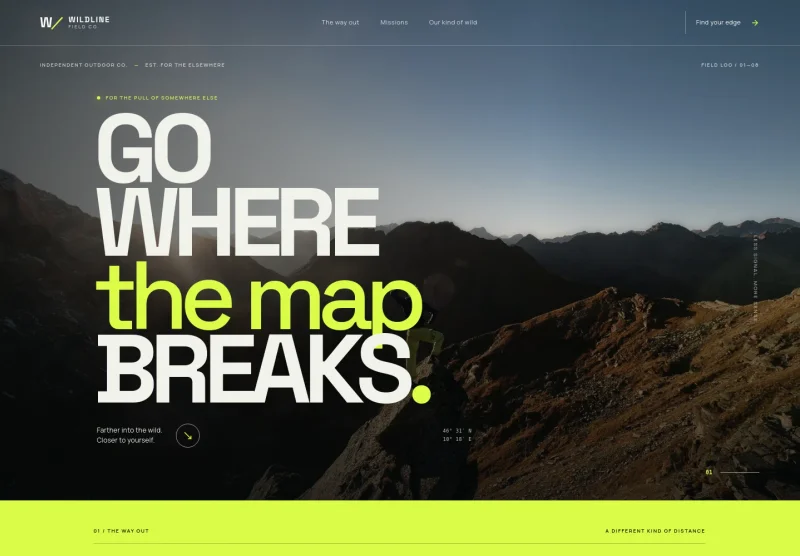
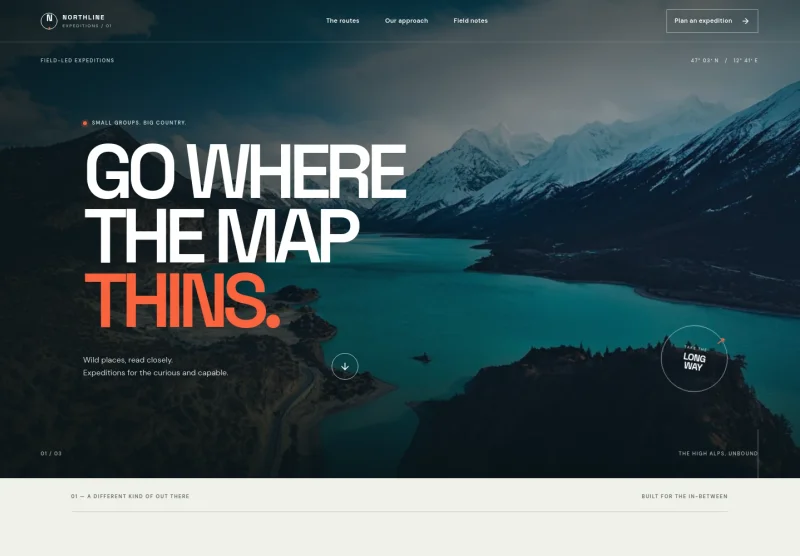
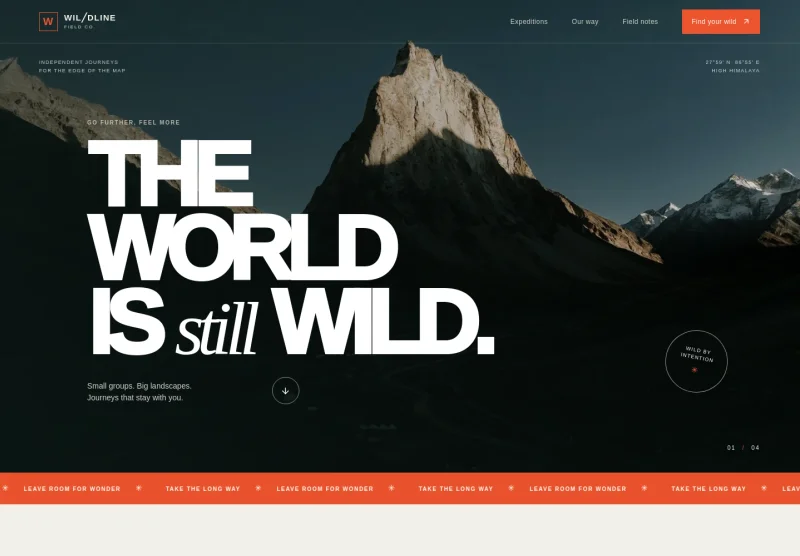
Help prospective guests understand the kind of outdoor experiences you offer, from guided hikes and hut-to-hut crossings to kayaking, packrafting, and climbing days. The design introduces your approach to small-group trips and shows how different activities can be presented clearly.
A mountain-led hero image, concise route descriptions, practical field notes, and a direct invitation to start a conversation give visitors useful context before they get in touch. The editorial style suits an operator who wants to explain the experience and help people choose an activity that fits their interests and comfort level.
Who it’s for
For outdoor tour operators, adventure travel businesses, sports tourism providers, and independent guides offering hiking, trekking, paddling, or climbing experiences.
What’s included
The page moves from an atmospheric mountain introduction to activity choices, practical editorial content, and a clear invitation to discuss a trip. This sequence helps visitors understand your approach, compare the kinds of outdoor experiences you offer, and take a next step.
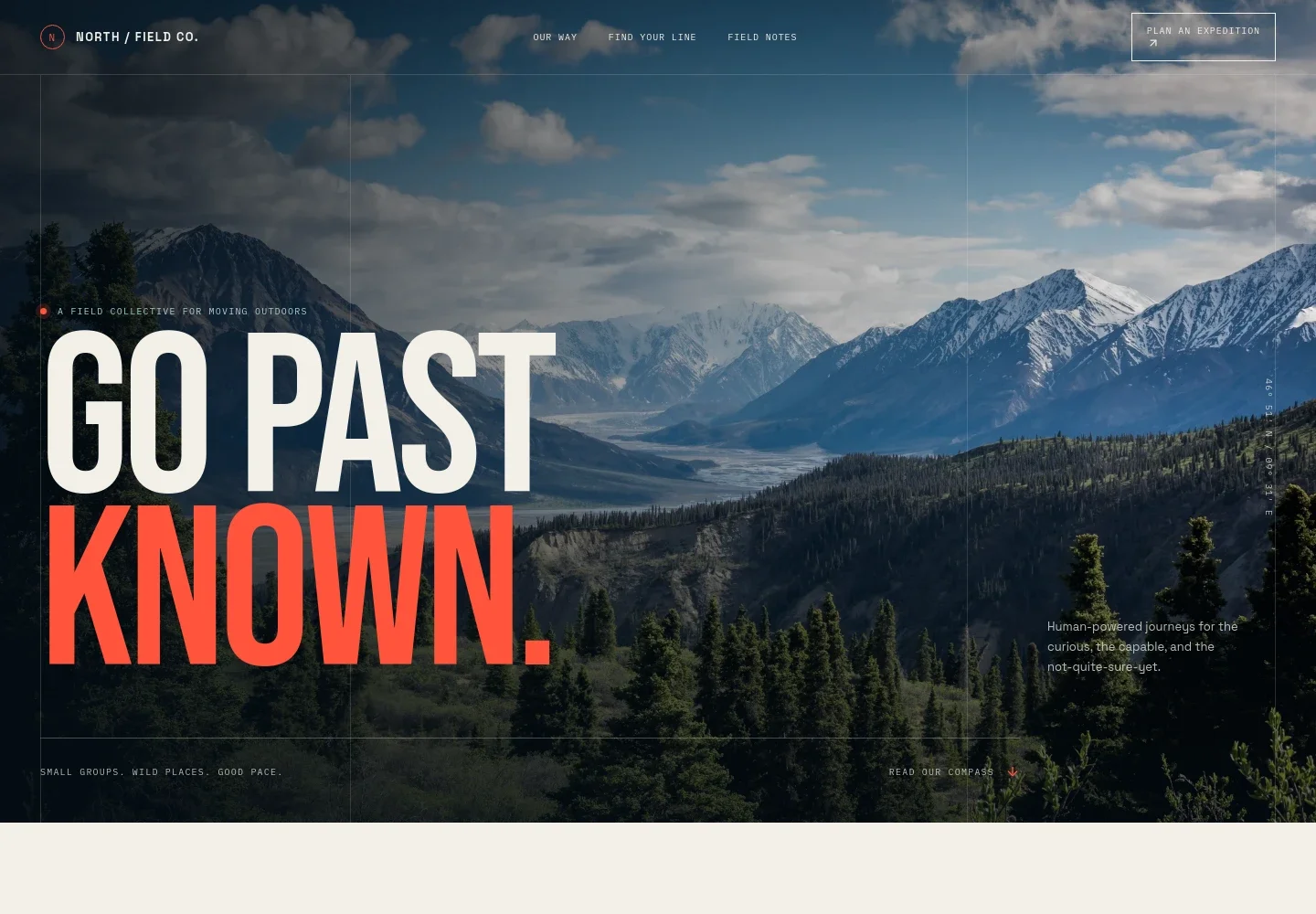
- Mountain hero and expedition invitation
- A full-width mountain image, prominent headline, and short introduction establish an outdoors-focused identity. Navigation links point visitors toward your approach, activity routes, field notes, and expedition enquiry.
- Your approach
- A short statement and supporting copy explain the value of moving through a place under your own power, with small-group journeys and room for changing conditions.
- Activity routes
- Three clearly separated activity descriptions cover hiking and trekking, sea kayaking and packrafting, and climbing and scrambling. Each gives visitors a sense of the terrain and experience before they choose a direction.
- Guided experience feature
- A landscape image and editorial text describe a human-scale approach to planning an outdoor day, including preparation, adaptable plans, and attention to participants' pace.
- Field notes
- A featured article and a short list of related topics provide space for useful visitor guidance, such as what to bring, planning around forecasts, and travelling with care.
- Start a conversation
- The closing section invites visitors to share what they are curious about and how they like to spend time outdoors, with a direct email contact link.
How to use this template
Open in Revamp
Click Use this template and sign in or create an account. You’ll start with your own copy of the design, ready to personalize.
Bring your content
Replace the sample text, photos, and logo with your own. Share your content, a document, or an existing website, and ask Revamp to adapt the template to your business.
Refine and publish
Ask Revamp to adjust the colors, layout, or sections, or edit directly on the page. Review desktop and mobile, then publish. You can keep making changes after launch.
Put your website to work
Make it easier to manage trip enquiries and organize guest details. Ask Revamp to add or connect outdoor booking and customer-management tools that suit your operation.
-

Organize bookings and guest information
CheckfrontAsk Revamp to connect Checkfront so visitors can request or book outdoor activities and your team can manage reservations and participant details.
-

Manage tour reservations and availability
FareHarborAsk Revamp to connect FareHarbor to support tour booking and keep reservation information organized across your activities.
-

Schedule conversations with prospective guests
CalendlyAsk Revamp to add consultation booking with Calendly so visitors can choose a time to discuss trip options.
Frequently asked questions
Is this template free?
Yes. This premium template is free to use when you select Use this template. This applies to the template itself, not hosting or other services.
Can I use my own content?
Yes. Ask Revamp to personalize the copy, activity descriptions, images, and contact details for your business.
Do I need coding skills?
No coding skills are needed. Ask Revamp to make content and design changes in plain language.
Can I change the design?
Yes. Ask Revamp to adjust the colors, typography, imagery, layout, or other visual details to better suit your business.
Can I keep editing after publishing?
Yes. You can keep asking Revamp to update your content and design after your site has launched.