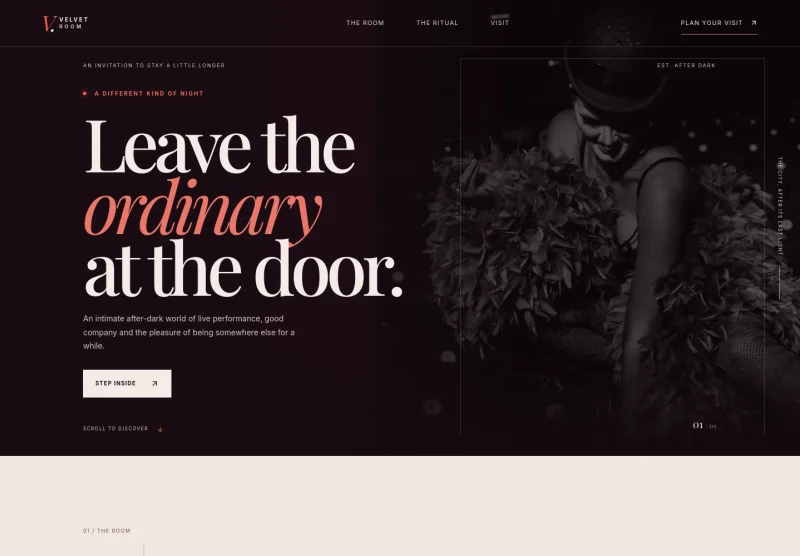
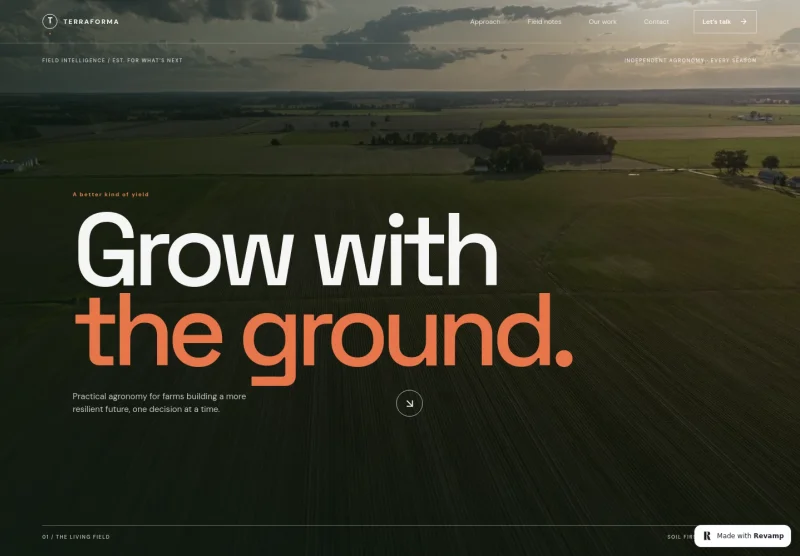
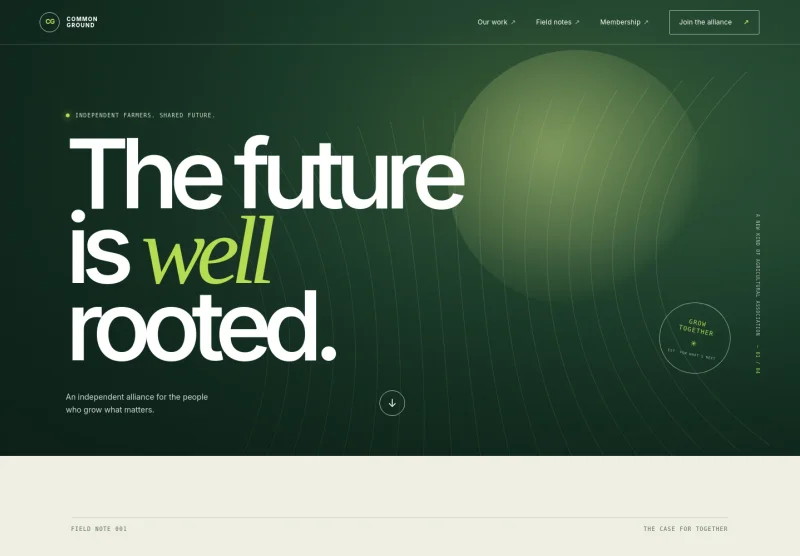
About this template
Help diners understand your sushi restaurant’s approach before they visit. This design introduces a seasonal omakase, explains how the catch guides the offering, and brings the counter experience into focus.
A dark, editorial layout pairs close-up food photography with clear sections on the dining ritual, seasonal dishes, sushi craft, and visiting. A prominent invitation to ask about a seat gives guests a direct next step.
Who it’s for
Sushi restaurants, omakase counters, and Japanese dining businesses that want to explain a seasonal offering, show their food and craft, and help prospective guests make contact.
What’s included
The page leads with sushi imagery and a concise introduction, then moves from the restaurant’s philosophy to seasonal examples, the chef’s craft, and visitor information. This sequence helps guests understand the experience before reaching the contact prompt.
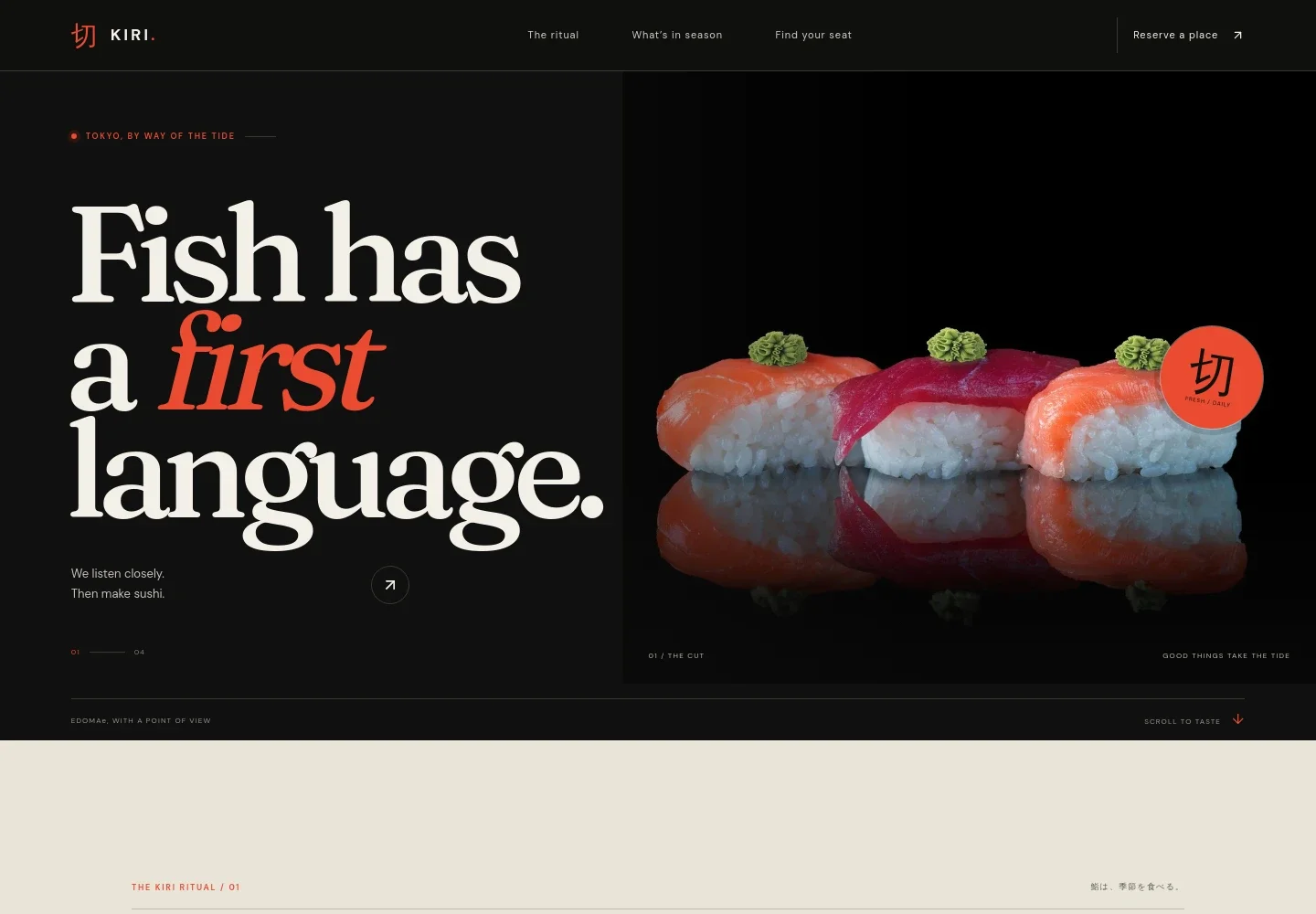
- Sushi-focused hero
- A prominent nigiri photograph, restaurant wordmark, and short statement introduce the sushi concept. Navigation points visitors to the ritual, seasonal offering, and visit details.
- Restaurant philosophy
- A dedicated section explains the seasonal approach, emphasizing that the offering follows what is ready rather than a fixed calendar.
- From tide to table
- Three concise steps describe the path from the day’s catch to careful handling and the finished sushi, giving guests a clear sense of the restaurant’s craft.
- Seasonal dish examples
- A list presents sample offerings including bluefin and scallop, with brief descriptions and Japanese fish terms. The section notes that the offering changes with the catch.
- Chef and counter experience
- A chef photograph accompanies copy about the focused counter setting and the direct relationship between the ingredients, the person preparing each piece, and the diner.
- Visit and contact details
- The closing section invites guests to ask about a seat and provides sample location, contact, and dining-style details, including a request to share dietary needs when getting in touch.
How to use this template
Open in Revamp
Click Use this template and sign in or create an account. You’ll start with your own copy of the design, ready to personalize.
Bring your content
Replace the sample text, photos, and logo with your own. Share your content, a document, or an existing website, and ask Revamp to adapt the template to your business.
Refine and publish
Ask Revamp to adjust the colors, layout, or sections, or edit directly on the page. Review desktop and mobile, then publish. You can keep making changes after launch.
Put your website to work
Make it easier for guests to reserve, manage dining inquiries, and stay informed about your restaurant. Ask Revamp to add or connect tools that fit your service.
-

Take reservations online
OpenTableGive guests a convenient way to choose a table time. Ask Revamp to add reservation booking with OpenTable.
-

Manage bookings and table flow
SevenRoomsOrganize reservations and guest details in one restaurant-focused system. Ask Revamp to connect your site with SevenRooms.
-

Keep guests updated
MailchimpShare seasonal menu news and restaurant announcements with your mailing list. Ask Revamp to connect Mailchimp.
Frequently asked questions
Is this template free?
Yes. This premium template is free to use when you select Use this template. The offer applies to the template itself.
Can I use my own restaurant content?
Yes. Ask Revamp to personalize the page with your restaurant name, food photography, menu details, seasonal offering, location, and contact information.
Do I need coding skills?
No. Ask Revamp to personalize the content and design for your restaurant without coding.
Can I change the design?
Yes. Ask Revamp to adjust the colors, imagery, typography, and layout to better reflect your restaurant and dining experience.
Can I keep editing after publishing?
Yes. You can keep editing after launch. Ask Revamp to update your content or design as your menu and restaurant details change.