About this template
Help visitors understand your technology offer, how it addresses complex operational challenges, and what to do next. This template presents a clear story through a platform overview, principles, practical questions, and a direct conversation prompt.
A bold editorial layout pairs concise messaging with an abstract systems illustration, a technology-focused image, and numbered capability cards. Field-note prompts give prospective clients concrete topics to consider, while the contact section makes it easy to begin a discussion.
Who it’s for
Technology companies, software and IT businesses, startups, and consultants explaining platforms, systems, or services to business decision-makers.
What’s included
The page moves from a concise technology proposition to platform capabilities, a human-centered point of view, practical business questions, and a direct contact invitation. Its structured sections help visitors follow the story without relying on unsupported performance claims.
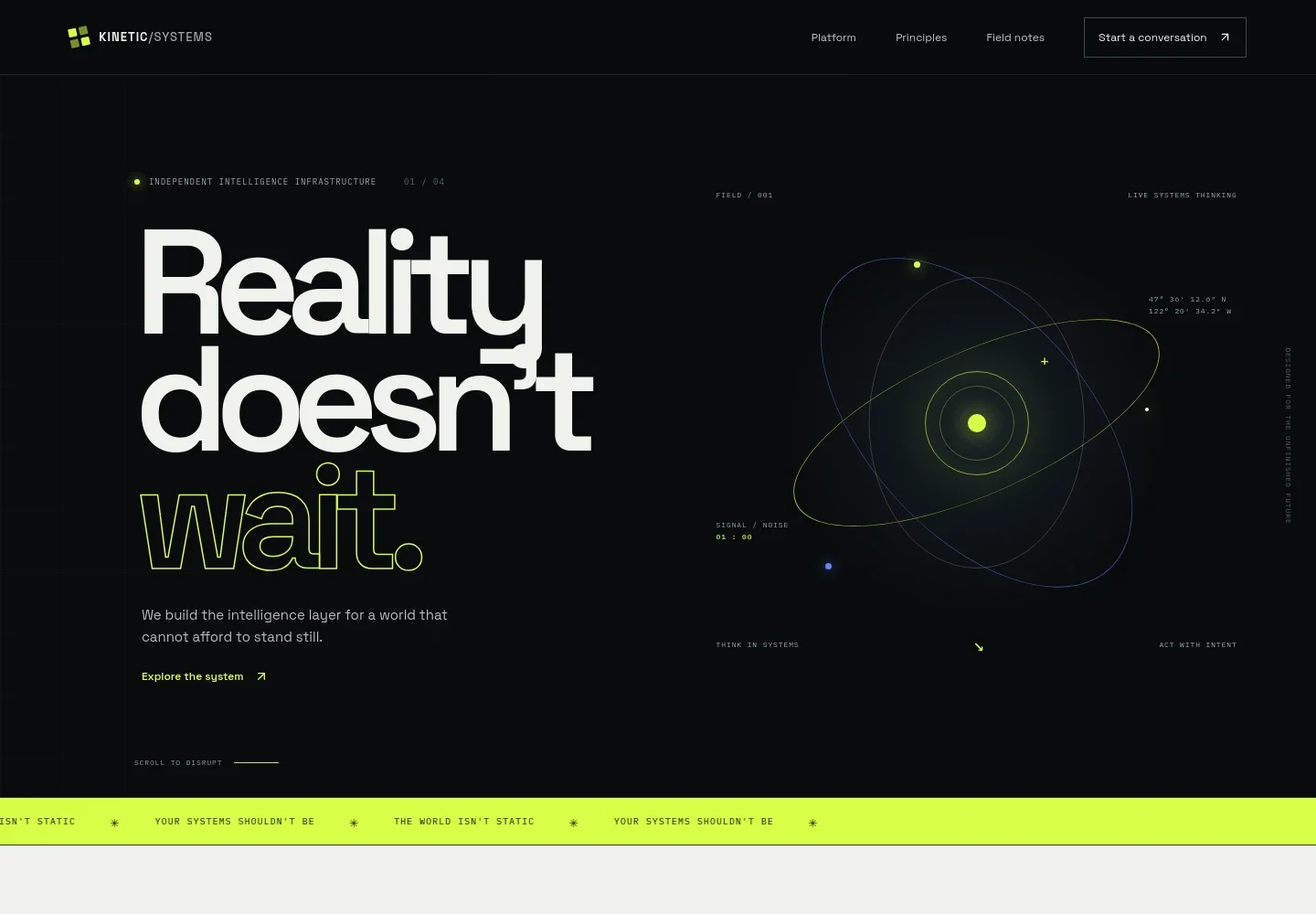
- Hero and navigation
- A prominent headline and supporting statement introduce the technology business, with navigation links to the platform, principles, field notes, and contact section. An abstract orbital illustration establishes a systems-oriented visual theme.
- Platform overview
- An introductory platform statement is followed by three numbered capability cards: Sense, Interpret, and Coordinate. This gives visitors a quick way to understand the stages of the offer.
- Principles and point of view
- A technology image sits alongside copy about keeping human judgment central and using systems to support better decisions. The section helps explain the business's approach, not just its technology.
- Field notes
- Three linked prompts address predictive intelligence, a shared operating picture, and where human judgment matters most. They give prospective clients useful starting points for considering their own challenges.
- Contact invitation
- A closing call to start a conversation gives interested visitors a clear next step, supported by an email contact link and a return-to-top link.
How to use this template
Open in Revamp
Click Use this template and sign in or create an account. You’ll start with your own copy of the design, ready to personalize.
Bring your content
Replace the sample text, photos, and logo with your own. Share your content, a document, or an existing website, and ask Revamp to adapt the template to your business.
Refine and publish
Ask Revamp to adjust the colors, layout, or sections, or edit directly on the page. Review desktop and mobile, then publish. You can keep making changes after launch.
Put your website to work
Give prospective customers a clearer route from interest to conversation. Ask Revamp to add or connect tools that support lead management, consultation scheduling, or product communications.
-

Organize prospective customer conversations
HubSpotKeep inquiries and follow-up activity organized in one place. Ask Revamp to add lead capture and contact management with HubSpot.
-

Let visitors schedule an introductory call
CalendlyMake it easier for potential clients to choose a meeting time. Ask Revamp to add consultation booking with Calendly.
-

Share product and company updates
MailchimpGive interested visitors a way to receive announcements and useful updates. Ask Revamp to add an email signup connected to Mailchimp.
Frequently asked questions
Is this template free?
Yes. This premium template is free to use when you select Use this template. The offer applies to the template, not hosting or other services.
Can I use my own content?
Yes. Ask Revamp to personalize the page with your company name, platform details, capabilities, imagery, and contact information.
Do I need coding skills?
No. Ask Revamp to make content and design changes in plain language, without coding.
Can I change the design?
Yes. Ask Revamp to adjust the layout, colors, typography, imagery, and other design details to suit your brand.
Can I keep editing after publishing?
Yes. You can keep editing your site after launch. Ask Revamp whenever you want to update its content or design.


