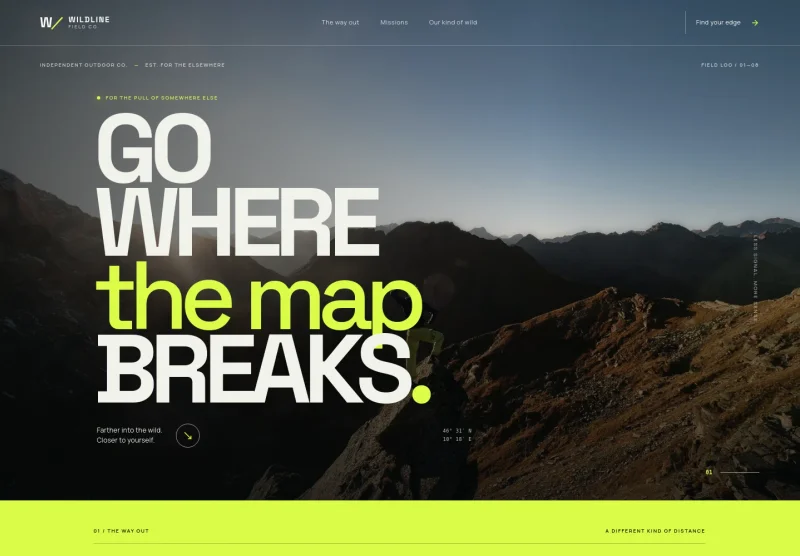
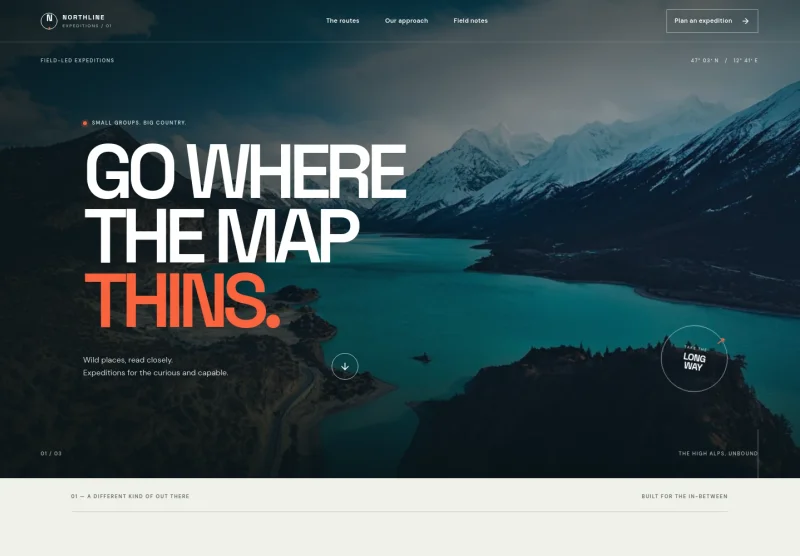
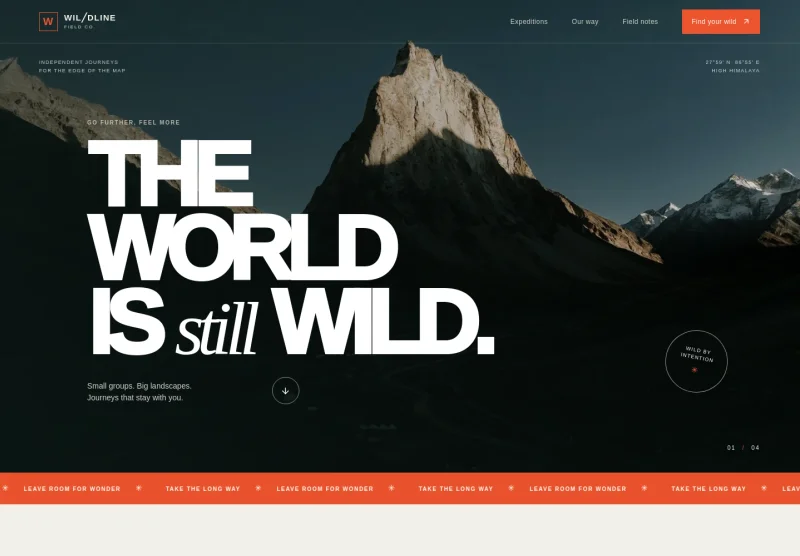
About this template
Help prospective trekkers understand your approach, get a feel for a featured route, and decide whether a journey suits their interests and fitness. The design gives space to route details, travel principles, preparation notes, and a clear invitation to ask about a trip.
Mountain imagery, field-style labels, and restrained typography create a considered setting for a trekking business. The example route describes an eight-day small-group journey from pine-scented valleys to a high pass, with difficulty and pace made easy to find.
Who it’s for
For trekking and hiking tour operators, mountain guides, and outdoor adventure businesses that want to present routes, explain their travel approach, and help visitors prepare before making an enquiry.
What’s included
The page takes visitors from the trekking philosophy to a sample route, practical preparation guidance, and an enquiry invitation. Its image-led mountain scenes and concise field notes make the experience and key planning details straightforward to scan.
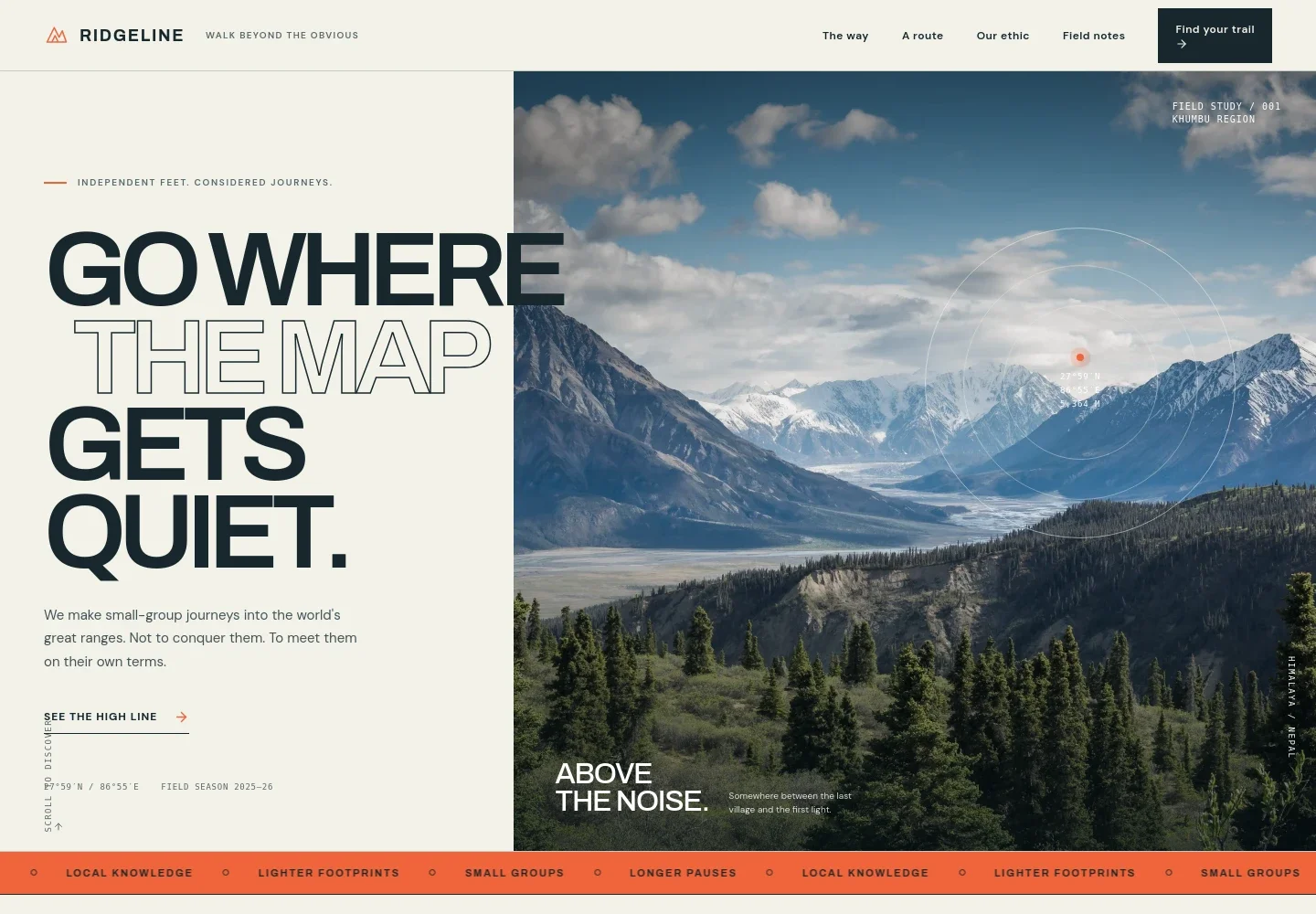
- Mountain-led hero
- A prominent mountain image, concise introduction, and links to the route and further details establish the trekking focus immediately.
- Travel approach
- An introductory section describes a steady pace, room to pause, and attention to the trail, helping visitors understand the operator's guiding philosophy.
- Featured route
- A sample high-line itinerary pairs a route description with its eight-day duration, moderate-to-challenging level, and small-group format. A note explains that routes may change with season, weather, and local advice.
- How we travel
- This section outlines small groups, a human pace, work with local mountain teams, respectful photography, and carrying out what the group brings in.
- Field notes
- Three preparation notes address fitness, altitude acclimatisation, and packing, including that kit guidance is tailored to route and season.
- Enquiry invitation and footer
- A closing message invites visitors to ask about routes, seasons, or trip suitability, followed by a simple branded footer.
How to use this template
Open in Revamp
Click Use this template and sign in or create an account. You’ll start with your own copy of the design, ready to personalize.
Bring your content
Replace the sample text, photos, and logo with your own. Share your content, a document, or an existing website, and ask Revamp to adapt the template to your business.
Refine and publish
Ask Revamp to adjust the colors, layout, or sections, or edit directly on the page. Review desktop and mobile, then publish. You can keep making changes after launch.
Put your website to work
Make trip planning and guest communication easier by asking Revamp to add booking, enquiry, or mailing-list tools suited to your trekking business.
-

Manage trip enquiries
HubSpotKeep prospective guest details and follow-ups organized. Ask Revamp to connect HubSpot for trekking enquiries.
-

Offer a time to talk
CalendlyLet prospective trekkers request a consultation slot. Ask Revamp to add consultation booking with Calendly.
-

Share trip updates
MailchimpSend seasonal route news and preparation information to interested travelers. Ask Revamp to connect Mailchimp for email updates.
Frequently asked questions
Is this trekking template free?
Yes. This premium template is free to use when you select Use this template. Free refers to the template.
Can I use my own trekking content?
Yes. Ask Revamp to personalize the route descriptions, trip details, imagery, contact information, and other content for your business.
Do I need coding skills?
No. Ask Revamp to personalize the content and design in plain language, without coding.
Can I change the design?
Yes. Ask Revamp to adjust the colors, imagery, typography, layout, and other design details to suit your trekking brand.
Can I keep editing after publishing?
Yes. You can keep asking Revamp to update your site after launch as your routes, seasons, and business information change.