About this template
Help prospective clients understand your wealth advisory approach, the services you provide, and how you start a conversation. The design brings investment strategy, wealth planning, and family legacy into one clear story.
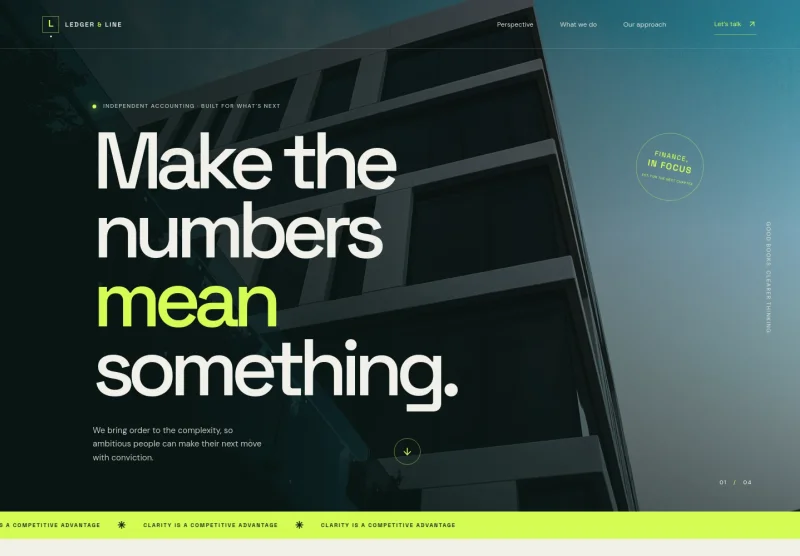
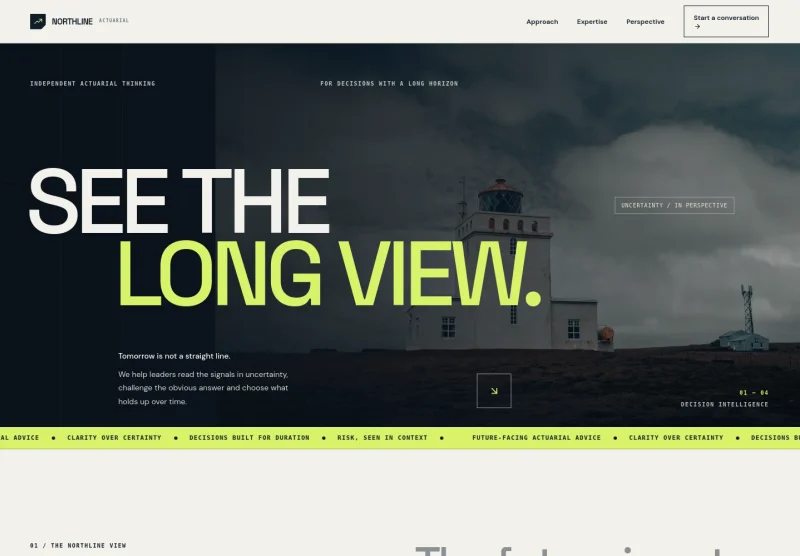
A long-view visual style pairs a striking architectural hero with concise editorial sections. Use the page to explain how your advice connects financial decisions to clients’ priorities, then guide visitors toward an introductory conversation.
Who it’s for
Independent wealth advisers, private wealth firms, financial planners, and investment advisory practices that want to explain their approach and services to prospective clients.
What’s included
The page moves from your advisory perspective to specific wealth services and a clear contact invitation. Its editorial layout gives complex topics room to breathe while helping visitors see what your firm does and how to begin.

- Hero and navigation
- A full-width photographic opening introduces the firm as independent wealth counsel, with navigation to the approach, stewardship, and perspective sections and a prominent conversation link.
- Our view
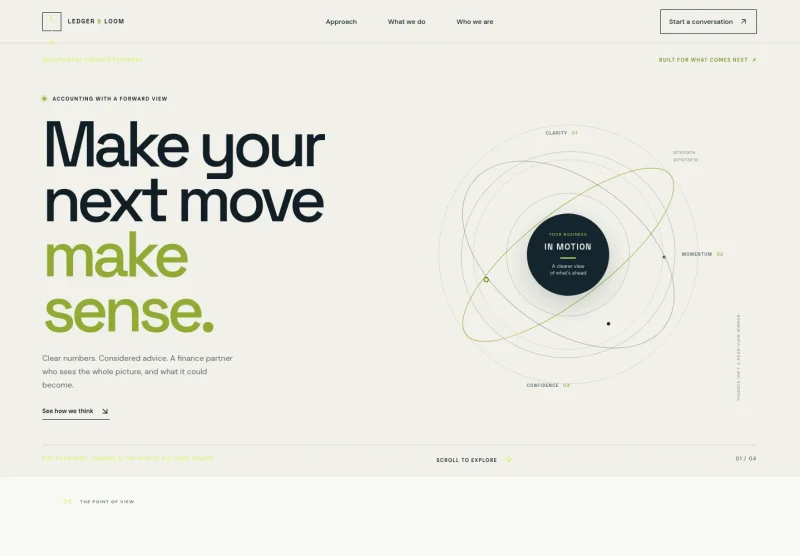
- Explain how your advice relates wealth decisions to clients’ people, plans, and possibilities. An abstract visual moves from market noise toward a clear direction, reinforcing the long-term perspective.
- Stewardship and services
- A service list gives visitors concrete areas to understand: investment strategy, wealth planning, and legacy and family. Each includes a short explanation, helping prospective clients see the range of topics your firm addresses.
- Perspective
- Share a guiding principle about advice that fits real life, supported by a concise point-of-view statement and themes of judgment, people, and the long term.
- Contact invitation
- Close with an introductory conversation prompt and a direct contact link. The layout encourages visitors to begin with the questions that matter to them.
How to use this template
Open in Revamp
Click Use this template and sign in or create an account. You’ll start with your own copy of the design, ready to personalize.
Bring your content
Replace the sample text, photos, and logo with your own. Share your content, a document, or an existing website, and ask Revamp to adapt the template to your business.
Refine and publish
Ask Revamp to adjust the colors, layout, or sections, or edit directly on the page. Review desktop and mobile, then publish. You can keep making changes after launch.
Put your website to work
Make it easier to arrange introductory meetings and manage prospective client relationships. Ask Revamp to add connections to tools that suit your firm’s process.
-

Book introductory meetings
CalendlyGive prospective clients a convenient way to choose a meeting time. Ask Revamp to add consultation booking with Calendly.
-

Organize prospect follow-up
HubSpotKeep track of inquiries and follow-up conversations in one place. Ask Revamp to connect your site’s inquiry flow with HubSpot.
-

Coordinate meeting availability
Google CalendarHelp visitors find a suitable time for a conversation. Ask Revamp to add meeting availability with Google Calendar.
Frequently asked questions
Is this template free?
Yes. This premium template is free to use through Use this template. Free refers to the template itself, not hosting or other services.
Can I use my own content?
Yes. Ask Revamp to personalize the page with your firm’s name, services, approach, images, and contact details.
Do I need coding skills?
No coding skills are needed. Ask Revamp to personalize the content and design for your firm.
Can I change the design?
Yes. Ask Revamp to adjust the visual style, layout, colors, or imagery to better reflect your practice.
Can I keep editing after publishing?
Yes. You can keep making changes after launch by asking Revamp to update your content or design.