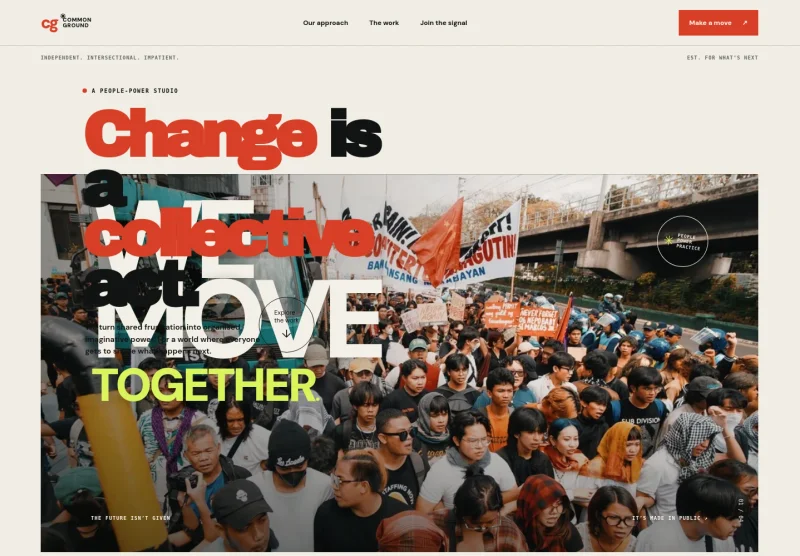
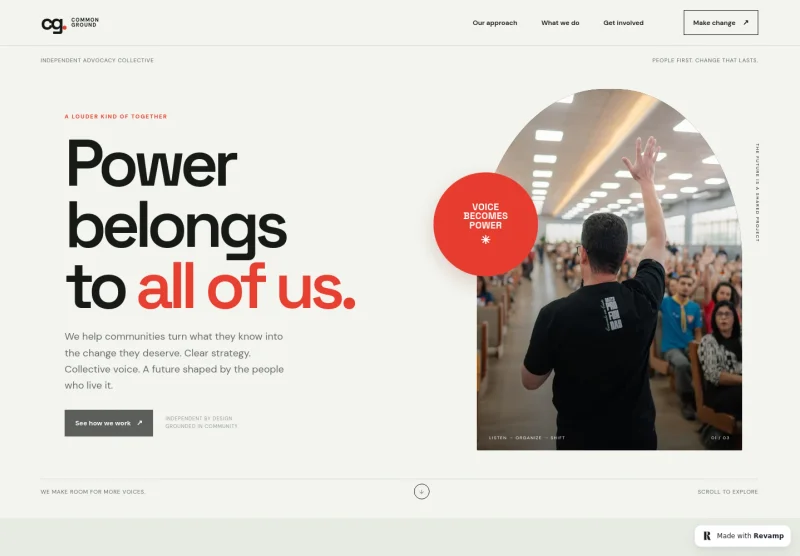
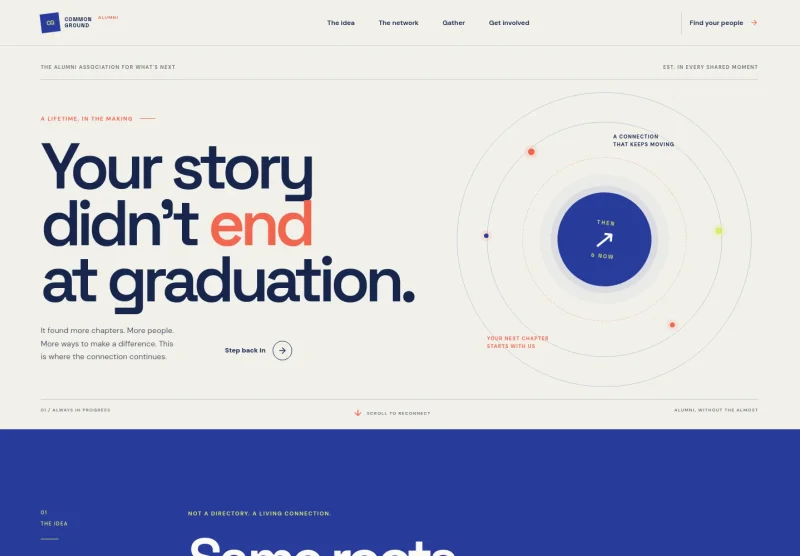
About this template
Help visitors understand your trust’s approach, the kinds of support it offers, and how people can take a first step. This design introduces practical help, community connection, and one-to-one guidance in clear, people-focused language.
A warm editorial layout pairs prominent photography with concise sections on your principles, support areas, and ways to get involved. The clear path from learning about the trust to starting a conversation helps visitors find information without losing sight of the human purpose behind it.
Who it’s for
Welfare trusts, charitable foundations, and community support organizations that want to explain their approach, make services easier to understand, and invite people to reach out or participate.
What’s included
The page moves from the trust’s purpose and principles to practical support areas and a clear invitation to connect, giving visitors an approachable overview of the organization.
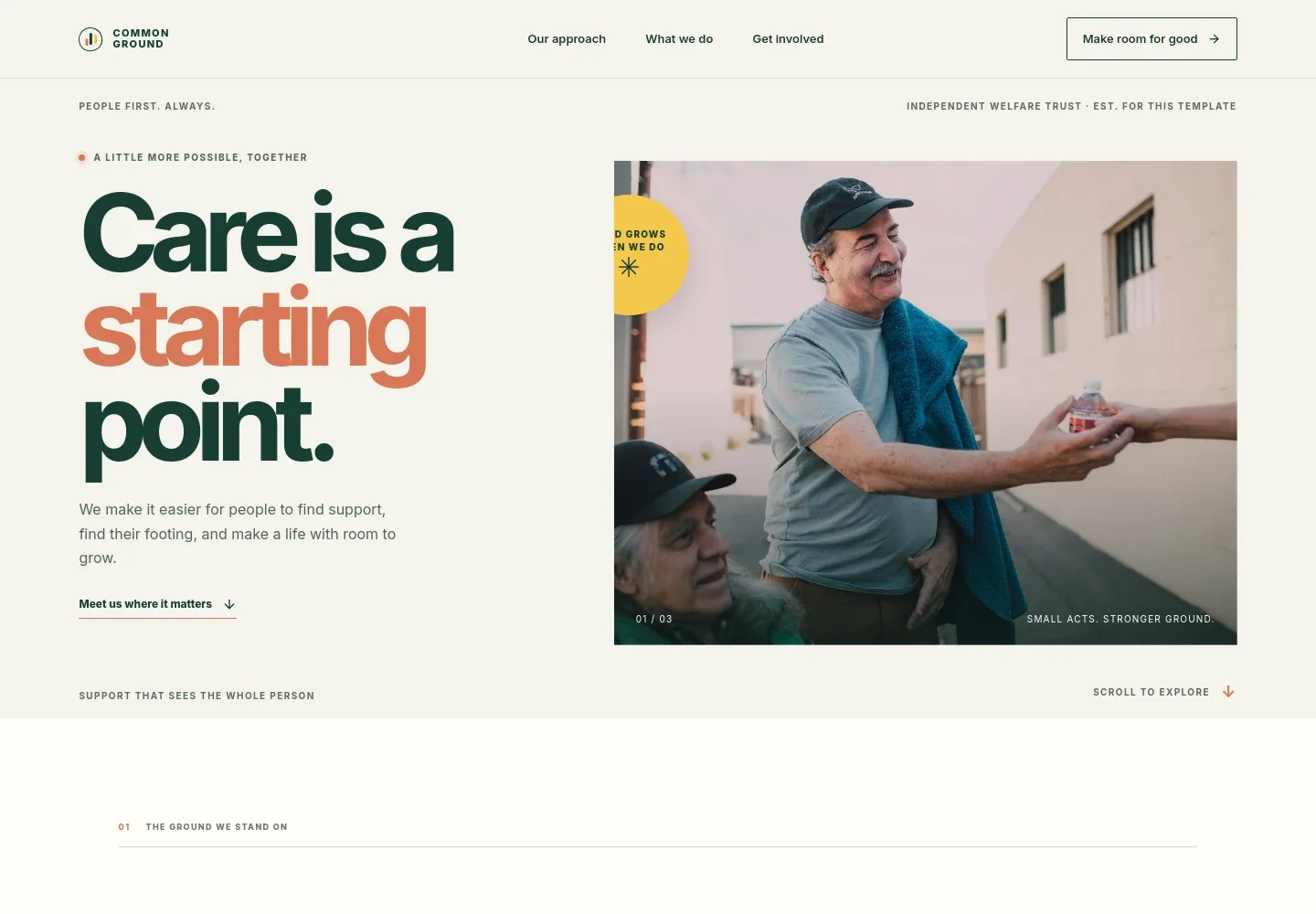
- Purpose-led introduction
- A large headline, community photograph, and short introduction establish a people-first welfare mission and set the tone for the rest of the page.
- Approach and principles
- An overview explains the trust’s listening-led approach, followed by three principles focused on understanding people, clarifying next steps, and providing continuing support.
- Care in practice
- A photo-led story section describes the value of listening and helping someone make a plan that feels right for them.
- Support areas
- Three entries outline help with everyday essentials and local support, welcoming spaces for connection, and one-to-one guidance for future steps.
- Get involved and contact
- A closing section invites people seeking support and those wishing to contribute to start a conversation, with a contact link that can be personalized.
- Footer navigation
- The footer repeats the trust identity and provides a return-to-top link, keeping the page’s navigation simple.
How to use this template
Open in Revamp
Click Use this template and sign in or create an account. You’ll start with your own copy of the design, ready to personalize.
Bring your content
Replace the sample text, photos, and logo with your own. Share your content, a document, or an existing website, and ask Revamp to adapt the template to your business.
Refine and publish
Ask Revamp to adjust the colors, layout, or sections, or edit directly on the page. Review desktop and mobile, then publish. You can keep making changes after launch.
Put your website to work
Make it easier to coordinate community support, manage contributions, and keep supporters informed. Ask Revamp to add connections with tools suited to your trust’s needs.
-

Coordinate volunteers and community programs
Salesforce Nonprofit CloudKeep volunteer records, communications, and program participation organized. Ask Revamp to add volunteer management with Salesforce Nonprofit Cloud.
-

Collect online donations
DonorboxGive supporters a familiar way to contribute online. Ask Revamp to add donation processing with Donorbox.
-

Send updates to supporters
MailchimpShare news, campaign updates, and invitations with your community. Ask Revamp to add email communications with Mailchimp.
Frequently asked questions
Is this template free?
Yes. This premium template is free to use through Use this template. Free refers to the template itself, not hosting or other services.
Can I use my own content?
Yes. Ask Revamp to personalize the page with your trust’s name, mission, support information, imagery, and contact details.
Do I need coding skills?
No. You can ask Revamp to personalize the content and design without coding.
Can I change the design?
Yes. Ask Revamp to adjust the layout, colors, imagery, and other design details to suit your organization.
Can I keep editing after publishing?
Yes. You can keep editing after launch. Ask Revamp to make updates as your trust’s programs, information, or design needs change.