About this template
Help prospective learners understand your academy’s approach, the skills you teach, and how learning can lead to a practical next step. The design introduces a hands-on learning studio for curious professionals and makers, with clear sections on its teaching approach, learning pathway, sample sprint, and subject areas.
The page moves from the academy’s purpose to a three-step learning journey, then gives a concrete example of a four-week sprint and a list of learning themes. A closing contact section invites visitors to share what they are curious about, making it easier to start a conversation even when they are still shaping their goals.
Who it’s for
Independent academies, professional learning studios, and education businesses that teach practical skills through guided practice and community learning.
What’s included
The layout helps visitors see what the academy teaches, how its learning experience unfolds, and where to begin. Numbered sections, concise descriptions, and a prominent contact invitation give prospective learners a clear path from interest to inquiry.
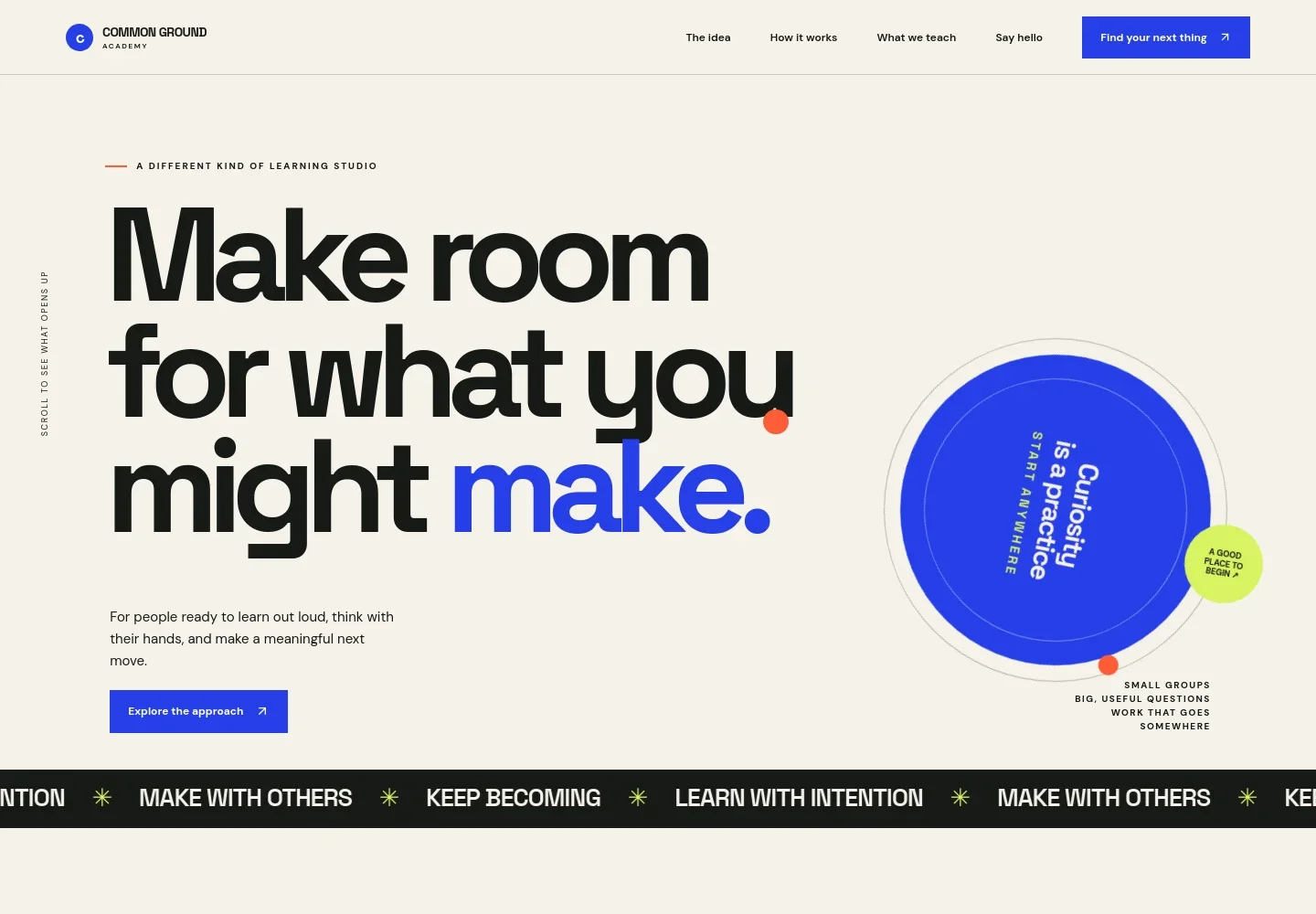
- Academy introduction
- A distinctive headline and short introduction frame the academy as a learning studio for people ready to explore a new direction. Supporting details highlight small groups, useful questions, and practical work.
- The idea
- Explains the academy’s view of learning as more than collecting information, with an introduction for curious professionals, makers, and people considering a new kind of work.
- Learning pathway
- A three-step sequence takes visitors from choosing a question to making something and deciding where to take their learning next.
- Sample learning sprint
- Presents a four-week example in which learners bring a real challenge, frame the problem, try practical tools, test an idea, and shape their learning into something shareable.
- Subjects and skills
- Four topic rows introduce creative confidence, designing better work, making with emerging tools, and learning in community, each with a short explanation.
- Academy belief
- A prominent statement about beginning before having a perfect plan adds a personal note and reinforces the welcoming tone.
- Contact invitation and footer
- The closing section invites prospective learners to write about what interests them, followed by the academy name and a return-to-top link.
How to use this template
Open in Revamp
Click Use this template and sign in or create an account. You’ll start with your own copy of the design, ready to personalize.
Bring your content
Replace the sample text, photos, and logo with your own. Share your content, a document, or an existing website, and ask Revamp to adapt the template to your business.
Refine and publish
Ask Revamp to adjust the colors, layout, or sections, or edit directly on the page. Review desktop and mobile, then publish. You can keep making changes after launch.
Put your website to work
Make it easier to coordinate learning, manage course operations, and stay in touch with prospective learners. Ask Revamp to add connections that suit how your academy runs its programs.
-

Schedule learner conversations
CalendlyGive prospective learners a straightforward way to book an introductory conversation. Ask Revamp to add appointment booking with Calendly.
-

Organize course operations
ThinkificKeep course schedules, learner records, and program administration together. Ask Revamp to connect your academy with Thinkific.
-

Keep interested learners informed
MailchimpShare course announcements and useful updates with people who want to hear from your academy. Ask Revamp to add email marketing with Mailchimp.
Frequently asked questions
Is this academy template free?
Yes. This premium template is free to use through Use this template. The offer is for the template itself.
Can I use my own academy content?
Yes. Ask Revamp to personalize the copy, subjects, course details, contact information, and other content for your academy.
Do I need coding skills?
No coding skills are needed. Ask Revamp to make content and design changes in plain language.
Can I change the design?
Yes. Ask Revamp to adjust the layout, colors, typography, and other design details to fit your academy.
Can I keep editing after publishing?
Yes. You can keep making changes after launch. Ask Revamp to update your content or design as your academy develops.