About this template
Help contractors and site managers understand what equipment you rent and how to start a conversation about a job. The page organizes the fleet by type of work, from earthmoving and lifting to material handling and grading.
A dark, high-contrast industrial design pairs large equipment photography with concise fleet descriptions and practical guidance about matching machinery to site conditions. Visitors can also read how your rental approach works and send an inquiry.
Who it’s for
Built for construction equipment rental businesses serving contractors, project managers, and site crews who need to identify suitable machinery and discuss their job requirements.
What’s included
The page moves from an equipment-focused introduction to fleet categories, rental approach, practical selection guidance, and a direct contact prompt. Its clear sections help visitors understand what you rent and what details to share when making an inquiry.
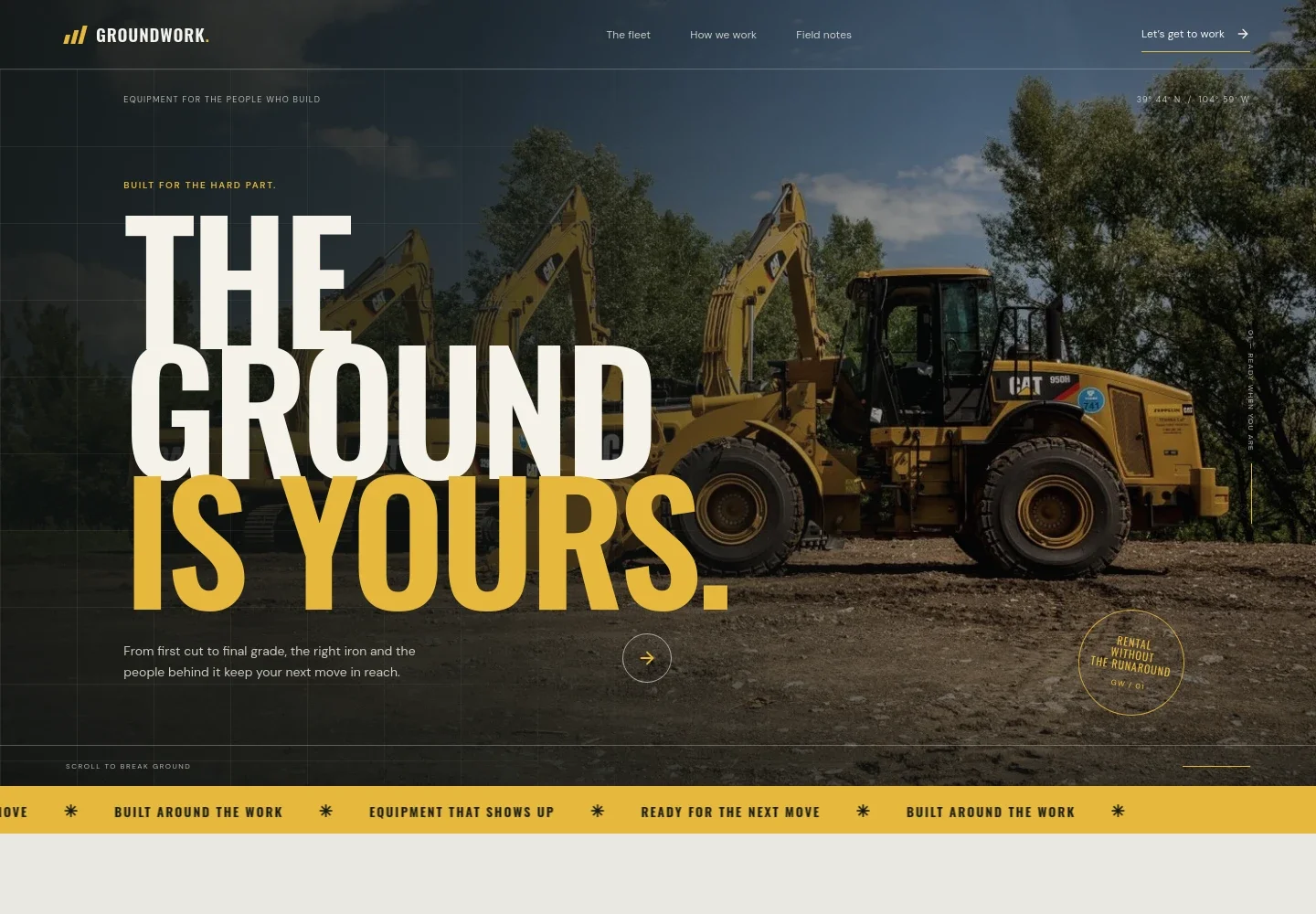
- Equipment rental hero
- A prominent equipment image, direct headline, and short introduction establish the rental focus. A clear link leads visitors to the fleet.
- The fleet
- Introduces ground-moving equipment such as excavators, loaders, dozers, and attachments, followed by categories for lifting and placing, moving material, and finishing the grade.
- How we work
- Explains a site-first rental approach through three principles: ask about site conditions, prepare equipment and practical details, and help customers think through changing project needs.
- Field notes
- A practical guide encourages visitors to discuss the task, reach, ground conditions, and overhead clearance before choosing equipment. An accompanying image and short editorial-style quote reinforce the section.
- Contact
- A closing inquiry prompt asks visitors to share the job, timeline, and requirements, with a button that starts an email conversation.
How to use this template
Open in Revamp
Click Use this template and sign in or create an account. You’ll start with your own copy of the design, ready to personalize.
Bring your content
Replace the sample text, photos, and logo with your own. Share your content, a document, or an existing website, and ask Revamp to adapt the template to your business.
Refine and publish
Ask Revamp to adjust the colors, layout, or sections, or edit directly on the page. Review desktop and mobile, then publish. You can keep making changes after launch.
Put your website to work
Keep equipment availability, rental inquiries, and customer follow-up organized by asking Revamp to connect tools that support your rental operation.
-

Manage rental inventory and orders
Point of RentalKeep equipment availability and rental orders in one operational system. Ask Revamp to connect your rental catalog and order workflow with Point of Rental.
-

Coordinate equipment and service records
TexadaTrack equipment, maintenance, and rental activity in a system designed for equipment businesses. Ask Revamp to connect your website inquiries with Texada.
-

Capture and organize prospective customer inquiries
HubSpotKeep conversations and follow-up tasks together as rental prospects get in touch. Ask Revamp to add inquiry management with HubSpot.
Frequently asked questions
Is this template free?
Yes. This premium template is free to use through Use this template. The offer is for the template itself.
Can I use my own content?
Yes. Ask Revamp to personalize the page with your business name, equipment, rental details, location, contact information, and images.
Do I need coding skills?
No coding skills are needed. Ask Revamp to make content and design changes in plain language.
Can I change the design?
Yes. Ask Revamp to adjust the colors, typography, imagery, layout, or other design details to suit your rental business.
Can I keep editing after publishing?
Yes. You can keep asking Revamp to update your content and design after your site is published.


