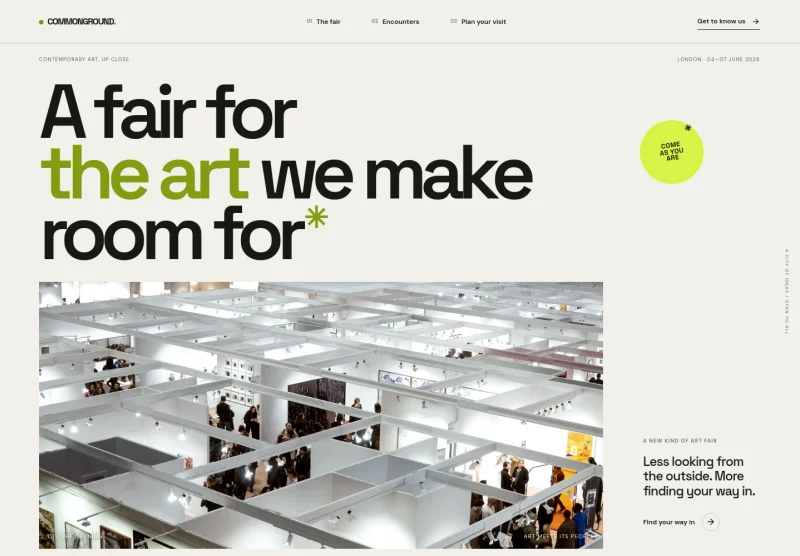
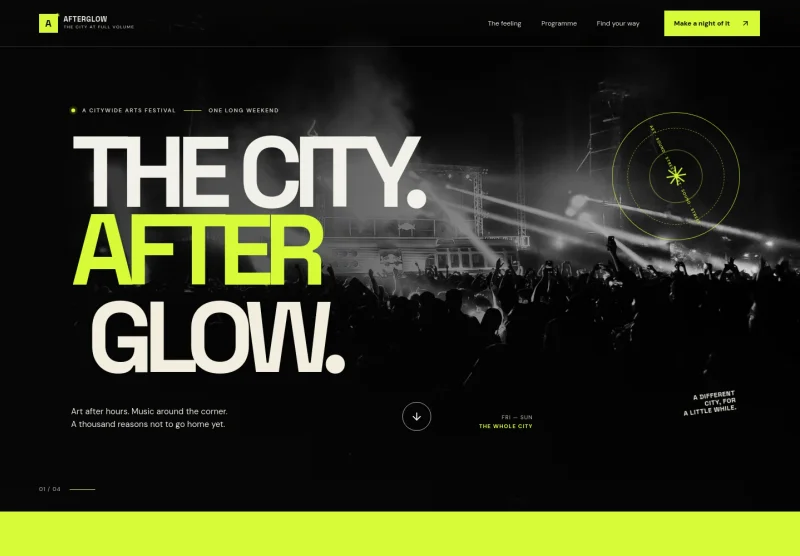
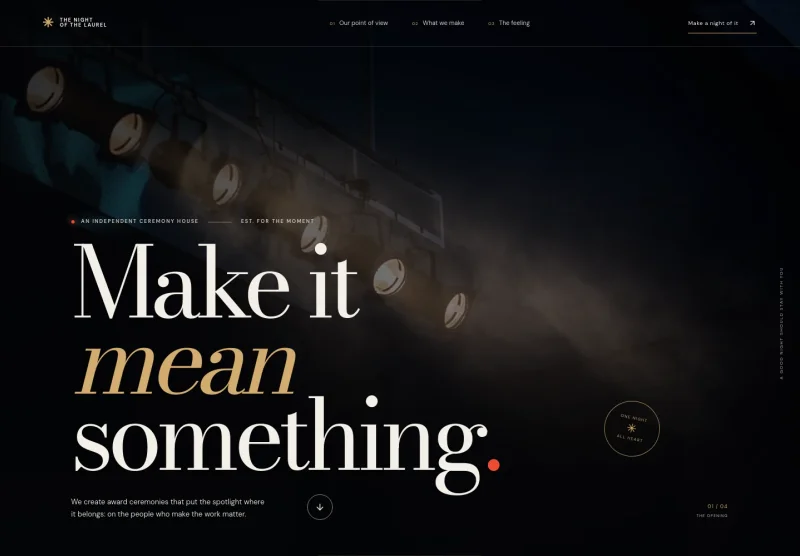
About this template
Give visitors a clear view of your fashion week editorial project, from runway moments to the street style and city activity around the shows. The design presents the week as a sequence of dispatches, observations and ideas, rather than a schedule alone.
A dramatic runway image leads into sections for the week’s editorial premise, a featured field note, the rhythm of a day, your point of view and a contact invitation. The high-contrast typography, photography and numbered sections help readers follow the story and find a way to join the conversation.
Who it’s for
For fashion week organizers, editorial teams, fashion publications, event producers and creative communities presenting a fashion week or fashion-focused editorial project.
What’s included
The completed design is an editorial-style fashion week site, with bold display type, prominent photography and a clear progression from the season’s premise to stories, point of view and contact.
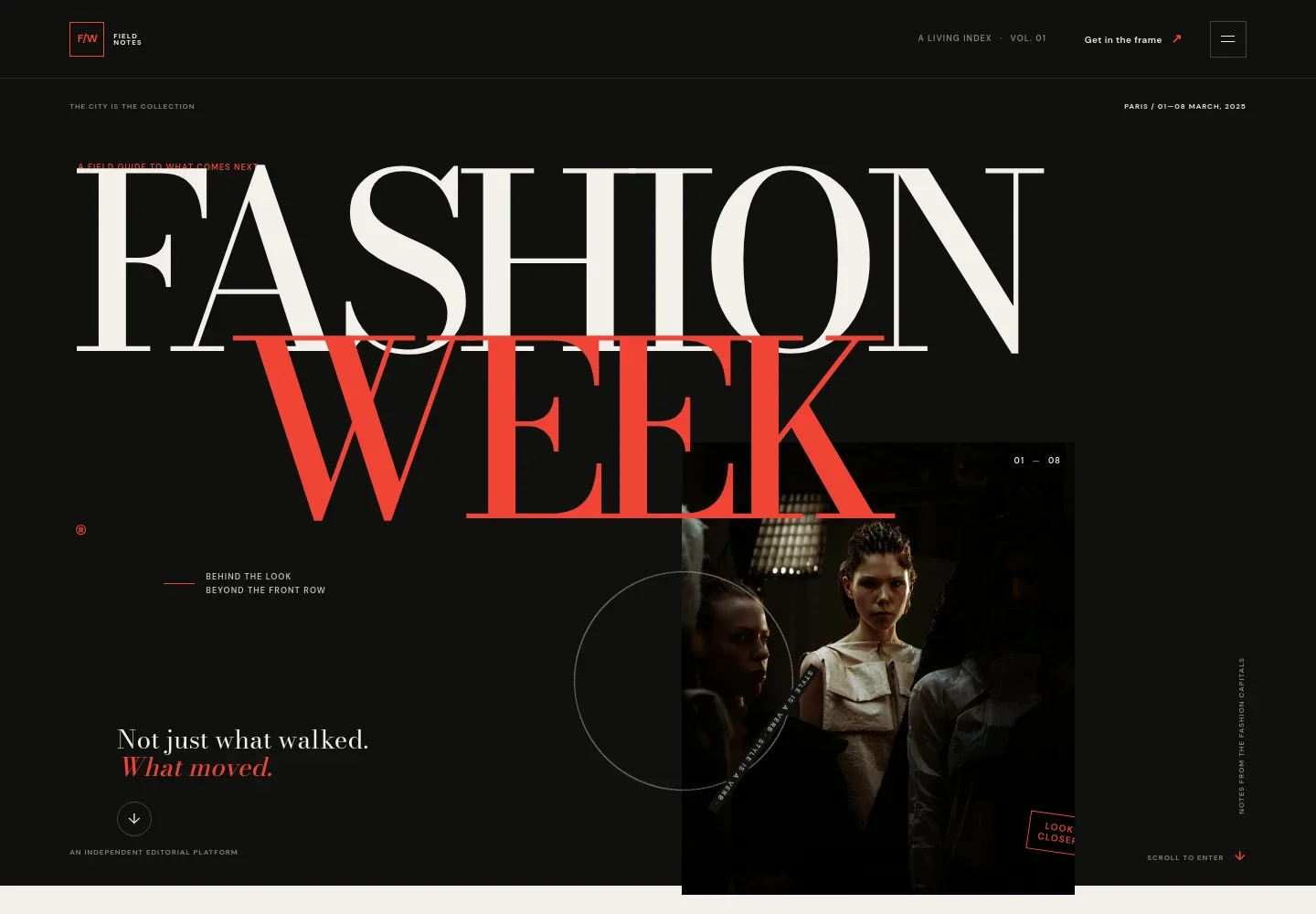
- Editorial hero
- A large fashion week headline sits alongside a runway photograph, edition label, city and date line, and a link leading into the week’s content.
- The week
- Introduces the editorial focus beyond the catwalk, with copy about studios, streets and ideas, plus a link to the dispatches.
- Featured dispatch
- Pairs a city photograph with a field note, editorial headline, story text and a link to the point of view section.
- The rhythm
- Shows three moments across a fashion week day, from the first look to the in-between and the afterimage, in a simple timeline.
- Point of view
- A prominent editorial statement and supporting note give the publication a place to explain its perspective on fashion week.
- Come closer
- Invites designers, image-makers, show-goers and curious readers to start a conversation through an email link.
- Footer navigation
- Closes with the Field Notes identity, a back-to-top link and a short editorial tagline.
How to use this template
Open in Revamp
Click Use this template and sign in or create an account. You’ll start with your own copy of the design, ready to personalize.
Bring your content
Replace the sample text, photos, and logo with your own. Share your content, a document, or an existing website, and ask Revamp to adapt the template to your business.
Refine and publish
Ask Revamp to adjust the colors, layout, or sections, or edit directly on the page. Review desktop and mobile, then publish. You can keep making changes after launch.
Put your website to work
Make it easier to coordinate an event calendar, collect industry contacts and share editorial updates. Ask Revamp to add or connect tools that suit how your team works.
-

Coordinate event dates
Google CalendarKeep show times and related commitments organized across a busy week. Ask Revamp to connect Google Calendar for event scheduling.
-

Manage fashion industry relationships
HubSpotKeep track of conversations with designers, press, venues and partners. Ask Revamp to connect HubSpot for contact management.
-

Send editorial updates
MailchimpShare dispatches and event news with readers who want to stay in the loop. Ask Revamp to connect Mailchimp for email campaigns.
Frequently asked questions
Is this template free?
Yes. This premium template is free to use when you select Use this template. Free refers to the template itself.
Can I use my own content?
Yes. Ask Revamp to personalize the copy, images, event details, links and contact information for your fashion week or editorial project.
Do I need coding skills?
No. Ask Revamp to personalize the content and design in natural language, without coding.
Can I change the design?
Yes. Ask Revamp to adjust the colors, typography, imagery, sections and overall presentation to suit your project.
Can I keep editing after publishing?
Yes. You can keep asking Revamp to update your content and design after launch.