About this template
Help engineers and procurement teams understand your casting approach, capabilities, and material options. The page moves from an introduction to a clear process, then details engineering, prototyping, production casting, finishing, and machining.
A dark industrial palette, strong typography, abstract molten-metal hero artwork, and a close-up metal image give the design a technical feel. Clear section navigation and a closing conversation prompt help visitors find relevant information and start discussing a project.
Who it’s for
Foundries, metal casting manufacturers, and industrial teams presenting casting, engineering, prototyping, production, machining, or finishing services to engineers, product designers, and procurement professionals.
What’s included
The page presents a foundry through its engineering approach, production capabilities, and material considerations, with a direct prompt for visitors to discuss a project.
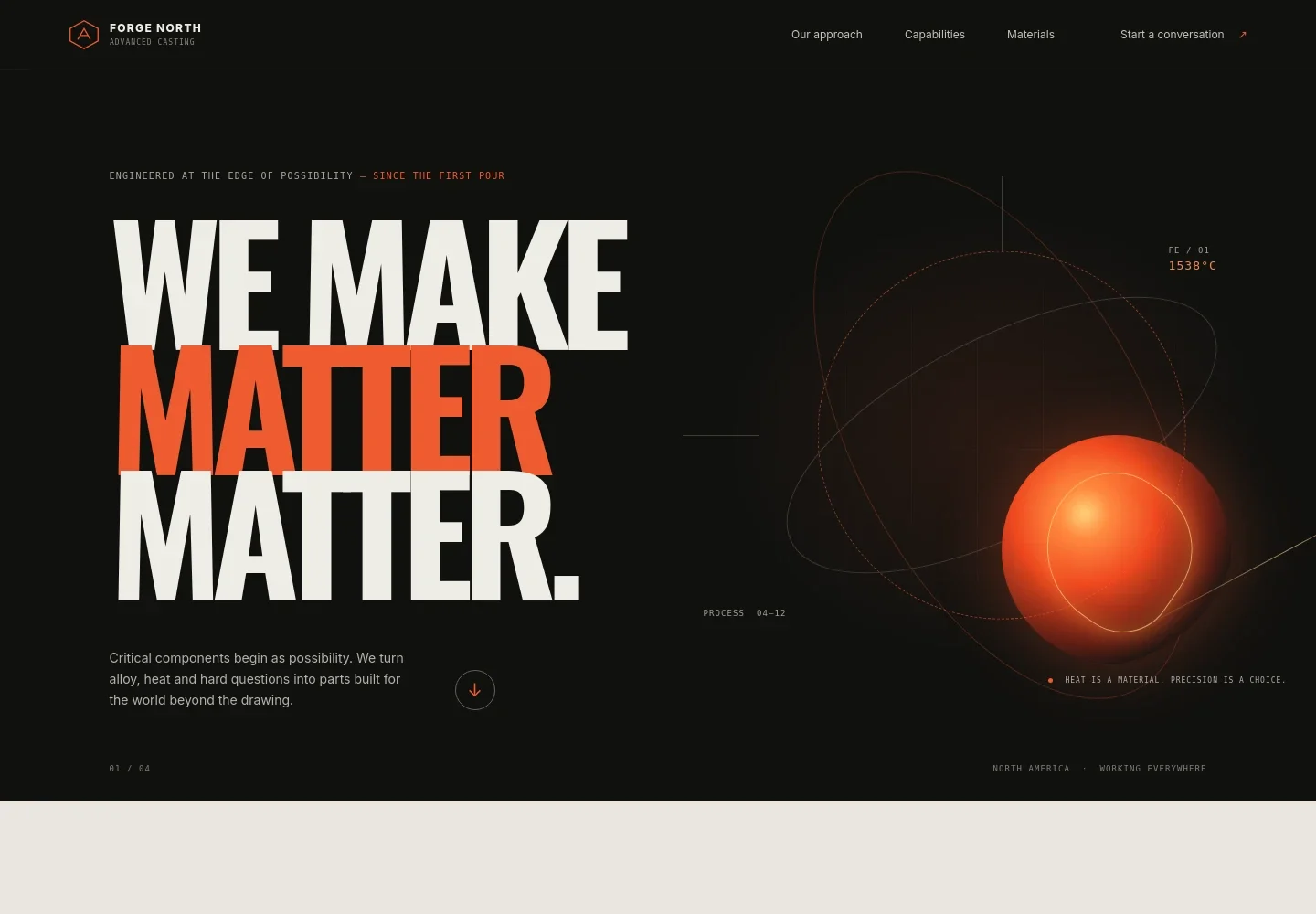
- Hero and navigation
- A branded header links to the approach, capabilities, and materials sections. The hero pairs a concise casting message with abstract molten-metal artwork and a link into the page.
- Approach
- An introduction explains why casting decisions matter in a finished machine and emphasizes considering metallurgical factors early in part development.
- Process
- Three steps describe listening to the component's needs, designing with manufacturability in mind, and using prototyping and inspection to inform production.
- Capabilities
- A service list covers design and engineering, prototype and validation, production casting, and finishing and machining, with a brief description of each.
- Materials
- A metal-component image accompanies a comparison of aluminum, ductile iron, and steel, with concise notes on material properties and a prompt to discuss application-specific trade-offs.
- Project contact
- The closing section invites visitors to share a drawing, constraint, or project problem and start a conversation.
- Footer
- A compact footer repeats the brand and provides a link back to the top of the page.
How to use this template
Open in Revamp
Click Use this template and sign in or create an account. You’ll start with your own copy of the design, ready to personalize.
Bring your content
Replace the sample text, photos, and logo with your own. Share your content, a document, or an existing website, and ask Revamp to adapt the template to your business.
Refine and publish
Ask Revamp to adjust the colors, layout, or sections, or edit directly on the page. Review desktop and mobile, then publish. You can keep making changes after launch.
Put your website to work
Make it easier to handle project inquiries, track customer conversations, and organize production planning. Ask Revamp to add or connect tools that suit your foundry's workflow.
-

Track project inquiries
HubSpotKeep prospective customer conversations and follow-ups organized. Ask Revamp to add lead management with HubSpot.
-

Coordinate production planning
KatanaOrganize production schedules and resources in one planning system. Ask Revamp to connect your page with Katana.
-

Manage customer and supplier records
Zoho CRMKeep business contacts and related communication accessible to your team. Ask Revamp to connect your page with Zoho CRM.
Frequently asked questions
Is this template free?
Yes. This premium template is free to use when you select Use this template. This applies to the template itself, not hosting or other services.
Can I use my own content?
Yes. Ask Revamp to personalize the page with your foundry's name, casting services, materials, project information, and contact details.
Do I need coding skills?
No. Ask Revamp to personalize the content and design in plain language, without coding.
Can I change the design?
Yes. Ask Revamp to adjust the colors, typography, imagery, layout, and other design details to suit your business.
Can I keep editing after publishing?
Yes. You can keep asking Revamp to update your content and design after launch.


