About this template
Help prospective patients understand your approach to primary care, the services you offer, and how to begin a conversation. The design puts whole-person care and thoughtful, evidence-led medicine at the center.
A considered editorial layout pairs clear service descriptions with patient-focused guidance, practical first-visit information, and a direct contact area. Ask Revamp to personalize the copy, imagery, details, and design for your practice.
Who it’s for
Independent physicians, internists, and primary care practices looking for a clear way to introduce their care approach, explain services, and help prospective patients know what to expect.
What’s included
The page guides visitors from your care philosophy to specific services, practical visit information, and contact details. Its structured sections make a physician's approach easier to understand before a first conversation.
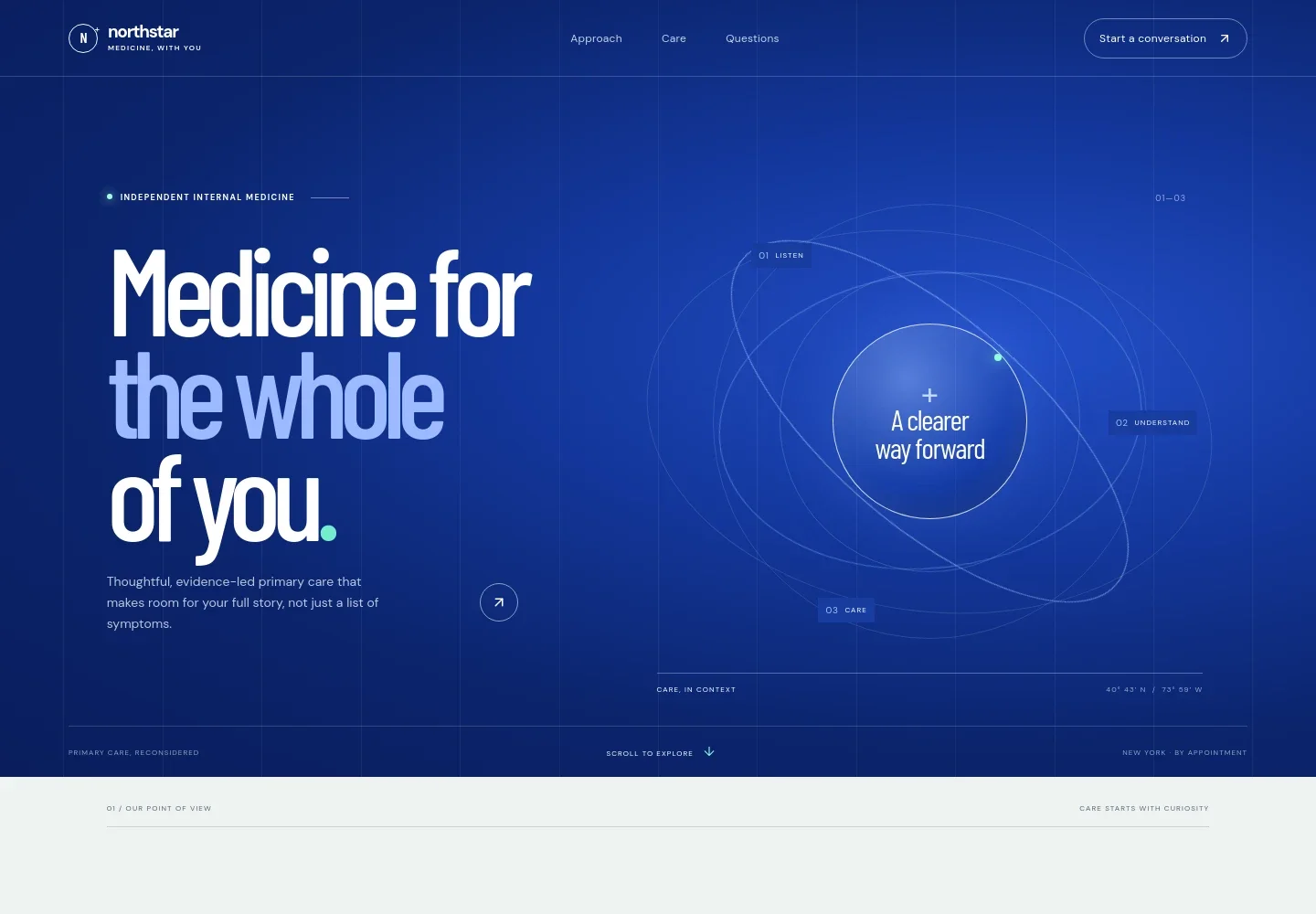
- Practice introduction
- A prominent hero introduces independent internal medicine and whole-person primary care, with a concise statement of the practice's approach and a link to learn more.
- Care philosophy
- A dedicated approach section explains why patient history, habits, relationships, and priorities belong in the conversation.
- Care services
- Three service entries describe preventive care, ongoing health support, and whole-person reviews, helping visitors see the areas of care at a glance.
- How care works
- A three-step sequence outlines listening, making sense of symptoms and context, and choosing a practical next step together.
- Patient conversation
- A photo-led section reinforces the practice's listening-first approach and invites visitors to bring questions or concerns.
- Patient questions
- Expandable answers cover what happens at a first visit, bringing a list of concerns, coordinating with other clinicians, and getting in touch.
- Contact details
- The closing contact area has space for email, location, phone, and appointment information, giving visitors a clear place to find next steps.
How to use this template
Open in Revamp
Click Use this template and sign in or create an account. You’ll start with your own copy of the design, ready to personalize.
Bring your content
Replace the sample text, photos, and logo with your own. Share your content, a document, or an existing website, and ask Revamp to adapt the template to your business.
Refine and publish
Ask Revamp to adjust the colors, layout, or sections, or edit directly on the page. Review desktop and mobile, then publish. You can keep making changes after launch.
Put your website to work
Appointment and practice-management tools can help patients take the next step and help your team manage day-to-day practice work. Ask Revamp to add or connect tools that fit your preferred workflow.
-

Make appointment requests easier
ZocdocGive patients a straightforward way to request a visit. Ask Revamp to add appointment booking with Zocdoc.
-

Organize patient records and practice tasks
athenahealthBring clinical documentation and practice administration into a dedicated system. Ask Revamp to connect your practice with athenahealth.
-

Manage appointments and patient communications
TebraSupport scheduling and everyday patient communication with practice-management software. Ask Revamp to connect your practice with Tebra.
Frequently asked questions
Is this template free?
Yes. This premium template is free to use when you select Use this template. The offer applies to the template, not hosting or other services.
Can I use my own content?
Yes. Ask Revamp to personalize the text, images, service descriptions, practice details, and contact information for your practice.
Do I need coding skills?
No coding skills are needed. Ask Revamp to personalize the content and design in plain language.
Can I change the design?
Yes. Ask Revamp to adjust the layout, colors, typography, imagery, and other design details to suit your practice.
Can I keep editing after publishing?
Yes. You can keep editing after launch. Ask Revamp to update your content or design as your practice changes.


