About this template
Help machinists and manufacturing buyers understand your cutting tools, how they are designed for different operations, and how to start a conversation about a specific application. The page presents end mills, drills, and threading tools with concise descriptions and visible product specifications.
The design pairs a bold industrial identity with technical details such as material, geometry, coating, and tool dimensions. Its editorial sections explain the company’s point of view on tooling, while the contact section invites visitors to share their material, machine, or machining challenge.
Who it’s for
Tool manufacturers and industrial cutting-tool brands serving machinists, machine shops, and manufacturing buyers who need to compare tooling categories or discuss an application.
What’s included
The page guides visitors from a strong precision-tooling introduction to product categories, manufacturing principles, and a direct contact invitation. Technical callouts and clear product rows make the offering easier to scan, while the restrained palette and tool illustrations establish an industrial feel.
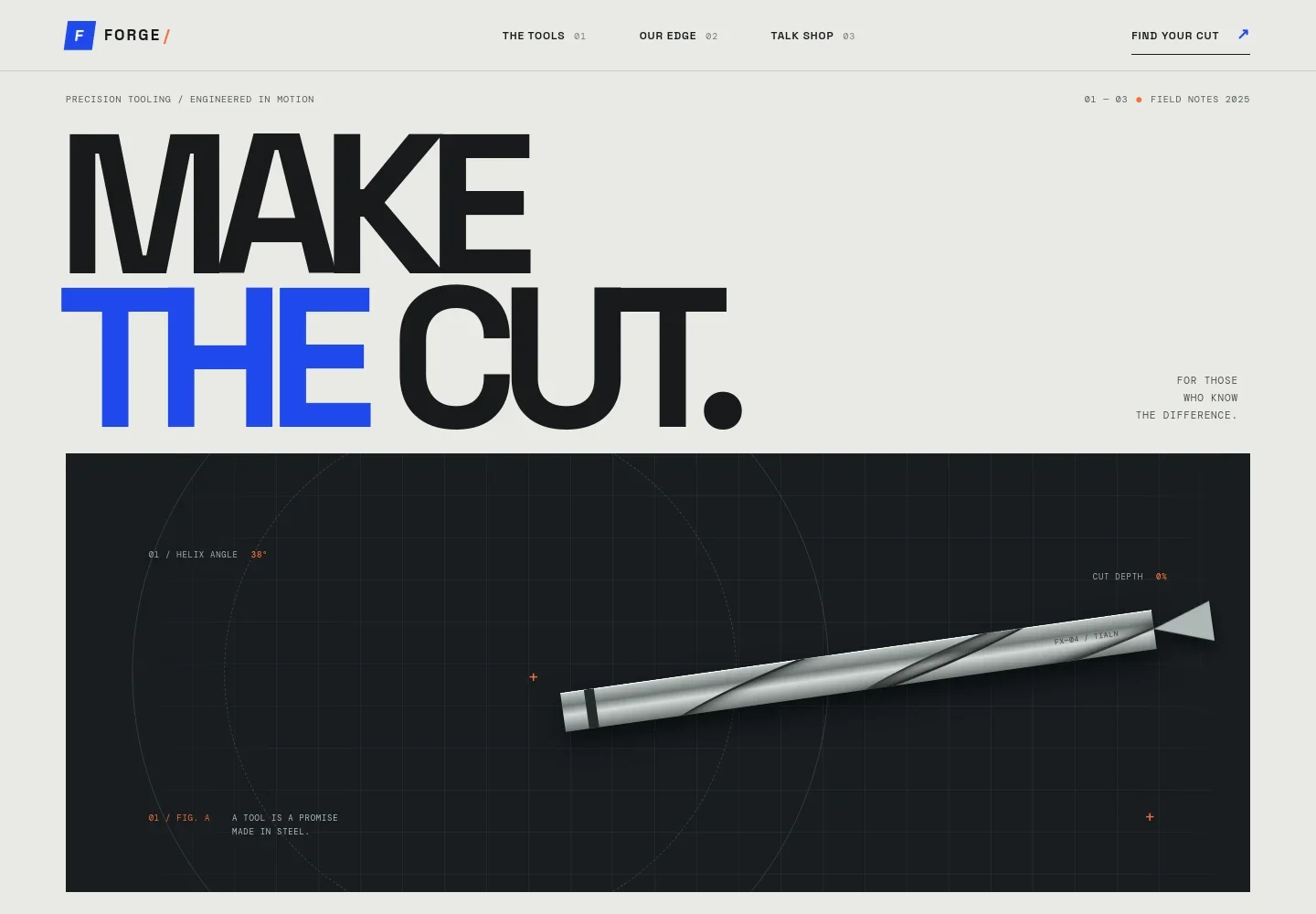
- Precision tooling hero
- A prominent headline, abstract cutting-tool illustration, and callouts for helix angle and cut depth introduce the brand’s focus on precision machining.
- Tooling approach
- A short editorial section connects sharp geometry, coatings, and application guidance to familiar machining concerns such as chatter, heat, and surface finish.
- Product categories
- Three product rows present end mills, drills, and threading tools, each with a brief use-focused description and visible size or material specifications.
- Craft and design principles
- A visual treatment of material and geometry accompanies copy about substrate, edge preparation, coatings, and matching tools to the work.
- Contact invitation
- A direct closing section asks visitors what they are cutting and encourages them to discuss the material, machine, or part with a tooling specialist.
- Navigation and footer
- Anchored navigation links to the tools, company approach, and contact sections. The footer repeats the brand and includes a back-to-top link.
How to use this template
Open in Revamp
Click Use this template and sign in or create an account. You’ll start with your own copy of the design, ready to personalize.
Bring your content
Replace the sample text, photos, and logo with your own. Share your content, a document, or an existing website, and ask Revamp to adapt the template to your business.
Refine and publish
Ask Revamp to adjust the colors, layout, or sections, or edit directly on the page. Review desktop and mobile, then publish. You can keep making changes after launch.
Put your website to work
Make product inquiries easier to manage and keep customer conversations organized. Ask Revamp to add relevant sales and customer-management tools to the site.
-

Organize product inquiries
HubSpotKeep prospective buyer details and follow-up activity in one place. Ask Revamp to connect HubSpot for managing product inquiries.
-

Capture technical questions
Google SheetsCollect application details in a structured format for follow-up. Ask Revamp to connect Google Sheets for organizing product and machining inquiries.
-

Schedule product discussions
CalendlyGive buyers a way to request a time to discuss tooling needs. Ask Revamp to add consultation booking with Calendly.
Frequently asked questions
Is this template free?
Yes. This premium template is free to use when you select Use this template. The offer applies to the template itself.
Can I use my own content?
Yes. Ask Revamp to personalize the page with your company details, product categories, specifications, images, and contact information.
Do I need coding skills?
No. You can ask Revamp to personalize the content and design without coding.
Can I change the design?
Yes. Ask Revamp to adjust the colors, typography, layout, imagery, and other design details to suit your tooling brand.
Can I keep editing after publishing?
Yes. You can keep asking Revamp to update your site after launch as your products, specifications, or business details change.


