About this template
Help visitors compare vehicle options and understand what to consider before arranging a truck rental. The design introduces a cargo van, 16-foot box truck and 26-foot box truck, with load descriptions and example payload capacities.
A clear journey section outlines choosing a truck, preparing for pickup and setting off. Practical guidance covers licenses, matching the vehicle to the load, rental details to confirm and planning ahead for busy dates. A contact section gives visitors a direct next step to discuss their plans.
Who it’s for
Truck and moving-vehicle rental agencies serving people who are moving, transporting goods or planning a job, as well as rental teams that want to explain fleet options and pickup considerations.
What’s included
The page pairs a prominent truck-on-the-road hero with straightforward fleet comparisons and practical rental guidance. Its sections help visitors move from choosing a vehicle to preparing for pickup and contacting the rental team.
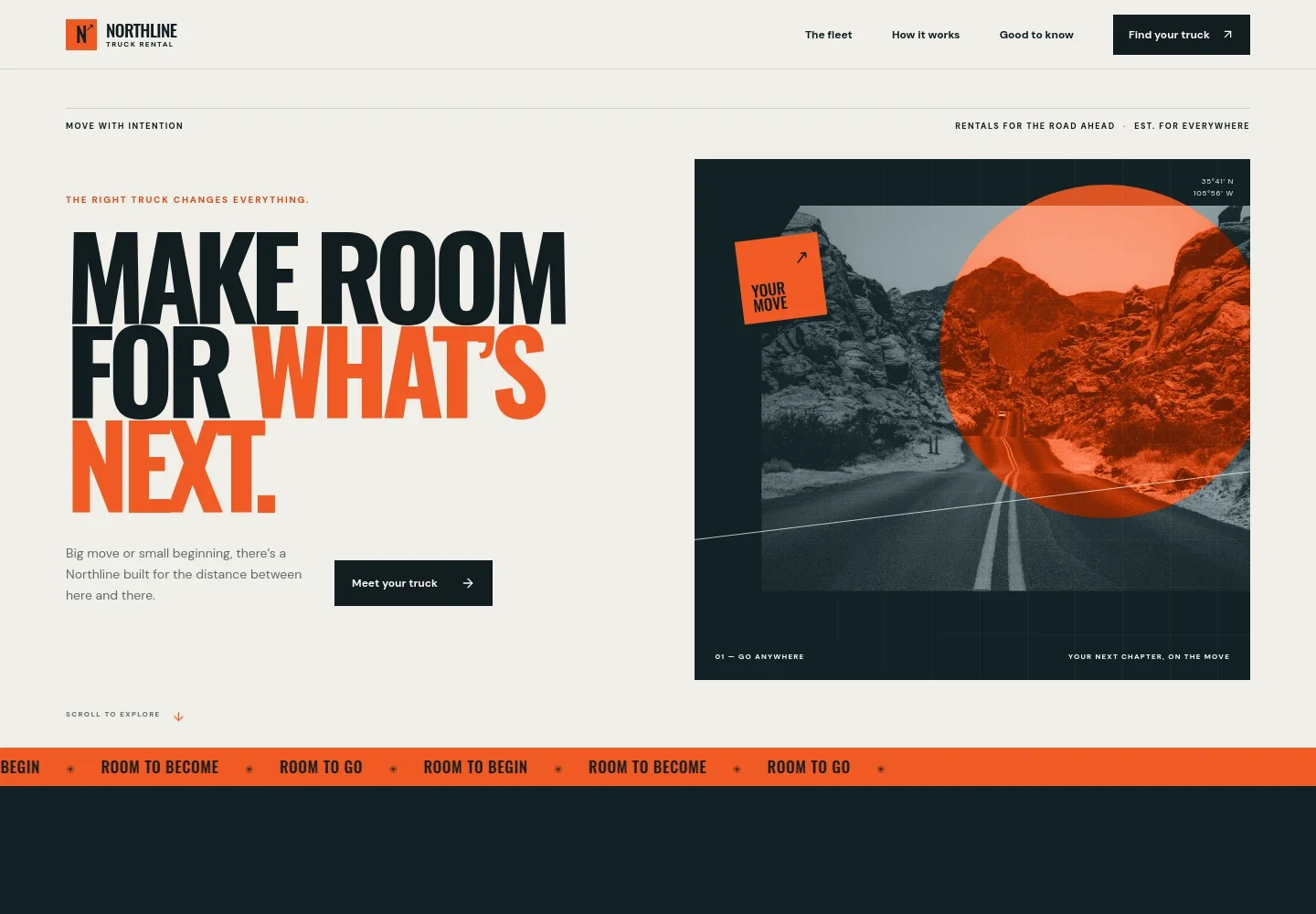
- Hero and fleet introduction
- A large road image, concise rental message and link to the fleet section establish the service and guide visitors toward comparing trucks.
- How it works
- Three steps explain how to choose a vehicle, what to bring for pickup and what to expect before setting off.
- Truck fleet
- Three vehicle rows present a cargo van, 16-foot box truck and 26-foot box truck, each with a suggested use and example payload capacity.
- Good to know
- Four practical notes cover a valid driver's license, choosing a truck for the load, questions about rental terms and arranging a rental early.
- Contact and footer
- A closing contact invitation gives visitors a way to start a conversation, with footer links back to the fleet, journey and contact sections.
How to use this template
Open in Revamp
Click Use this template and sign in or create an account. You’ll start with your own copy of the design, ready to personalize.
Bring your content
Replace the sample text, photos, and logo with your own. Share your content, a document, or an existing website, and ask Revamp to adapt the template to your business.
Refine and publish
Ask Revamp to adjust the colors, layout, or sections, or edit directly on the page. Review desktop and mobile, then publish. You can keep making changes after launch.
Put your website to work
Rental-management and booking tools can help organize reservations, vehicle availability and customer communication. Ask Revamp to add a connection that fits your rental operation.
-

Manage vehicle rental operations
HQ Rental SoftwareKeep rental reservations and fleet activity organized in a vehicle-rental management system. Ask Revamp to connect your website with HQ Rental Software.
-

Coordinate reservations and fleet availability
RentWorksManage bookings, vehicle availability and rental operations in one platform. Ask Revamp to connect your website with RentWorks.
-

Capture customer inquiries
HubSpotOrganize prospective customer details and follow-up in a customer relationship management tool. Ask Revamp to connect your website with HubSpot.
Frequently asked questions
Is this truck rental template free?
Yes. This premium template is free to use when you select Use this template. This applies to the template itself, not hosting or other services.
Can I use my own business content?
Yes. Ask Revamp to personalize the page with your business name, fleet details, rental terms, contact information and other content.
Do I need coding skills?
No. Ask Revamp to personalize the content and design in plain language, without coding.
Can I change the design?
Yes. Ask Revamp to adjust the colors, typography, imagery, layout and other design details to suit your rental business.
Can I keep editing after publishing?
Yes. You can keep asking Revamp to make changes after your website launches.


