About this template
Help building owners and project teams understand how your waterproofing work starts with the conditions on site. The page explains how water paths, drainage, materials and exposure inform the system selected for a building.
The design gives clear space to describe waterproofing for foundations, basements, retaining walls, roof decks, podiums, wet areas and transitions. Its field-note section communicates a practical focus on how water moves in real conditions.
Who it’s for
Waterproofing contractors, engineers and building-envelope specialists serving property owners, architects, developers and construction teams.
What’s included
A technical, editorial-style page that guides visitors from your assessment approach to the areas you protect and a direct way to discuss a building.
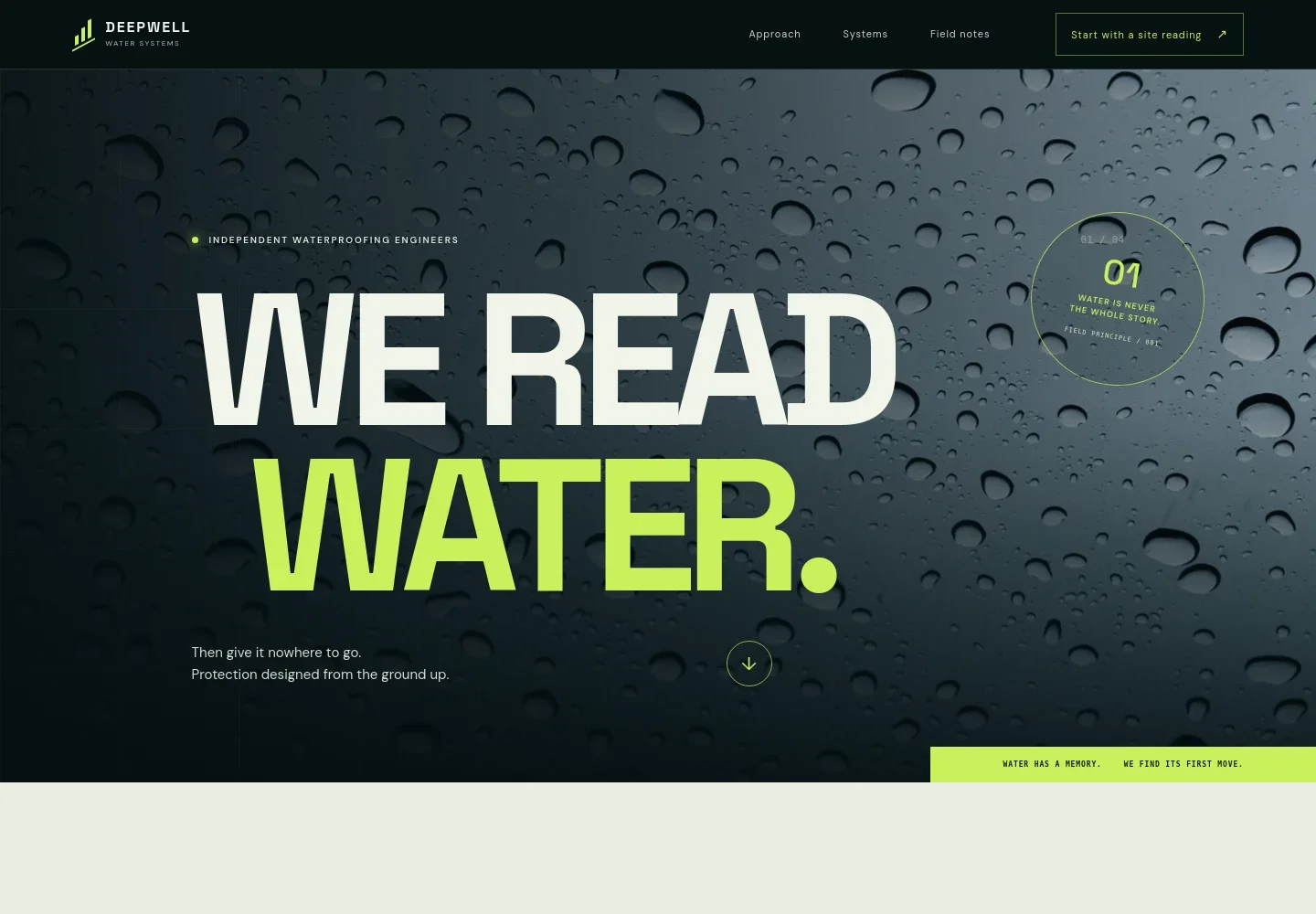
- Hero and navigation
- A water-focused hero image, concise headline and links to the approach, systems, field notes and contact sections establish the subject and help visitors find relevant details.
- Assessment approach
- Three steps describe tracing water entry and moisture signs, designing around the substrate and exposure, and planning installation with attention to quality checks and transitions.
- Waterproofing systems
- A layered below-grade visual accompanies an explanation of continuous waterproofing assemblies, including drainage, substrate preparation, joints, penetrations and terminations.
- Areas of work
- A clearly numbered list highlights below-grade foundations, basements and retaining walls, roof decks and podiums, and wet areas and transitions.
- Field notes
- A short principle-led section explains how gravity, pressure and real site conditions affect water movement, giving visitors a sense of the business's working perspective.
- Contact and footer
- The closing section invites visitors to describe a concern or project and provides an email link. Replace the illustrative contact details with your own.
How to use this template
Open in Revamp
Click Use this template and sign in or create an account. You’ll start with your own copy of the design, ready to personalize.
Bring your content
Replace the sample text, photos, and logo with your own. Share your content, a document, or an existing website, and ask Revamp to adapt the template to your business.
Refine and publish
Ask Revamp to adjust the colors, layout, or sections, or edit directly on the page. Review desktop and mobile, then publish. You can keep making changes after launch.
Put your website to work
Make project inquiries easier to manage by asking Revamp to add tools for consultation scheduling, customer follow-up or project coordination.
-

Schedule site consultations
CalendlyGive prospective clients a convenient way to request a conversation. Ask Revamp to add consultation booking with Calendly.
-

Organize inquiry follow-up
HubSpotKeep prospective projects and communications organized in one customer relationship system. Ask Revamp to connect HubSpot for lead management.
-

Coordinate project work
AsanaBring project tasks, timelines and team coordination into a shared workspace. Ask Revamp to connect Asana for project management.
Frequently asked questions
Is this template free?
Yes. This premium template is free to use when you select Use this template. This applies to the template itself, not hosting or other services.
Can I use my own content?
Yes. Ask Revamp to personalize the page with your business name, service descriptions, project details, images and contact information.
Do I need coding skills?
No coding skills are needed. Ask Revamp to personalize the content and design for your waterproofing business.
Can I change the design?
Yes. Ask Revamp to adjust the colors, imagery, layout and other design details to suit your business.
Can I keep editing after publishing?
Yes. You can keep editing after launch. Ask Revamp to update your content or design as your services and business needs change.


