About this template
Present a computer science institute through its research outlook, working method, focus areas, people and invitation to start a conversation. The design connects abstract questions about computing with practical work on intelligent systems, computational futures and digital public life.
A dark, editorial hero with animated computational artwork leads into structured research and practice sections. Numbered navigation, a three-step method and clearly named focus areas help visitors understand the institute’s approach and find a relevant point of entry.
Who it’s for
Designed for computer science institutes, university research groups, computing labs and independent research organizations that want to explain their ideas, areas of work and collaborative approach.
What’s included
The page guides visitors from the institute’s central idea to its method, research areas, interdisciplinary perspective and contact invitation.
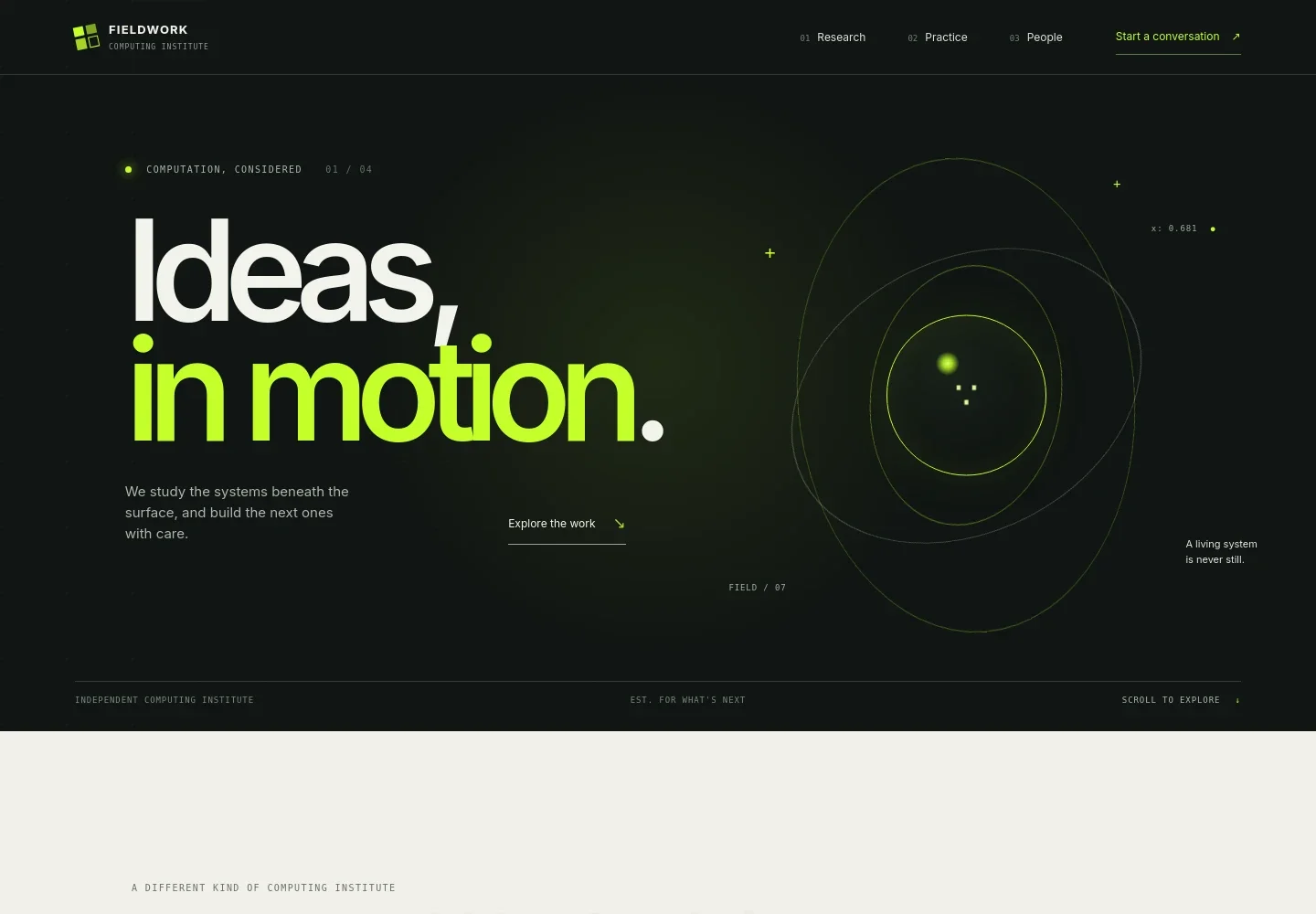
- Institute introduction
- A prominent headline, short statement and computational signal artwork introduce the institute’s perspective on studying and building computer systems.
- Research outlook
- A statement section frames the institute’s interest in what computers should do, whom they serve and the worlds they make possible.
- Method
- A three-part sequence, Question, Model and Make, explains how the institute moves from defining a problem to making its structure legible and building toward new possibilities.
- Areas of work
- A concise list presents three focus areas: intelligent systems, computational futures and digital public life, each with a short explanation.
- People and collaboration
- An interdisciplinary section describes bringing researchers, engineers, designers and public thinkers together around shared questions.
- Contact invitation
- The closing section invites visitors to bring a question or problem and provides a prominent email contact link.
How to use this template
Open in Revamp
Click Use this template and sign in or create an account. You’ll start with your own copy of the design, ready to personalize.
Bring your content
Replace the sample text, photos, and logo with your own. Share your content, a document, or an existing website, and ask Revamp to adapt the template to your business.
Refine and publish
Ask Revamp to adjust the colors, layout, or sections, or edit directly on the page. Review desktop and mobile, then publish. You can keep making changes after launch.
Put your website to work
Help prospective collaborators move from interest to a useful next step. Ask Revamp to add tools for research inquiries, event registration or sharing institute updates.
-

Coordinate research conversations
CalendlyMake it easier for prospective collaborators to request a meeting. Ask Revamp to add consultation scheduling with Calendly.
-

Manage research inquiries
HubSpotKeep partnership and project inquiries organized for follow-up. Ask Revamp to add contact management with HubSpot.
-

Share institute updates
MailchimpGive visitors a way to receive news about research and events. Ask Revamp to add an email signup connected to Mailchimp.
Frequently asked questions
Is this computer science template free?
Yes. This premium template is free to use when you select Use this template. Free refers to the template itself, not hosting or other services.
Can I use my own content?
Yes. Ask Revamp to personalize the text, research areas, institute details, contact information and other page content for your organization.
Do I need coding skills?
No. Ask Revamp to personalize the content and design without coding.
Can I change the design?
Yes. Ask Revamp to adjust the layout, visual style, colors and other design details to suit your institute.
Can I keep editing after publishing?
Yes. You can keep asking Revamp to update your content and design after the site launches.


