About this template
Help schools and learning teams understand your approach to building confidence, curiosity, and capability. The page frames education as an ongoing practice, then explains a learning cycle of noticing needs, making experiences, and reflecting on what to grow.
A portrait from an educator and learner session, a notebook image, and a note from the studio give the ideas a human setting. Visitors can explore the method, find information for educators, and reach out to discuss a learning challenge.
Who it’s for
Edtech companies, learning design studios, education consultants, and professional learning providers serving schools, educators, or workplace learning teams.
What’s included
The design guides visitors from your point of view about education to your working method, audience, and contact invitation. Distinct numbered sections make the story easy to follow, while photos and short calls to action support a clear path to starting a conversation.
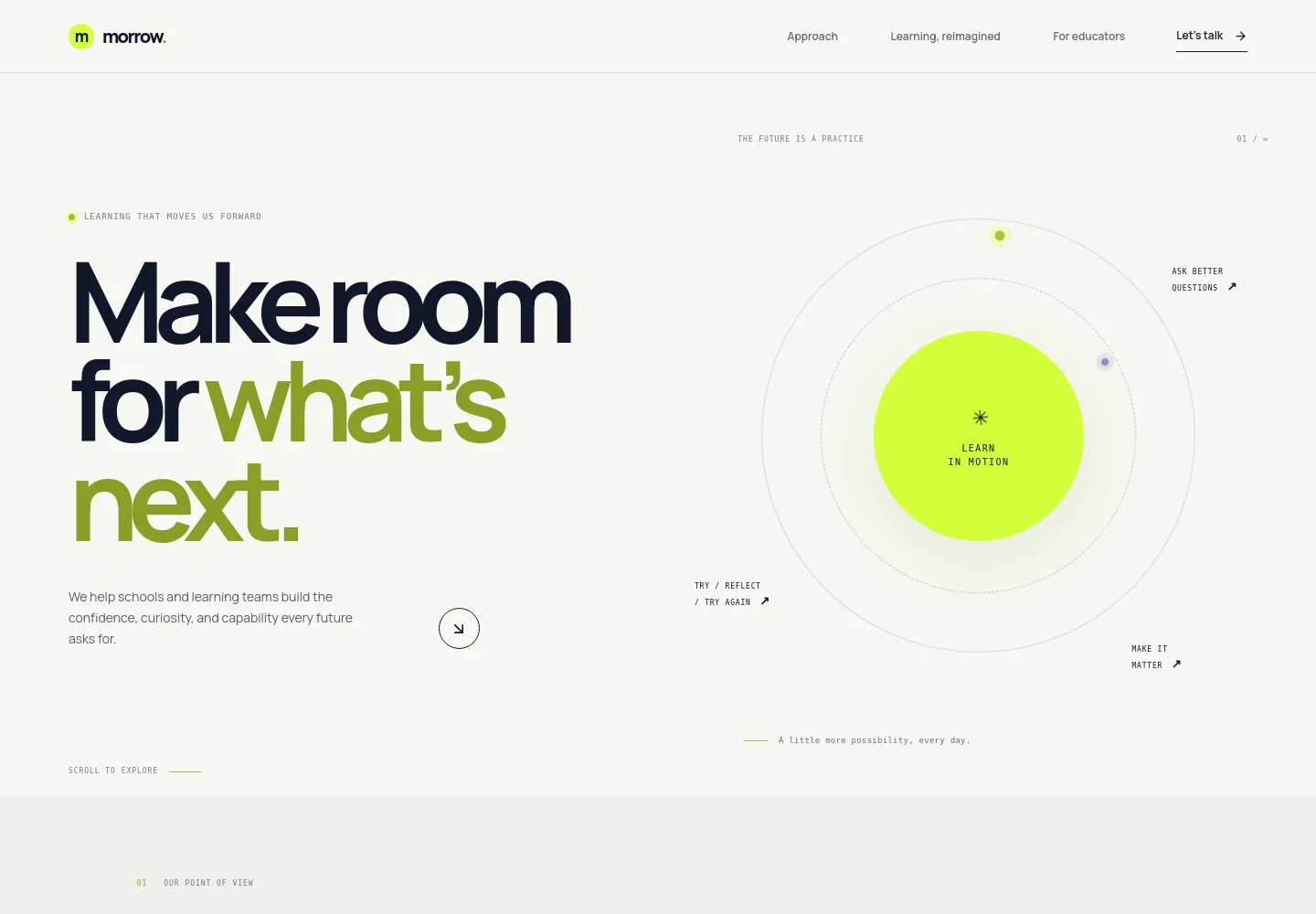
- Hero and navigation
- An opening message introduces learning as preparation for what comes next, with navigation to the approach, method, and educator sections and a prominent contact link.
- Point of view
- A manifesto section explains that education is an ongoing way forward, with supporting copy about imagination and a link to the working method.
- Learning method
- Three numbered steps, Notice, Make, and Grow, describe a cycle that starts with learner and educator needs, shapes learning experiences, and reflects on what to carry forward.
- For educators
- This section speaks to school communities and learning teams, pairing a classroom mentoring photo with a short audience description and an invitation to bring a challenge.
- Studio note
- A note about small shifts in learning is paired with a notebook image and links visitors to begin a conversation.
- Contact invitation
- A closing prompt asks visitors what they want to change and provides an email link. Replace the illustrative contact detail with your own.
- Footer
- The footer repeats the studio name and tagline, offers a back-to-top link, and displays a copyright line.
How to use this template
Open in Revamp
Click Use this template and sign in or create an account. You’ll start with your own copy of the design, ready to personalize.
Bring your content
Replace the sample text, photos, and logo with your own. Share your content, a document, or an existing website, and ask Revamp to adapt the template to your business.
Refine and publish
Ask Revamp to adjust the colors, layout, or sections, or edit directly on the page. Review desktop and mobile, then publish. You can keep making changes after launch.
Put your website to work
Make it easier for schools and learning teams to book a conversation, manage prospective partnerships, and keep interested visitors informed. Ask Revamp to add or connect tools such as:
-

Schedule introductory conversations
CalendlyGive school leaders and learning teams a convenient way to choose a meeting time. Ask Revamp to add consultation booking with Calendly.
-

Organize school and team inquiries
HubSpotKeep track of prospective partners and follow-up conversations in one place. Ask Revamp to connect HubSpot for contact and relationship management.
-

Share learning updates with interested educators
MailchimpKeep subscribers informed about new programs, resources, or events. Ask Revamp to connect Mailchimp for email campaigns.
Frequently asked questions
Is this template free?
Yes. This premium template is free to use through Use this template. Free refers to the template itself.
Can I use my own content?
Yes. Ask Revamp to personalize the page with your organization’s name, learning approach, programs, images, audience, and contact details.
Do I need coding skills?
No. Ask Revamp to personalize the content and design in natural language, without coding.
Can I change the design?
Yes. Ask Revamp to adjust the colors, typography, imagery, layout, or sections to fit your education business.
Can I keep editing after publishing?
Yes. You can keep asking Revamp to update your content and design after launch.


