About this template
Help prospective students and families understand your institution’s approach to learning, academic options, research, and campus community. The page moves from an introduction to the university’s educational philosophy into focused sections on learning, discovery, student life, and visiting.
An abstract hero graphic and editorial typography create a distinctive opening, while campus and laboratory photography gives the learning and research sections a more concrete setting. Clear navigation links visitors to each topic, and the closing section invites them to start a conversation.
Who it’s for
Designed for colleges, universities, and higher education teams introducing their institution to prospective students, families, and academic communities.
What’s included
The page presents a university through its academic philosophy and student experience, with dedicated sections that help visitors move from exploring ideas to considering a visit or conversation.
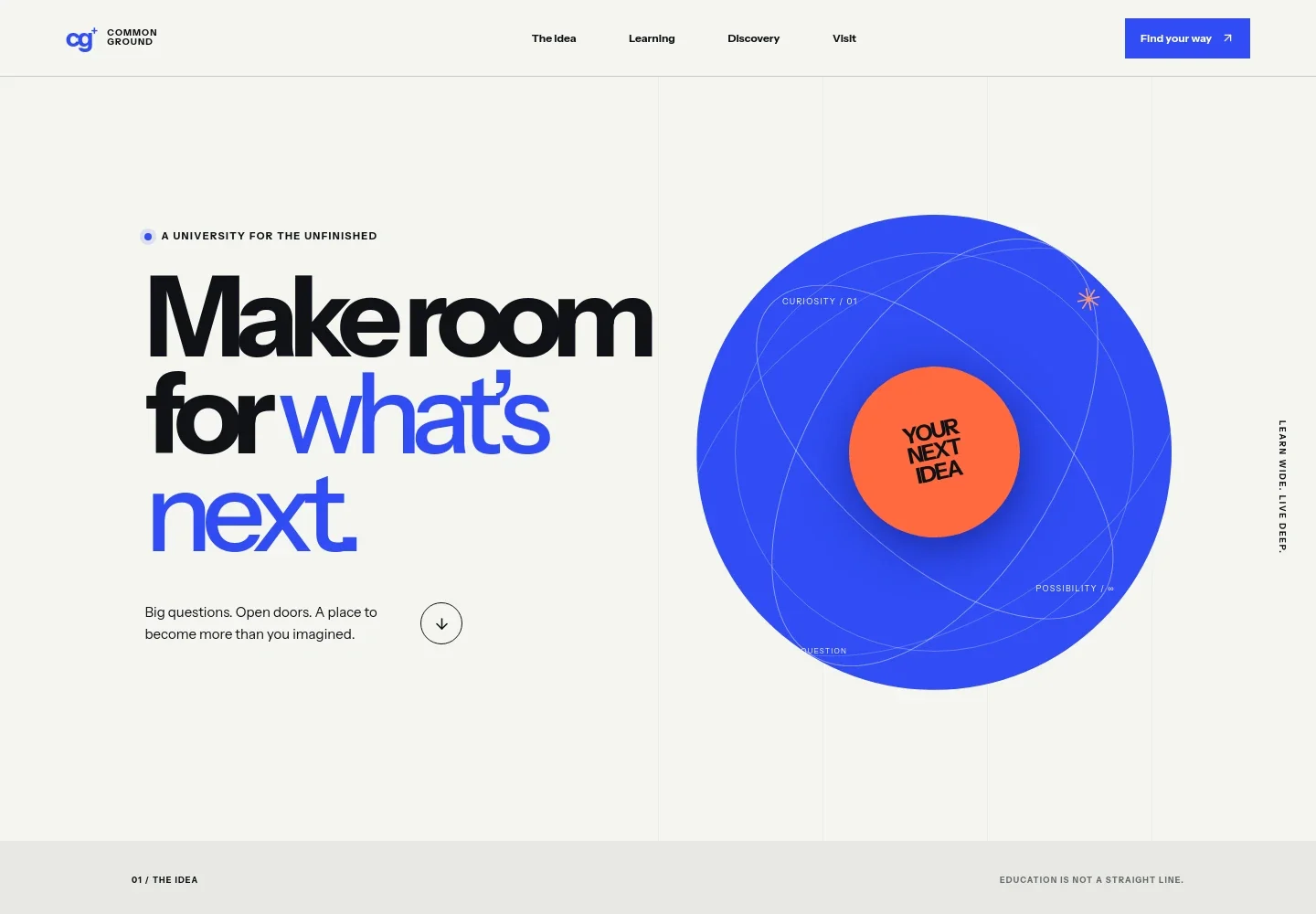
- University introduction
- A prominent headline, short supporting statement, and abstract graphic introduce the institution’s open-ended approach to learning.
- The idea
- A manifesto-style section frames education as an iterative process, using a sequence of question, imagine, make, and repeat alongside the university’s learning philosophy.
- Learning
- This section pairs a library study photo and learning overview with three descriptions of the academic experience: a broad foundation, an individual path, and learning through practical work.
- Discovery
- A research-focused section uses laboratory photography and copy about interdisciplinary inquiry, with examples of topics including climate, health, and technology.
- Community
- A student-life section communicates belonging and individual paths through community-focused copy and a prominent university message.
- Visit and contact
- The closing section encourages visitors to explore the institution and start a conversation, followed by a branded footer.
How to use this template
Open in Revamp
Click Use this template and sign in or create an account. You’ll start with your own copy of the design, ready to personalize.
Bring your content
Replace the sample text, photos, and logo with your own. Share your content, a document, or an existing website, and ask Revamp to adapt the template to your business.
Refine and publish
Ask Revamp to adjust the colors, layout, or sections, or edit directly on the page. Review desktop and mobile, then publish. You can keep making changes after launch.
Put your website to work
Help prospective students take the next step and help your team organize inquiries by asking Revamp to add tools suited to your admissions process.
-

Make campus visits easier to arrange
CalendlyAsk Revamp to add appointment booking with Calendly so prospective students can request a campus visit or conversation.
-

Keep admissions inquiries organized
HubSpotAsk Revamp to connect HubSpot to help your team manage prospective student inquiries and follow-up.
-

Share updates with interested students
MailchimpAsk Revamp to connect Mailchimp so your team can send prospective students admissions and campus news.
Frequently asked questions
Is this template free?
Yes. This premium template is free to use when you select Use this template. Free refers to the template itself.
Can I use my own content?
Yes. Ask Revamp to personalize the page with your institution’s name, academic programs, research information, campus details, and contact content.
Do I need coding skills?
No. You can ask Revamp to personalize the content and design without coding.
Can I change the design?
Yes. Ask Revamp to adjust the layout, colors, typography, imagery, and other design details to better fit your institution.
Can I keep editing after publishing?
Yes. You can keep asking Revamp to update the content and design after your site launches.


