About this template
Help prospective learners understand your online learning offer and find a path into your courses. This design presents learning as an open landscape, with clear routes to explore courses, read about the teaching approach, and consider learning for teams.
The page pairs editorial-style copy and large learning-focused photography with a three-step learning journey: Notice, Connect, Make. A separate section speaks to curious individuals and teams, followed by a prominent invitation to continue exploring.
Who it’s for
MOOC providers, online learning platforms, and education teams introducing courses to independent learners and organizations.
What’s included
The visible page is organized around helping visitors understand the platform's learning philosophy, see its approach, and choose where to continue.
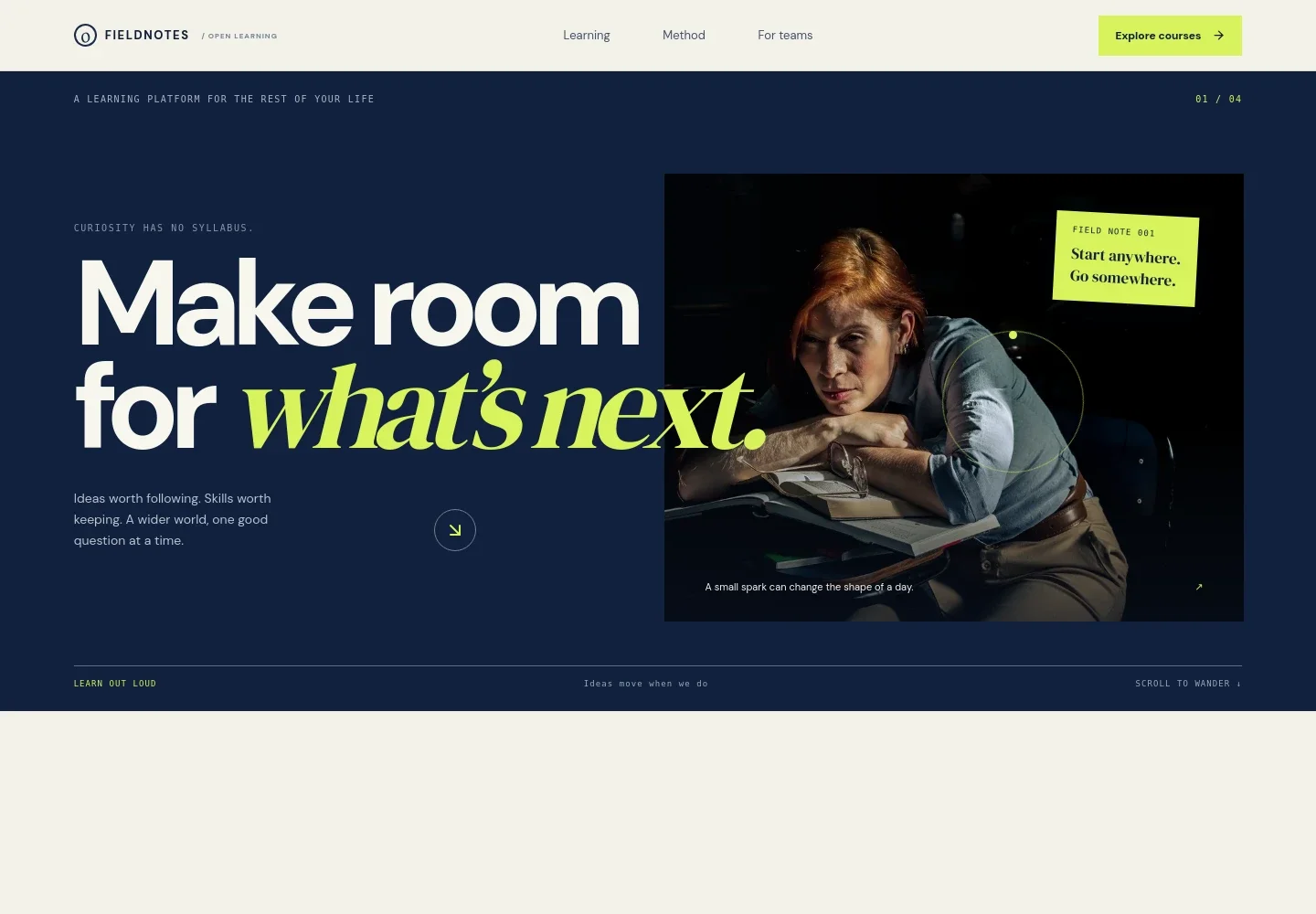
- Learning platform hero
- A prominent headline, short statement about learning, and study image introduce the platform. The Explore courses link gives visitors a direct route into the learning content.
- Learning philosophy
- A manifesto-style section frames learning as an open landscape and explains the value of following questions across disciplines.
- Three-step learning journey
- Notice, Connect, and Make give visitors a concise view of the learning approach, from beginning with a question to applying new understanding.
- Learning for individuals and teams
- A second image and supporting copy position the offer for curious learners as well as teams, with a link to find a next idea.
- Closing invitation
- A distinct final call to explore the learning landscape gives visitors another clear next step.
- Footer
- The footer repeats the Fieldnotes name and provides a link back to the beginning of the page.
How to use this template
Open in Revamp
Click Use this template and sign in or create an account. You’ll start with your own copy of the design, ready to personalize.
Bring your content
Replace the sample text, photos, and logo with your own. Share your content, a document, or an existing website, and ask Revamp to adapt the template to your business.
Refine and publish
Ask Revamp to adjust the colors, layout, or sections, or edit directly on the page. Review desktop and mobile, then publish. You can keep making changes after launch.
Put your website to work
Course and learner-management tools can help organize enrollment, course delivery, and communication. Ask Revamp to add connections that suit your learning operation.
-

Manage course delivery
MoodleOrganize online courses, enrollments, and learner progress in one learning management system. Ask Revamp to connect Moodle for course delivery.
-

Coordinate live classes
ZoomGive learners a familiar place to join live sessions and discussions. Ask Revamp to add Zoom meeting links for online classes.
-

Communicate with learners
MailchimpSend course updates and learning announcements to subscriber lists. Ask Revamp to connect Mailchimp for email communication.
Frequently asked questions
Is this template free?
Yes. This premium template is free to use when you select Use this template. The free offer applies to the template itself.
Can I use my own content?
Yes. Ask Revamp to personalize the page with your own course details, learning approach, imagery, and audience information.
Do I need coding skills?
No. You can ask Revamp to personalize the content and design without coding.
Can I change the design?
Yes. Ask Revamp to adjust the visual style, layout, colors, or imagery to better fit your learning platform.
Can I keep editing after publishing?
Yes. You can continue editing the site after launch by asking Revamp to make updates.


