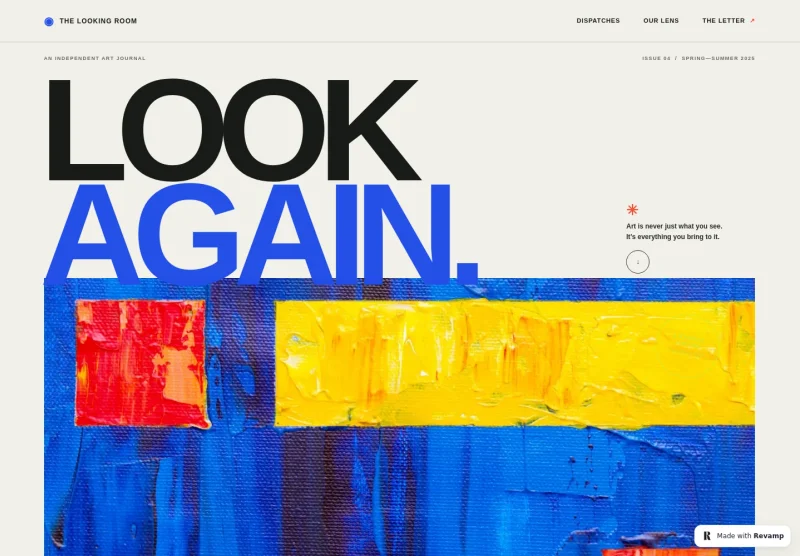
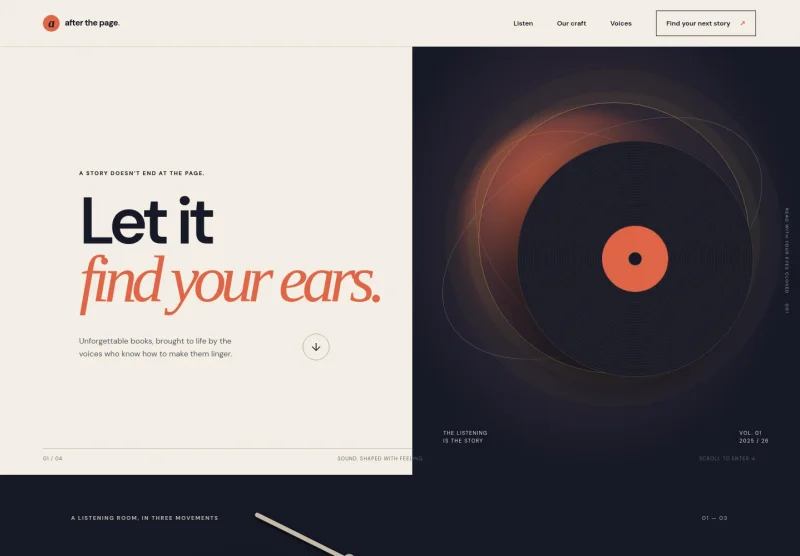
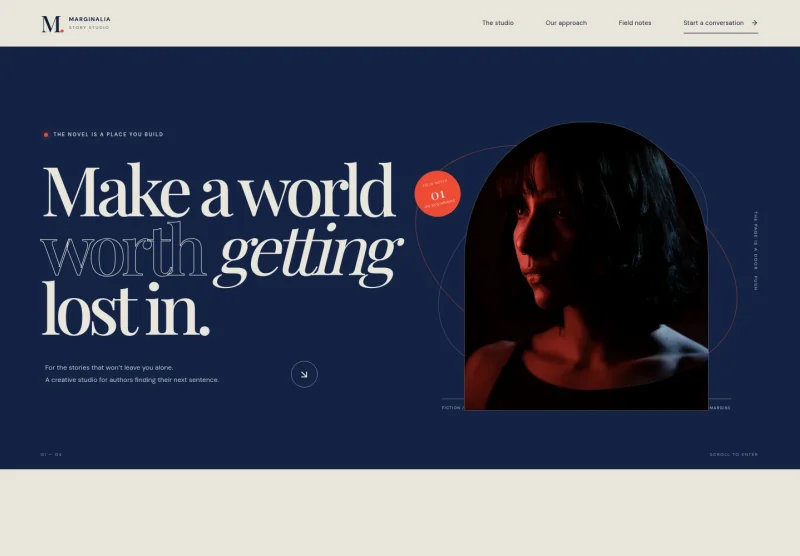
About this template
Help readers discover your romance stories, understand the themes behind them, and find a natural place to begin. The design brings a featured novel, an author point of view, and a reader newsletter together on one page.
A cinematic book-cover feature and warm editorial imagery set the mood, while clear story details give visitors a sense of the characters and emotional arc. The author note adds a personal voice, and the email sign-up invites readers to hear about new books and writing-desk updates.
Who it’s for
Romance authors, independent novelists, and writers building a direct connection with readers.
What’s included
The page guides readers from the author’s romance style to a featured book and a personal invitation to stay in touch. Its editorial typography, romantic imagery, and numbered story sections support an immersive reading journey without obscuring the book information.
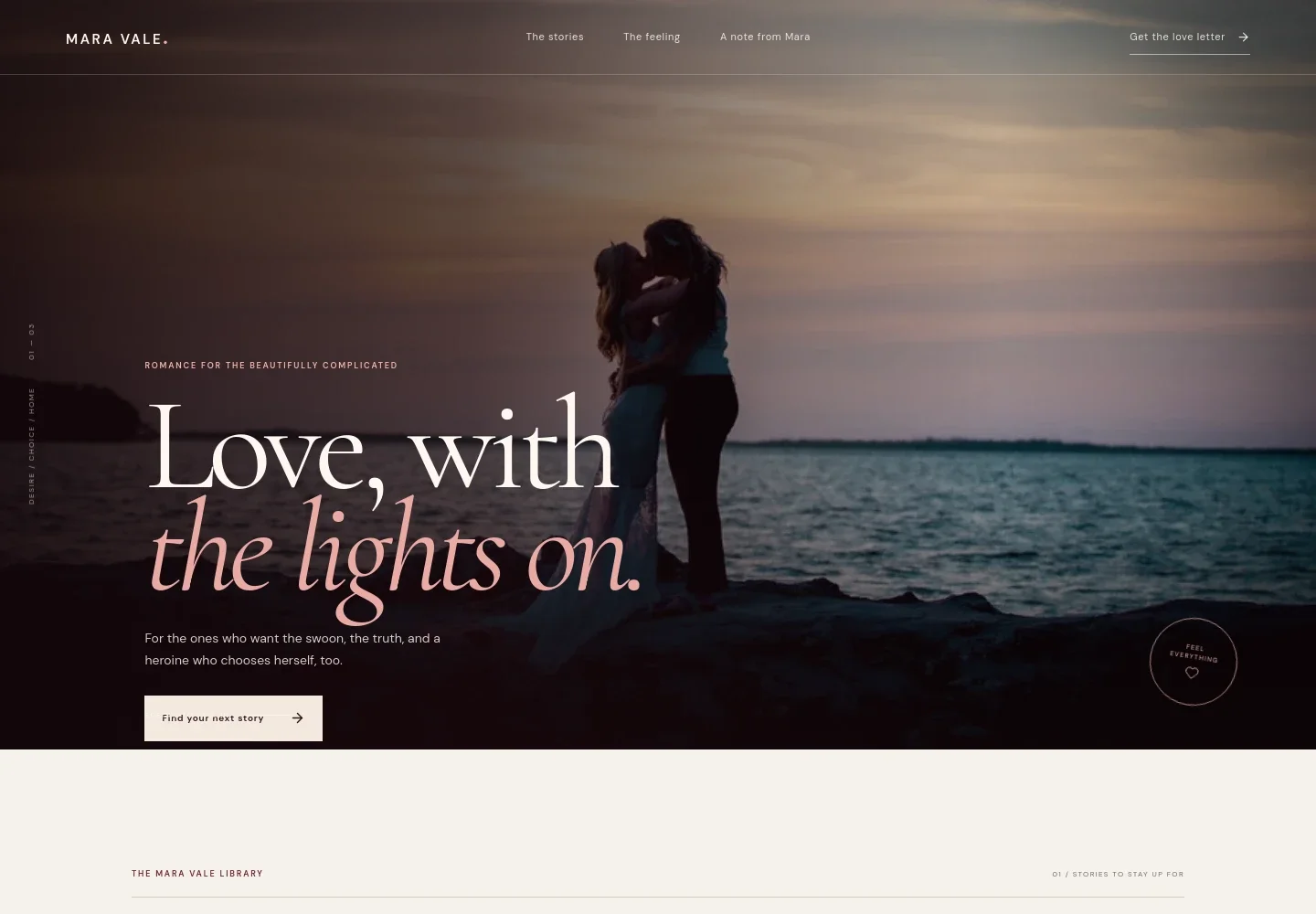
- Author wordmark and navigation
- A prominent author name and links to stories, the author’s point of view, and a personal note help readers move through the page. The header also points visitors to the newsletter sign-up.
- Romance-focused hero
- A full-width romantic image, concise statement of the author’s story style, and link to the book section establish the mood and give readers a clear next step.
- Story library and featured novel
- The library section presents a three-part story motif, followed by a featured novel with illustrative cover artwork, a premise, a description of its contemporary romance themes, and a link for readers to learn more.
- Author’s reading experience
- A still-life image and short statement explain the emotional point of view behind the stories, including themes of being seen and maintaining a sense of self.
- A note from the author
- A large first-person quotation gives the author space to express what her romance stories mean to her, ending with her name and author description.
- Reader newsletter sign-up
- An email field and sign-up button invite readers to receive new-book news, writing-desk updates, and occasional personal notes.
- Footer contact
- The footer repeats the author name, a short sign-off, and an email contact link.
How to use this template
Open in Revamp
Click Use this template and sign in or create an account. You’ll start with your own copy of the design, ready to personalize.
Bring your content
Replace the sample text, photos, and logo with your own. Share your content, a document, or an existing website, and ask Revamp to adapt the template to your business.
Refine and publish
Ask Revamp to adjust the colors, layout, or sections, or edit directly on the page. Review desktop and mobile, then publish. You can keep making changes after launch.
Put your website to work
Ask Revamp to tailor the reader experience with tools for delivering newsletters, sharing book updates, or directing readers to purchase links.
-

Send reader updates
MailchimpBuild an email list for new-release news and writing updates. Ask Revamp to connect the sign-up experience with Mailchimp.
-

Promote books and events
KitKeep readers informed about launches, signings, and author appearances. Ask Revamp to connect email campaigns with Kit, formerly ConvertKit.
-

Guide readers to book purchases
Amazon Author CentralGive visitors a direct path to purchase your books through a retailer. Ask Revamp to add links to your Amazon Author Central page.
Frequently asked questions
Is this template free?
Yes. The premium template is free to use when you select Use this template. This applies to the template itself, not hosting or other services.
Can I use my own content?
Yes. Ask Revamp to personalize the page with your author name, book covers, descriptions, images, contact details, and newsletter content.
Do I need coding skills?
No. Ask Revamp to make content and design changes in plain language, without coding.
Can I change the design?
Yes. Ask Revamp to adjust the colors, typography, imagery, layout, or other visual details to suit your author brand.
Can I keep editing after publishing?
Yes. You can keep editing after launch. Ask Revamp to update book details, author information, or the design as your work develops.