About this template
Help families understand your school’s learning approach, what a school day can look like, and how to arrange a visit. This design introduces an independent school for ages 4 to 14 through its focus on questions, hands-on projects, collaboration, and learning beyond the classroom.
The page guides prospective families from the school’s principles to a sequence of daily learning activities, then shows how gardens, workshops, neighborhood walks, and visiting makers can inform learning. A dedicated family section makes the next step clear: come see the school, meet its people, and ask questions.
Who it’s for
Independent and alternative schools, primary and middle schools, and educators presenting inquiry-led, project-based, or hands-on learning to prospective families.
What’s included
A complete school homepage that helps families explore the educational approach, picture a day at school, and find the invitation to arrange a visit.
- School introduction
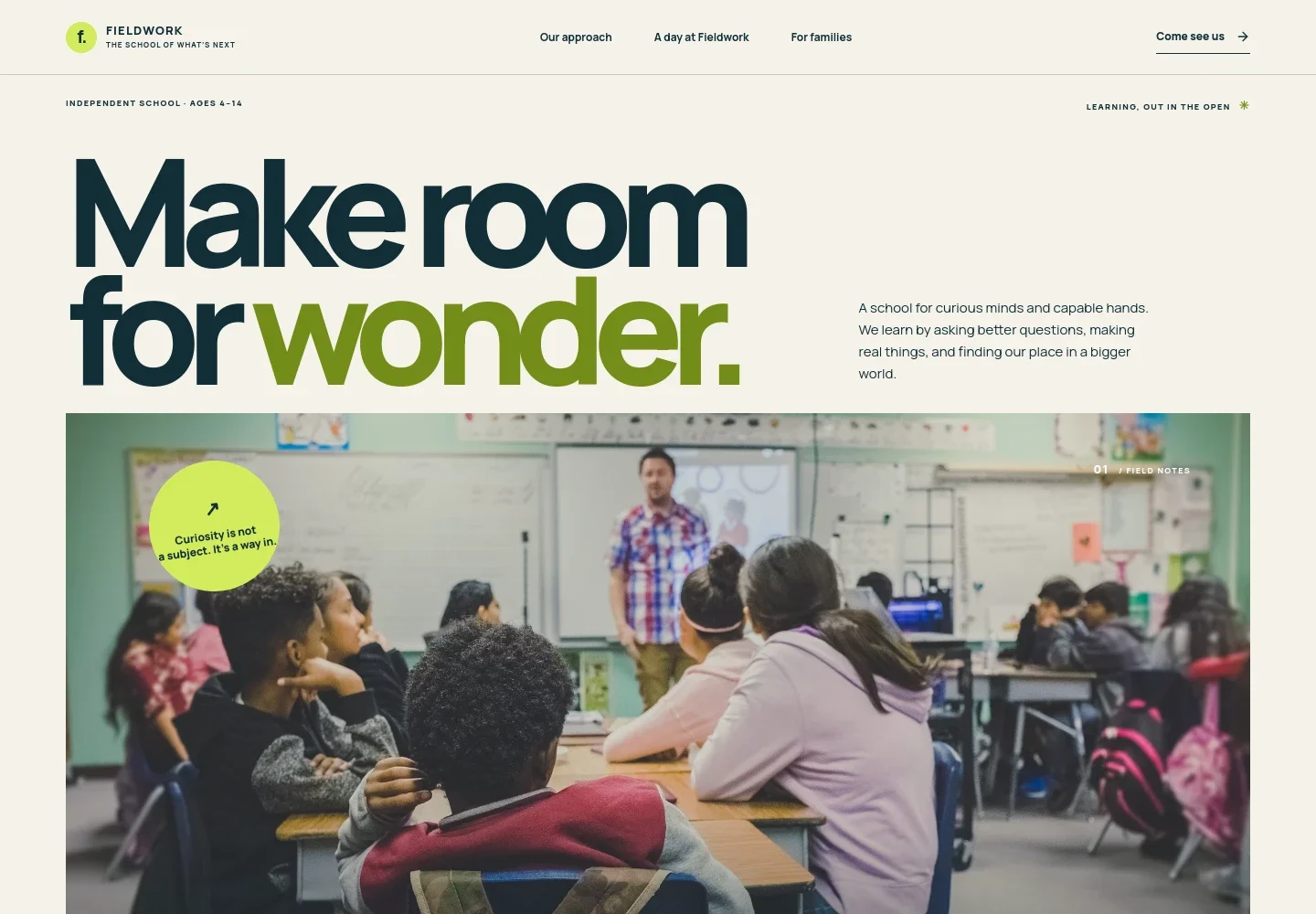
- A prominent opening introduces the school, its ages 4 to 14 audience, and its emphasis on curiosity, practical work, and real-world learning. A large classroom project image establishes the learning environment.
- Learning approach
- A focused explanation presents the school’s view of learning, followed by three principles: start with a meaningful question, make ideas tangible, and think together.
- A day at school
- A four-part daily sequence moves from noticing and investigating to making and sharing. Sample times and activity descriptions help families imagine how learning unfolds.
- Learning outside
- A garden image and supporting copy describe learning beyond the campus, including gardens, workshops, neighborhood walks, and visiting makers.
- Information for families
- A dedicated visit section addresses school choice, gives the age range, sets expectations for a visit, and presents an email contact and an arrange-a-visit link.
- Navigation and footer
- Page links take visitors to the approach, daily sequence, and family information. The footer repeats these destinations and the school identity.
How to use this template
Open in Revamp
Click Use this template and sign in or create an account. You’ll start with your own copy of the design, ready to personalize.
Bring your content
Replace the sample text, photos, and logo with your own. Share your content, a document, or an existing website, and ask Revamp to adapt the template to your business.
Refine and publish
Ask Revamp to adjust the colors, layout, or sections, or edit directly on the page. Review desktop and mobile, then publish. You can keep making changes after launch.
Put your website to work
Make it easier for families to arrange visits, keep in touch, and receive school updates. Ask Revamp to add connections with tools your school already uses.
-

Schedule school visits
CalendlyGive prospective families a convenient way to choose a visit time. Ask Revamp to add appointment booking with Calendly.
-

Organize family inquiries
HubSpotKeep prospective-family inquiries and follow-up details together. Ask Revamp to connect HubSpot for contact management.
-

Share school updates
MailchimpSend families newsletters about school life, events, and admissions. Ask Revamp to connect Mailchimp for email campaigns.
Frequently asked questions
Is this template free?
Yes. The premium template is free to use when you select Use this template. This applies to the template itself.
Can I use my own school content?
Yes. Ask Revamp to personalize the text, images, school details, age range, learning approach, and family information for your school.
Do I need coding skills?
No. Ask Revamp to personalize the content and design in plain language, without coding.
Can I change the design?
Yes. Ask Revamp to adjust the colors, typography, layout, imagery, and other design details to suit your school.
Can I keep editing after publishing?
Yes. You can keep asking Revamp to update your school website after launch.


